How to fix “Improve image delivery” in PageSpeed Insights
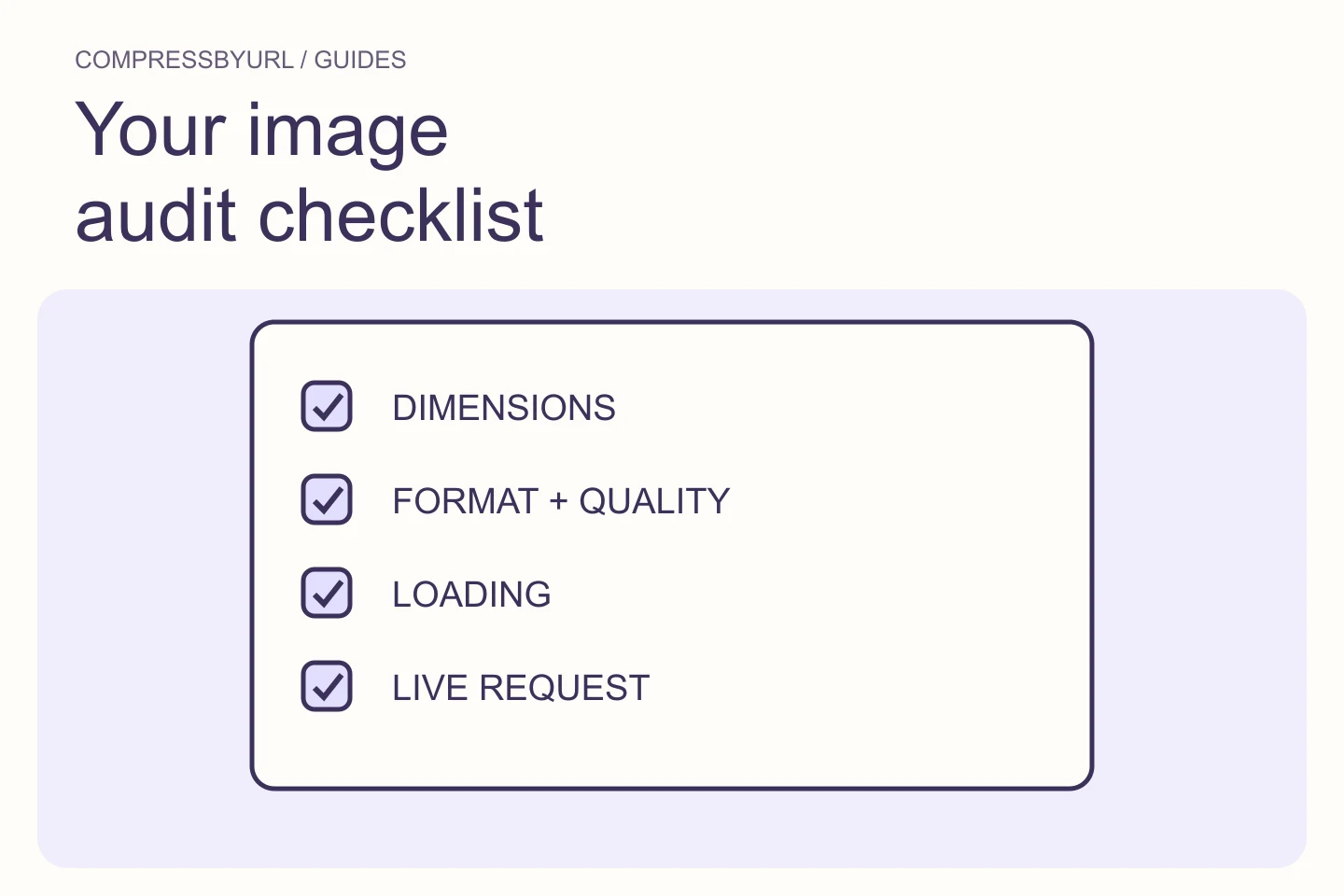
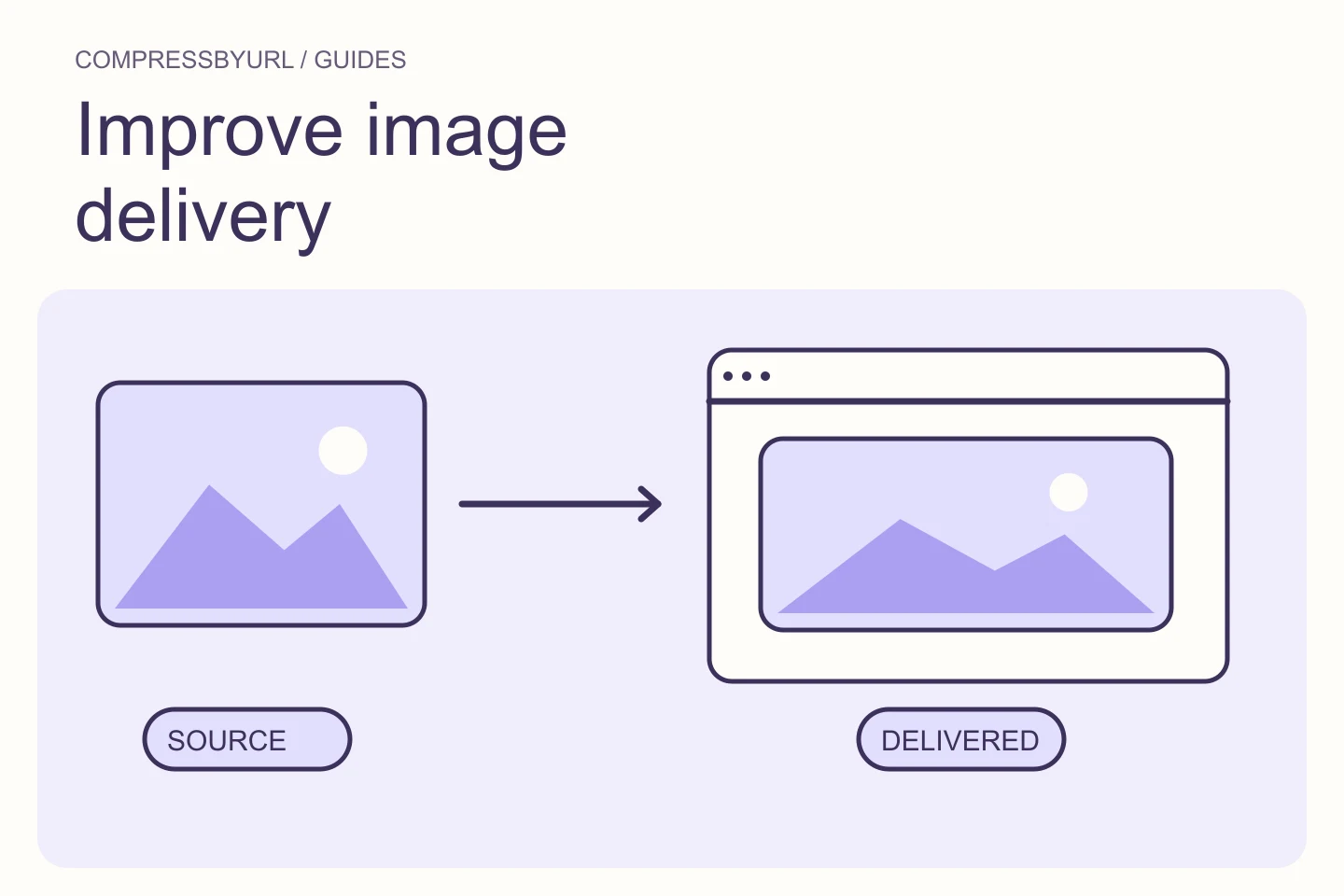
Diagnose PageSpeed image delivery warnings by separating oversized pixels, inefficient encoding, and slow loading. Includes a deployment checklist.
For the people building a faster web. Practical guides to lighter images, better delivery, and the audits that point you in the right direction.
Diagnose PageSpeed image delivery warnings by separating oversized pixels, inefficient encoding, and slow loading. Includes a deployment checklist.
Read the guideDiagnose PageSpeed image delivery warnings by separating oversized pixels, inefficient encoding, and slow loading. Includes a deployment checklist.
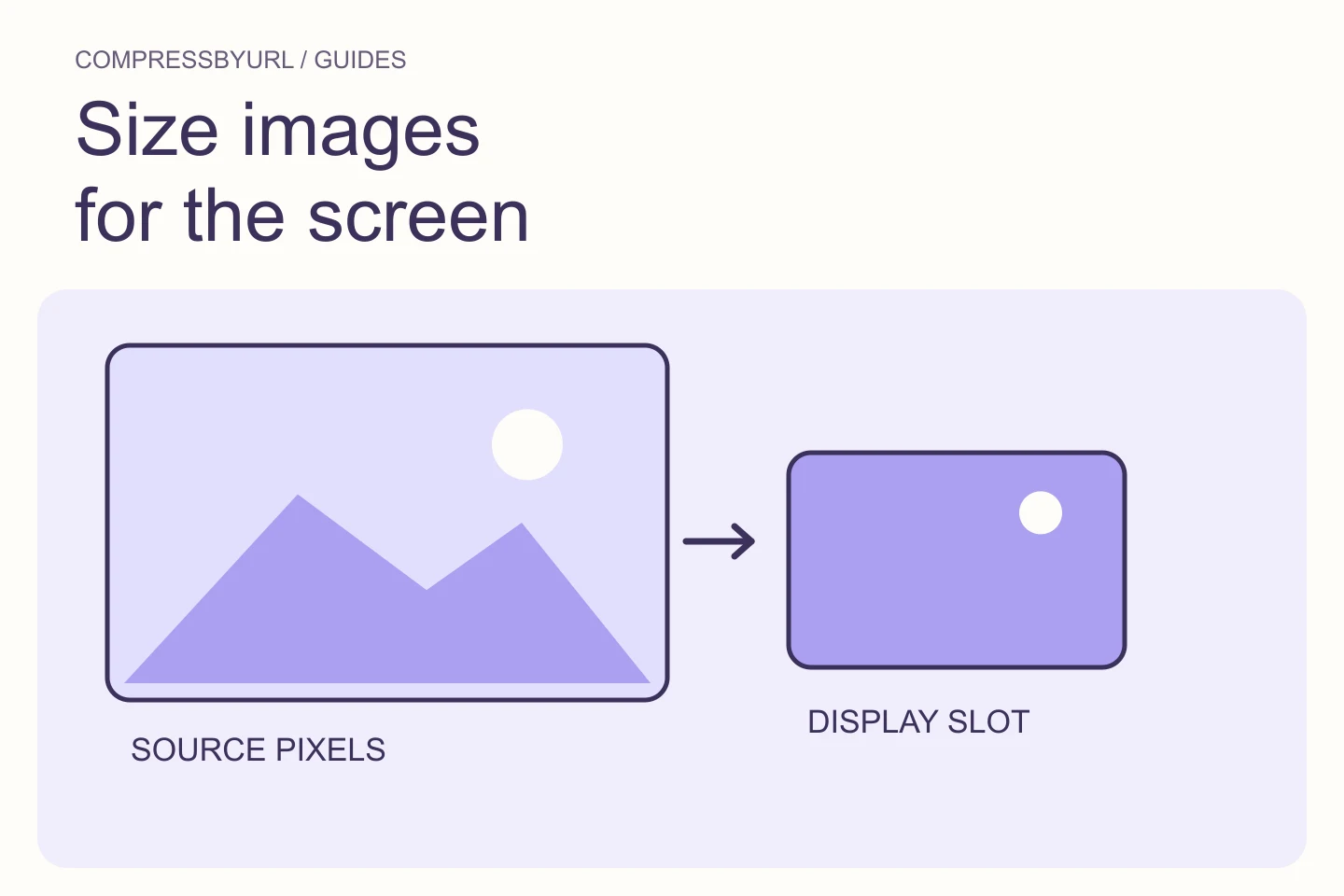
Find oversized image variants in GTmetrix, calculate a sensible pixel width, and deploy responsive replacements without sacrificing desktop clarity.
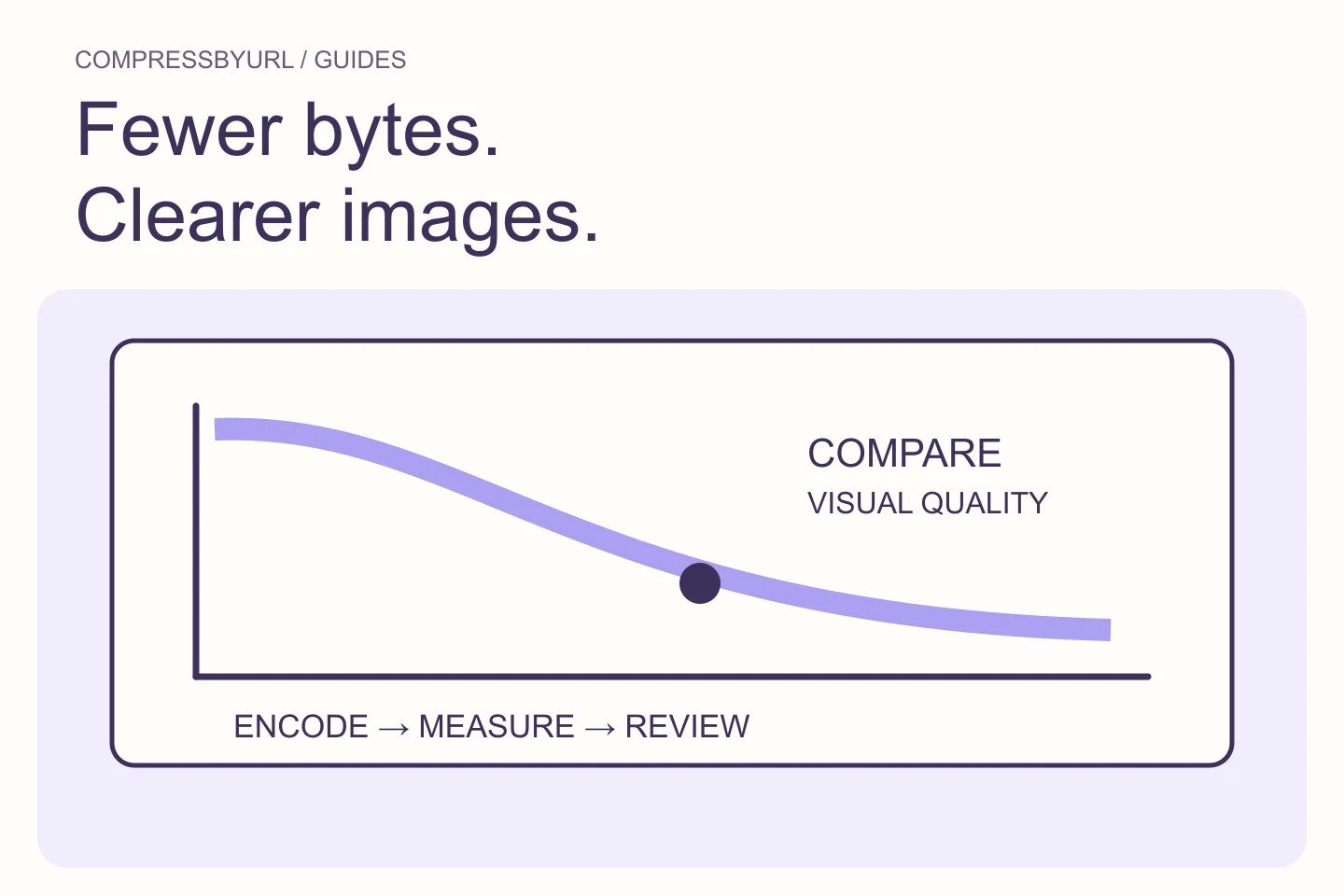
Reduce unnecessary image bytes without confusing compression with resizing. Use a practical export comparison and verify the replacement on your live page.
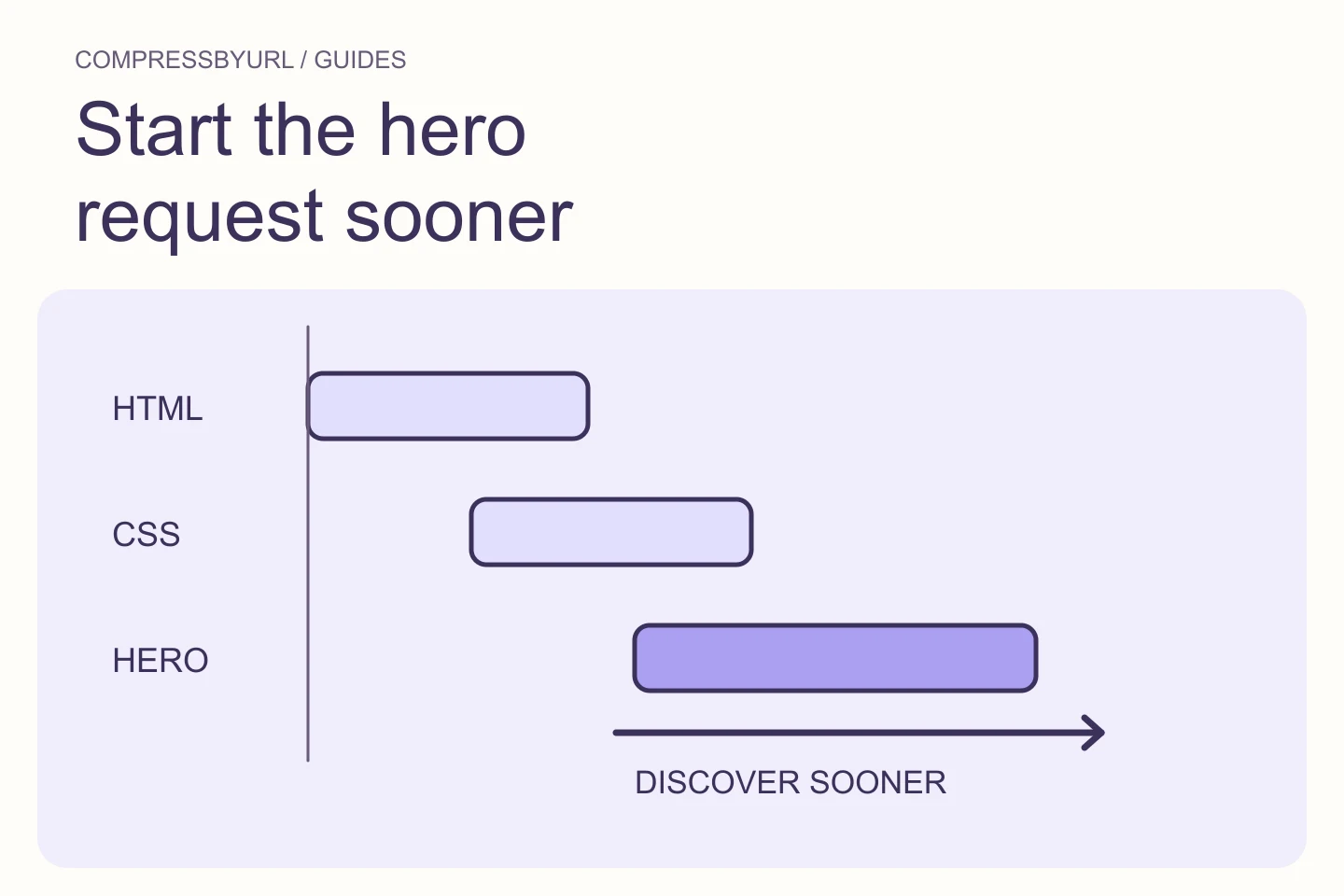
Find why your hero image starts late, separate LCP timing stages, and remove discovery delays without preloading every image on the page.
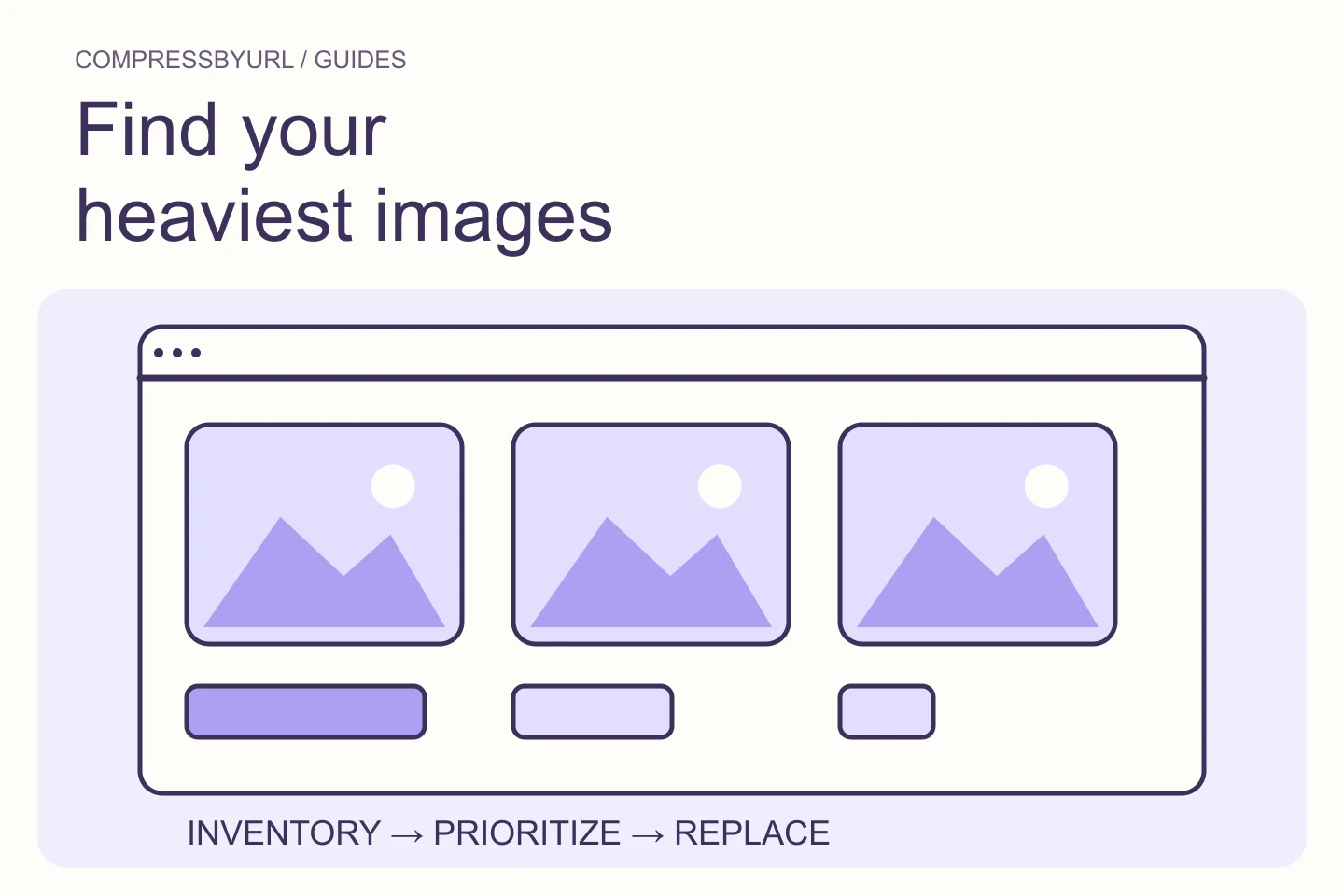
Audit website images in a useful order: inventory, dimensions, format, loading, layout stability, and deployment verification. Includes an evidence worksheet.
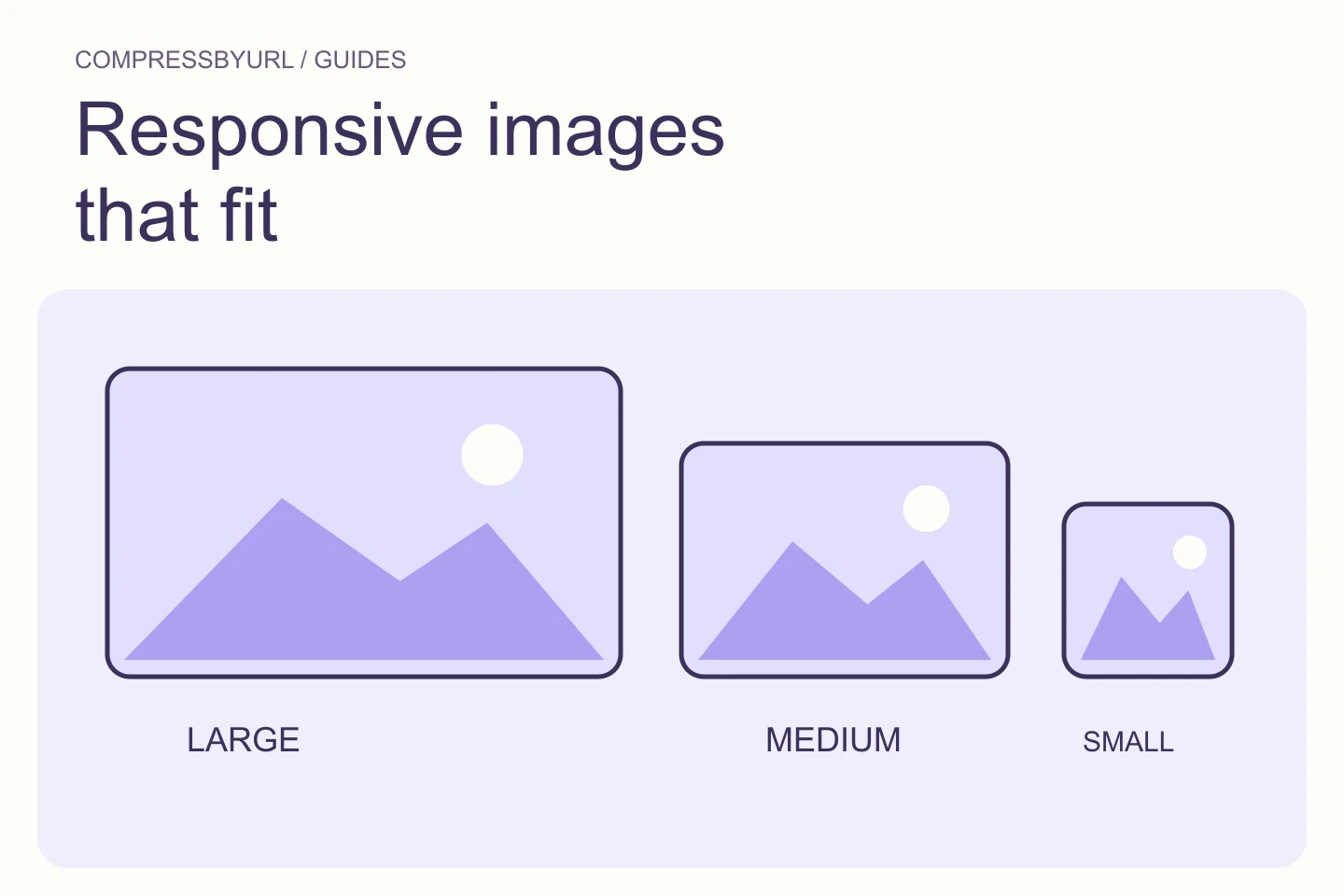
Build responsive image variants using real slot widths, pixel density, and browser-selected sources. Includes a complete HTML card example.
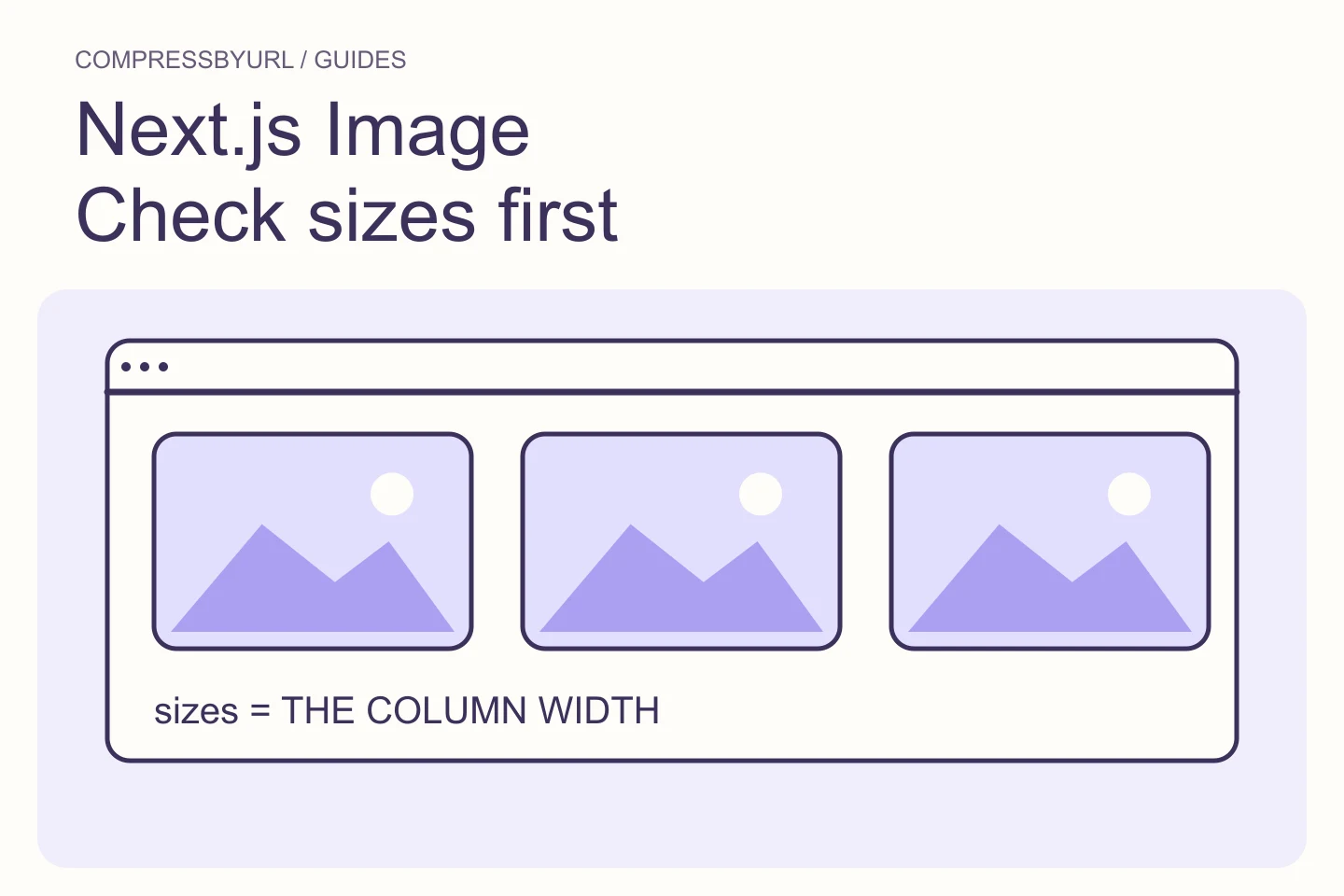
Diagnose oversized Next.js Image downloads by matching sizes to grid columns, inspecting generated srcset, and separating source assets from delivery variants.
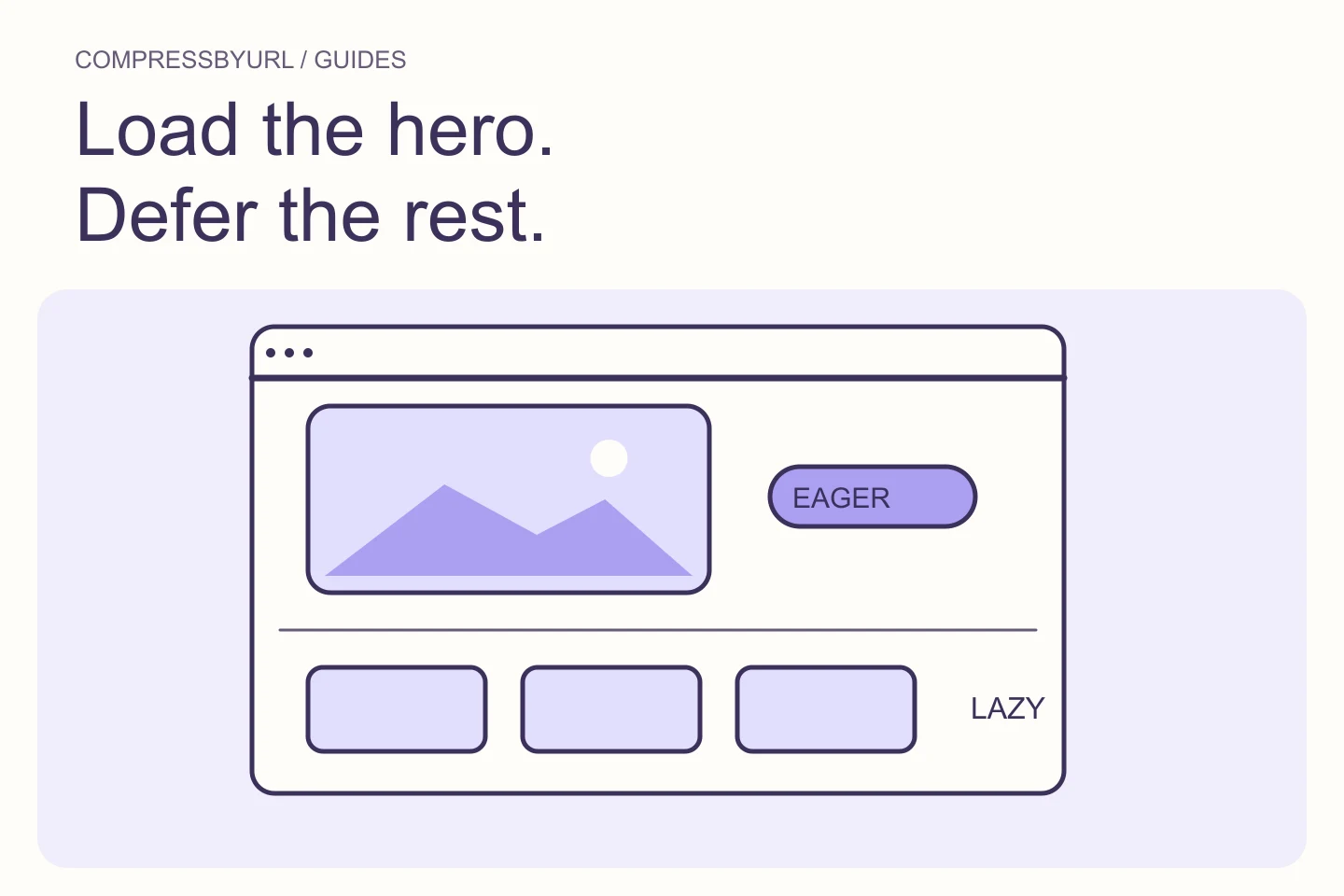
Choose an eager policy for critical first-view images and lazy loading for offscreen content. Diagnose hero delays without disabling lazy loading site-wide.
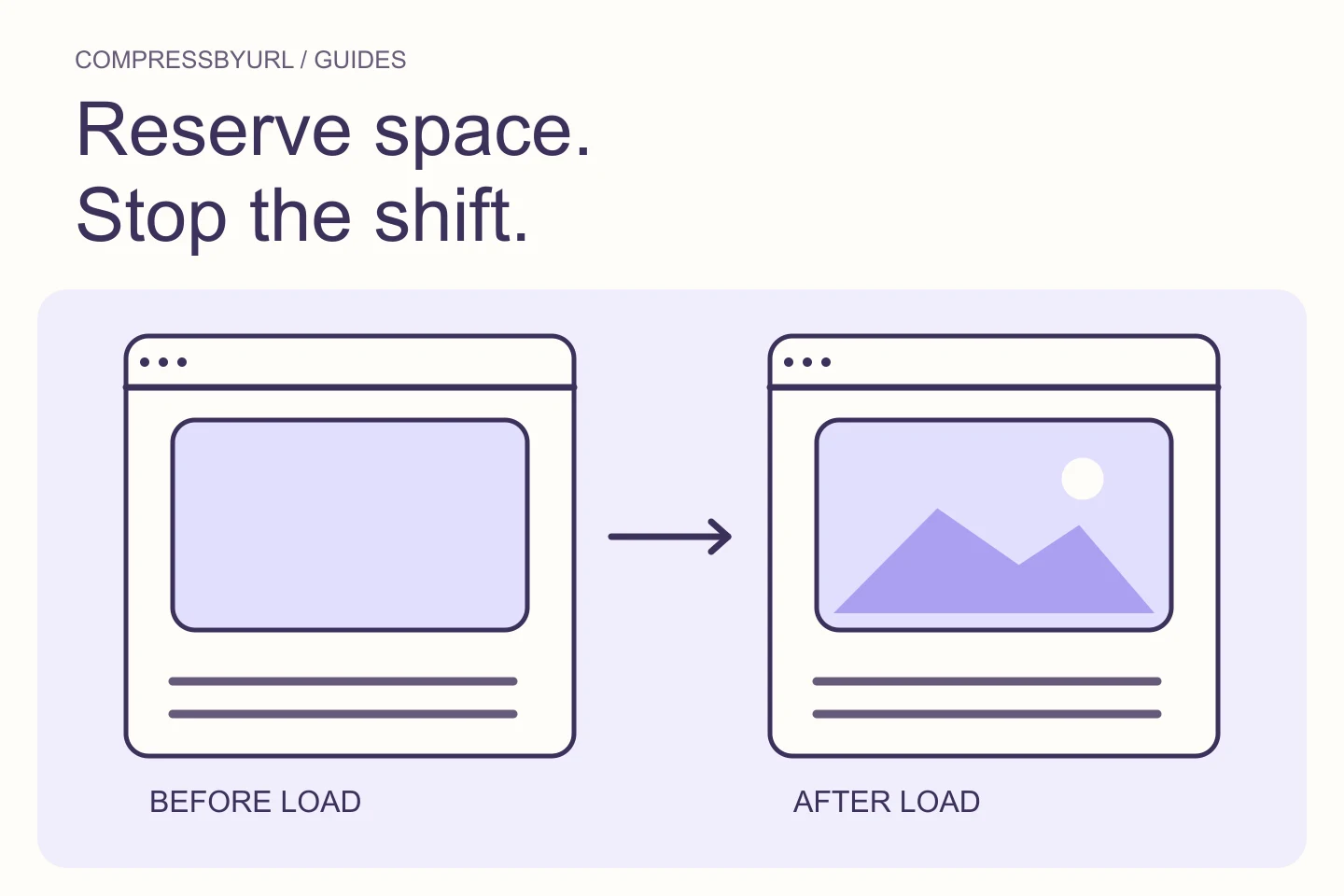
Reserve image space with correct width, height, and aspect ratio. Fix shifting cards and article images without relying on smaller files alone.
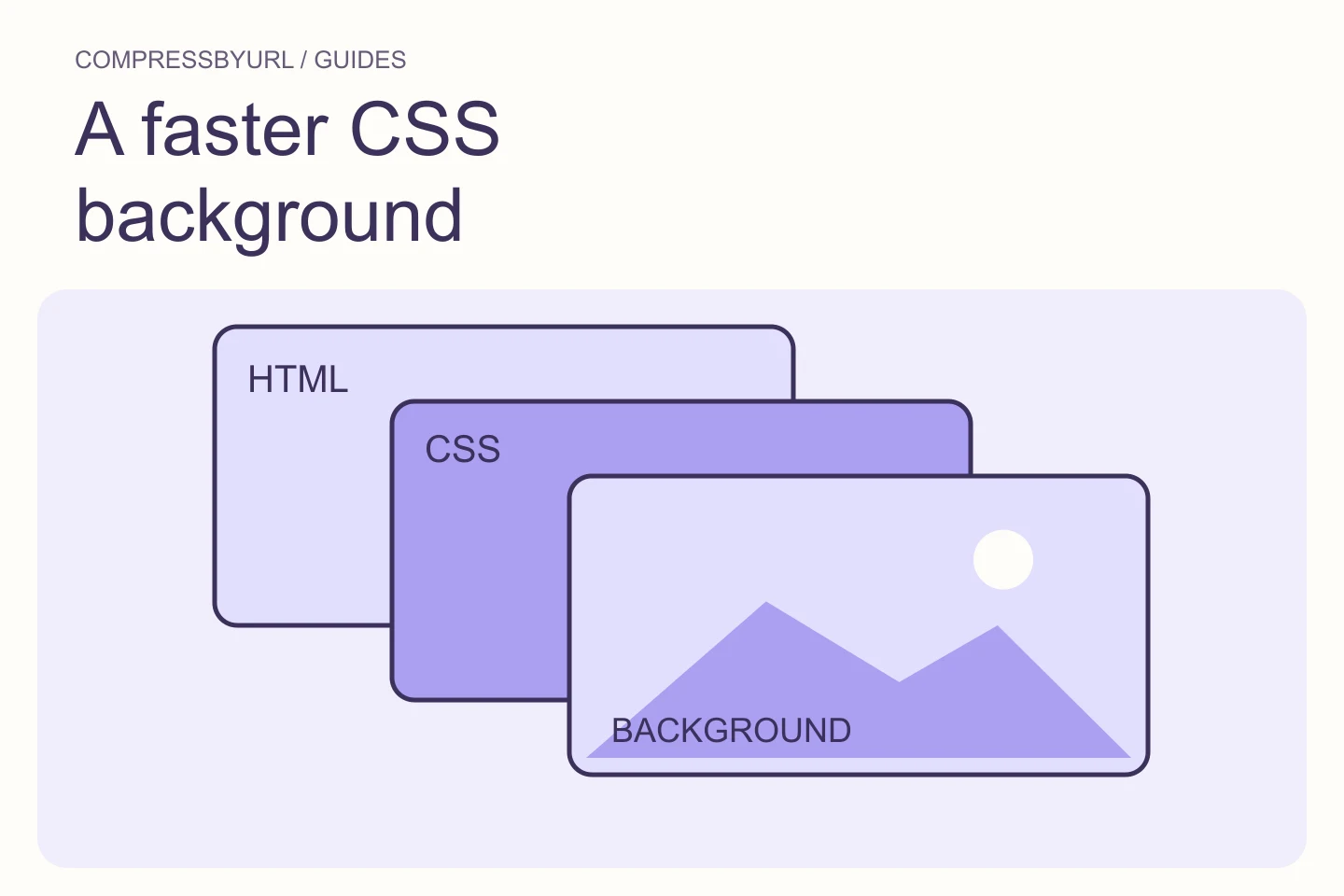
Diagnose late CSS hero backgrounds, choose markup or a matching preload, and keep mobile candidates from downloading unnecessarily.
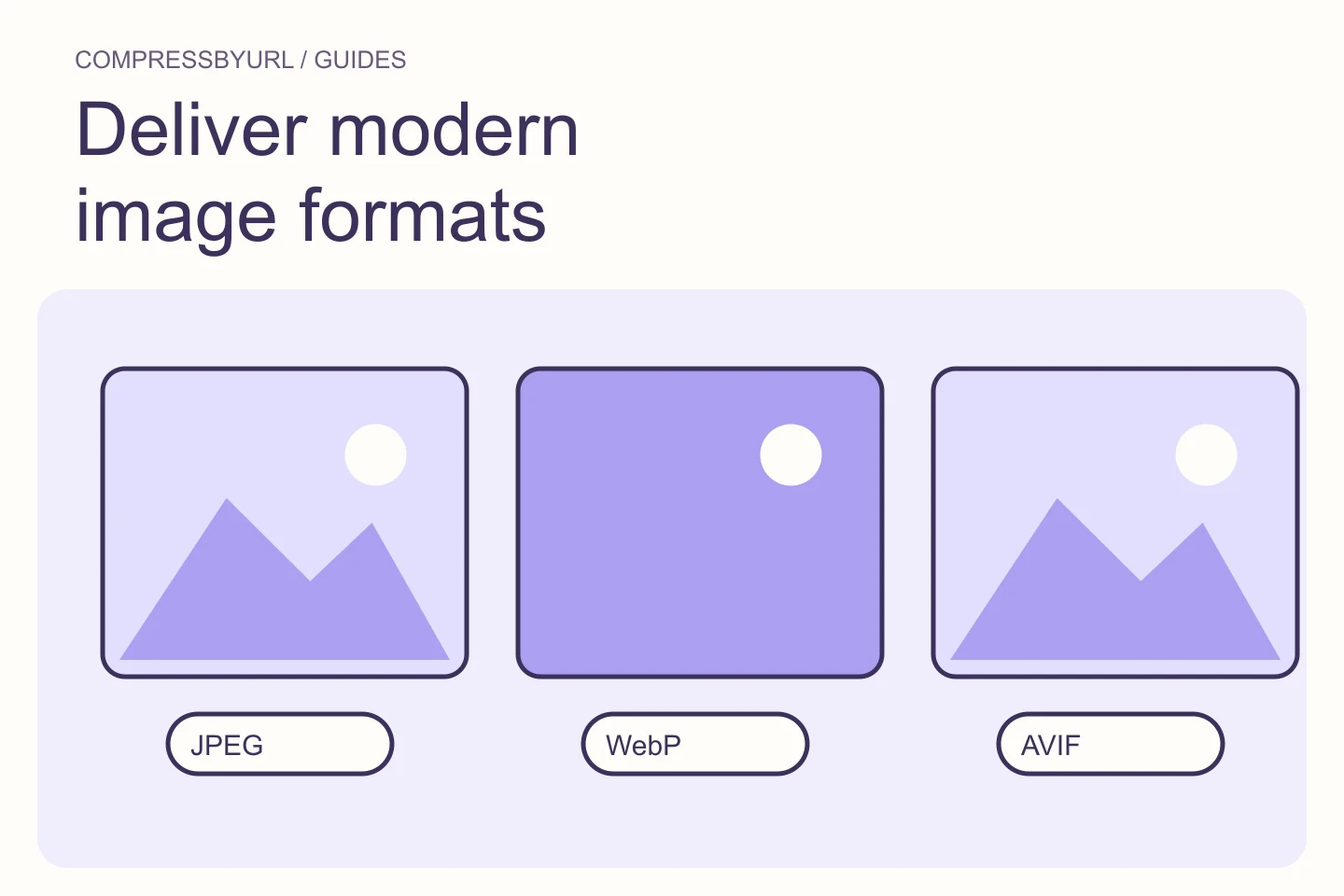
Convert suitable images to WebP or AVIF, update responsive references, and confirm the live response rather than simply renaming the file extension.
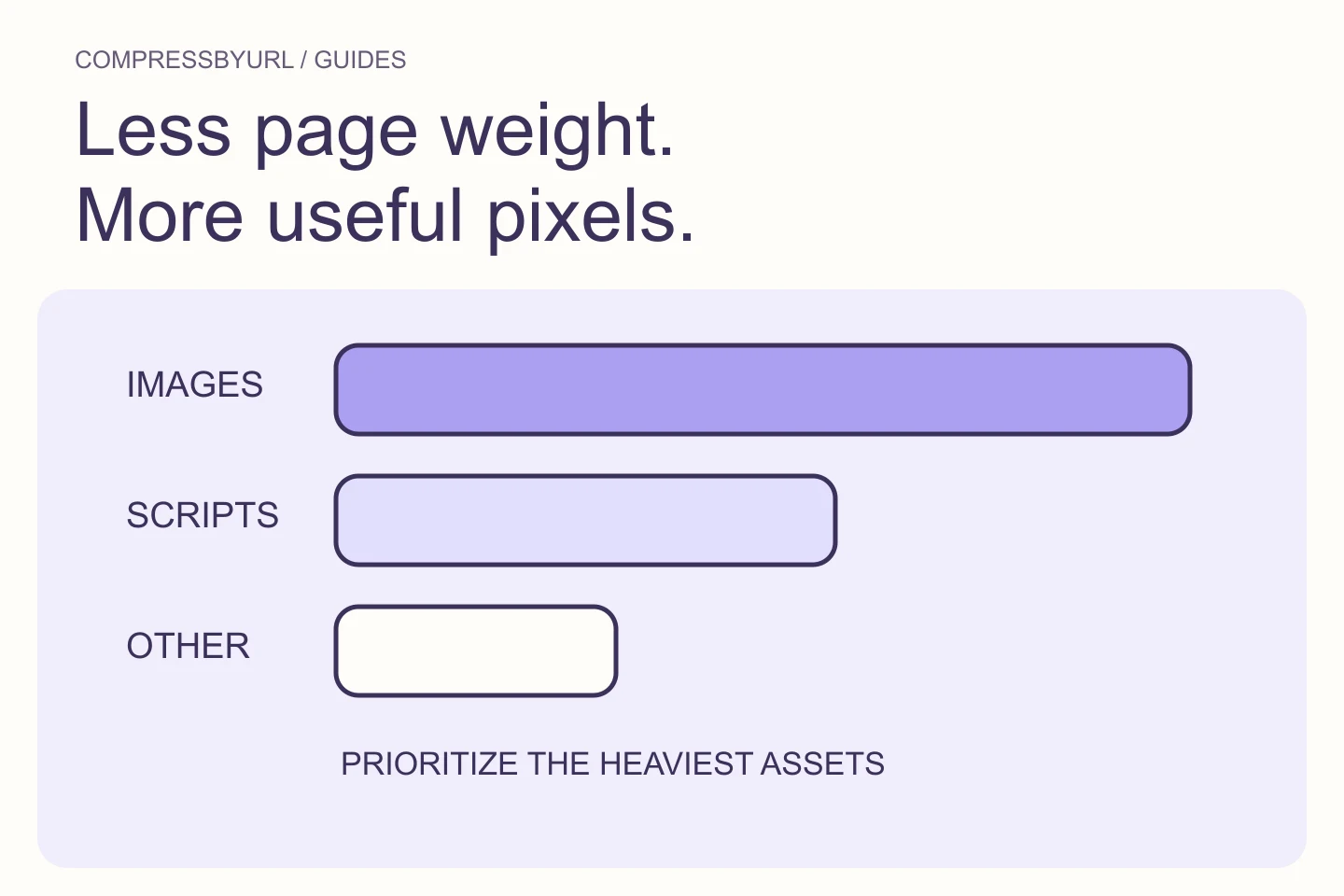
Prioritize aggregate image transfer in heavy pages, distinguish images from script weight, and build a manageable replacement batch with real byte evidence.
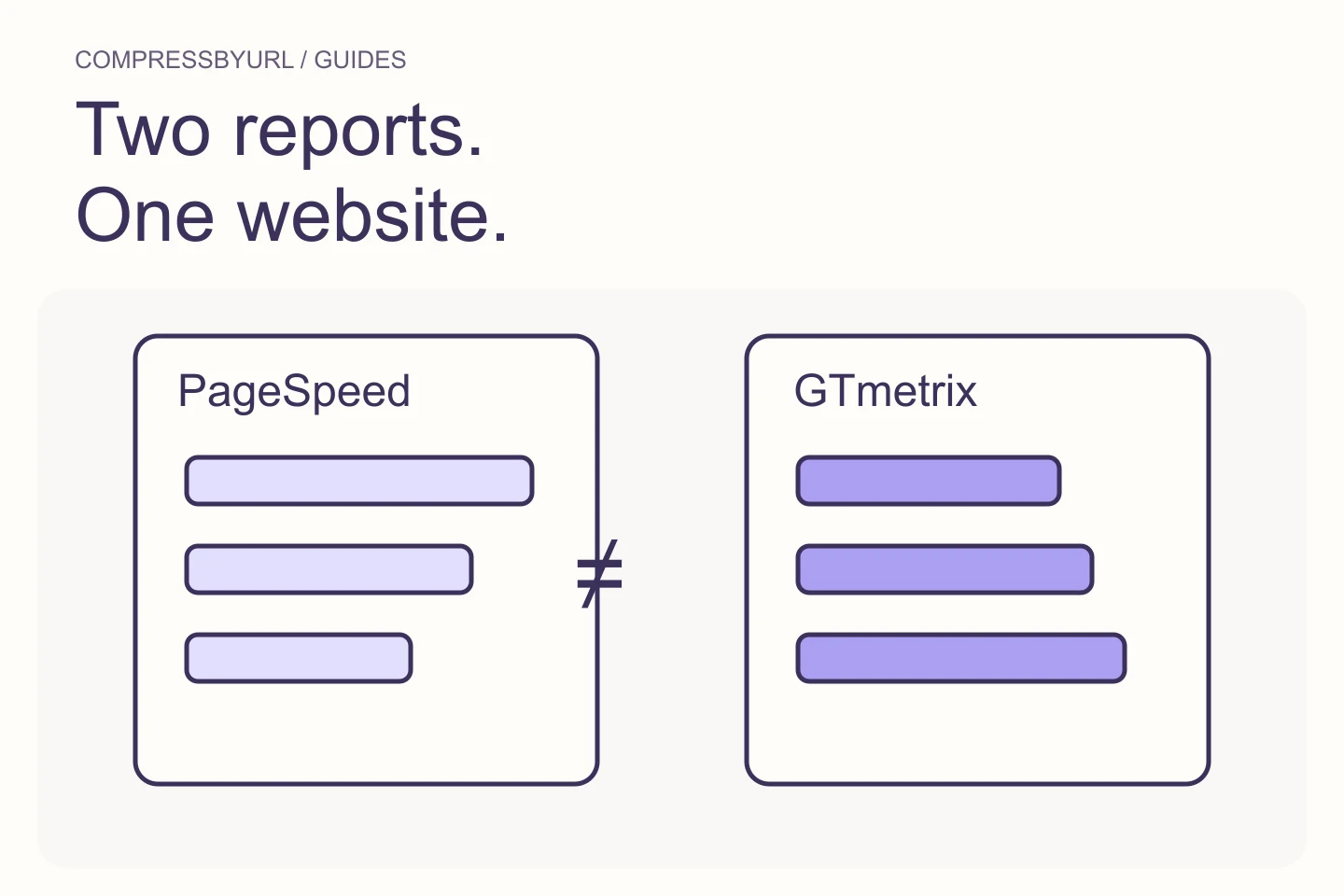
Compare image findings across PageSpeed Insights and GTmetrix by aligning test settings, selected resources, lab metrics, and available field data.
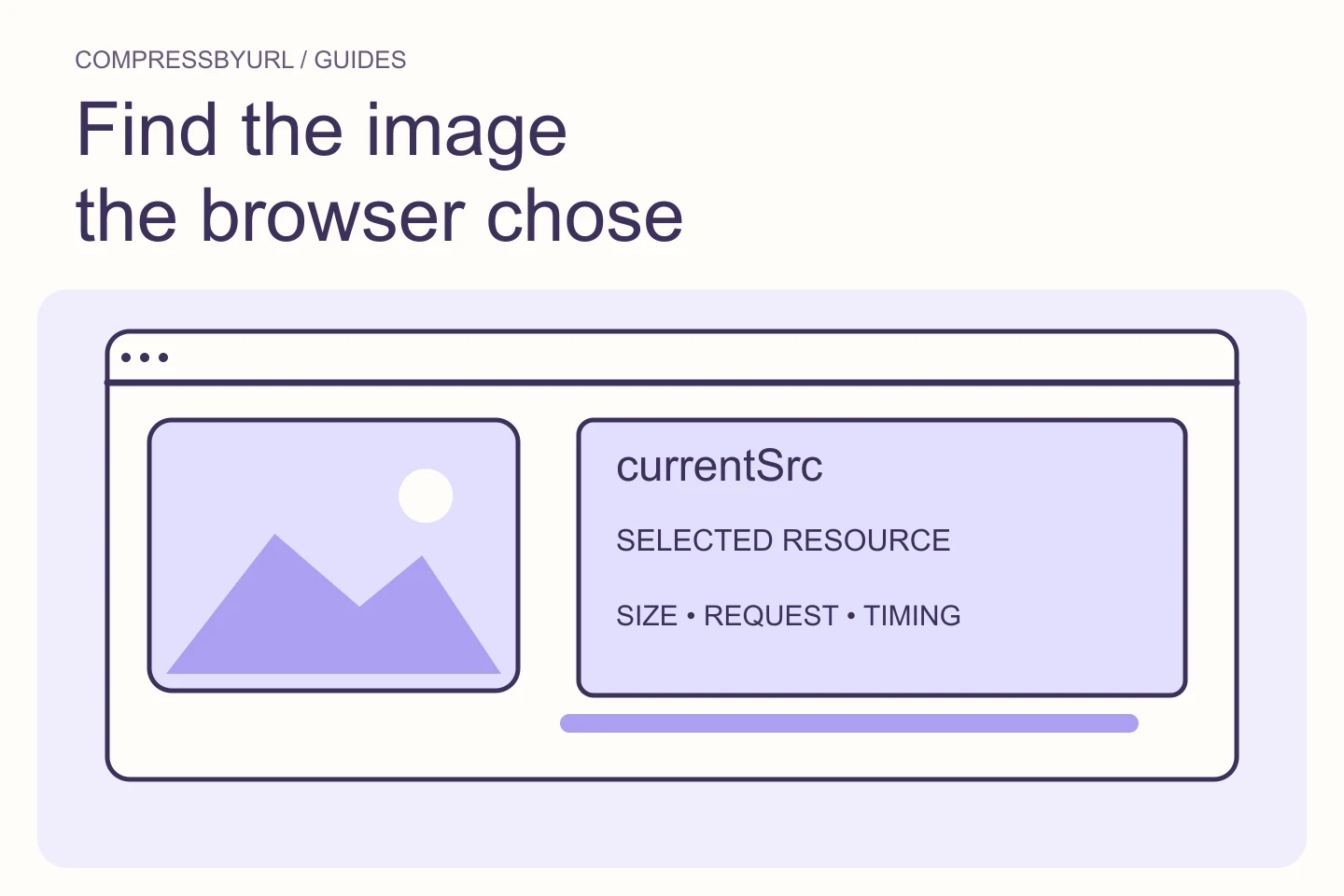
Identify the image a browser actually downloaded, compare its slot and selected source, and capture a useful image audit without guessing from filenames.
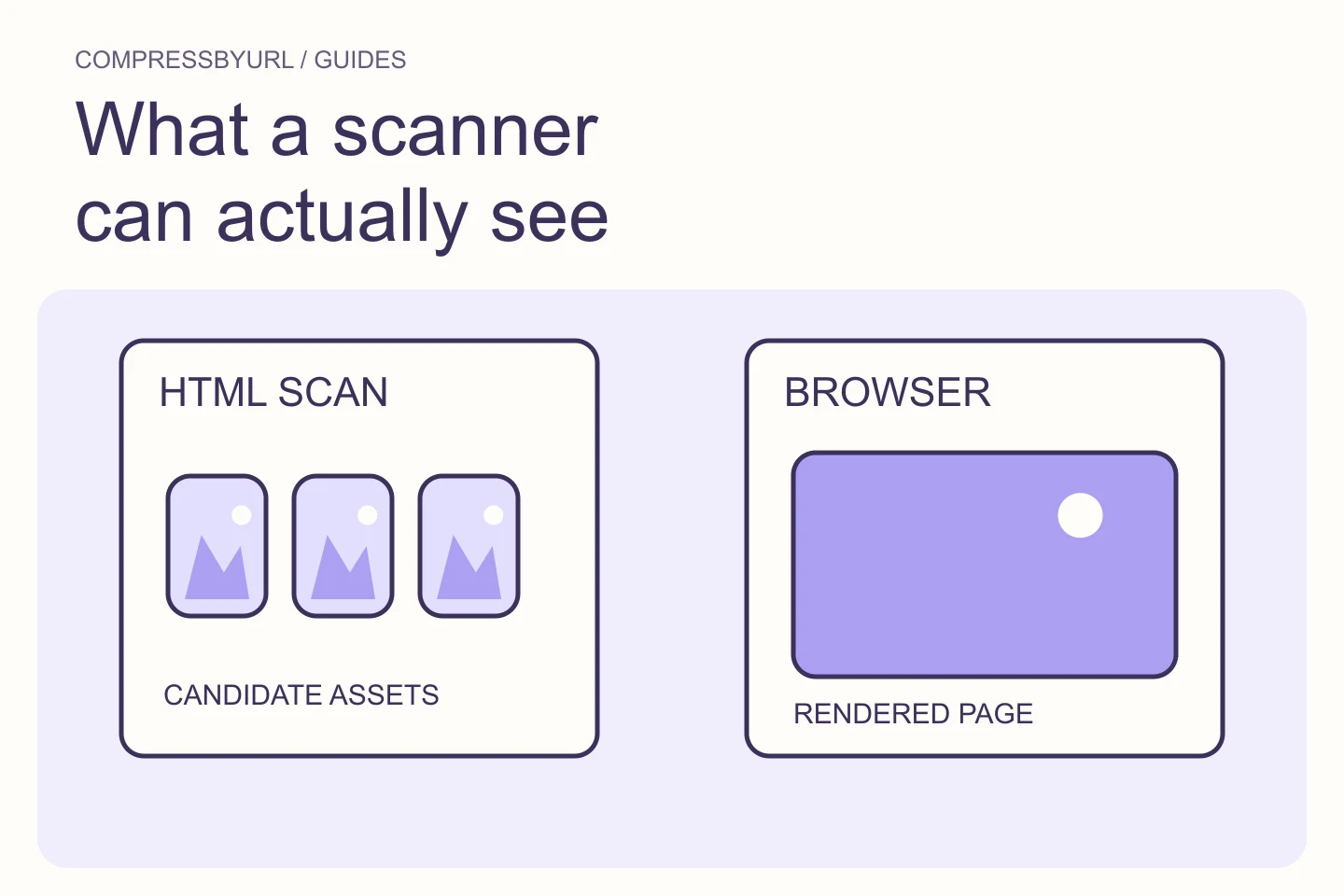
Understand HTML image discovery, lazy source hints, srcset candidates, fetch limits, and the difference between a static inventory and a rendered performance audit.
Prepare smaller media files locally, preserve originals, and check the theme’s responsive image output before replacing assets in WordPress.
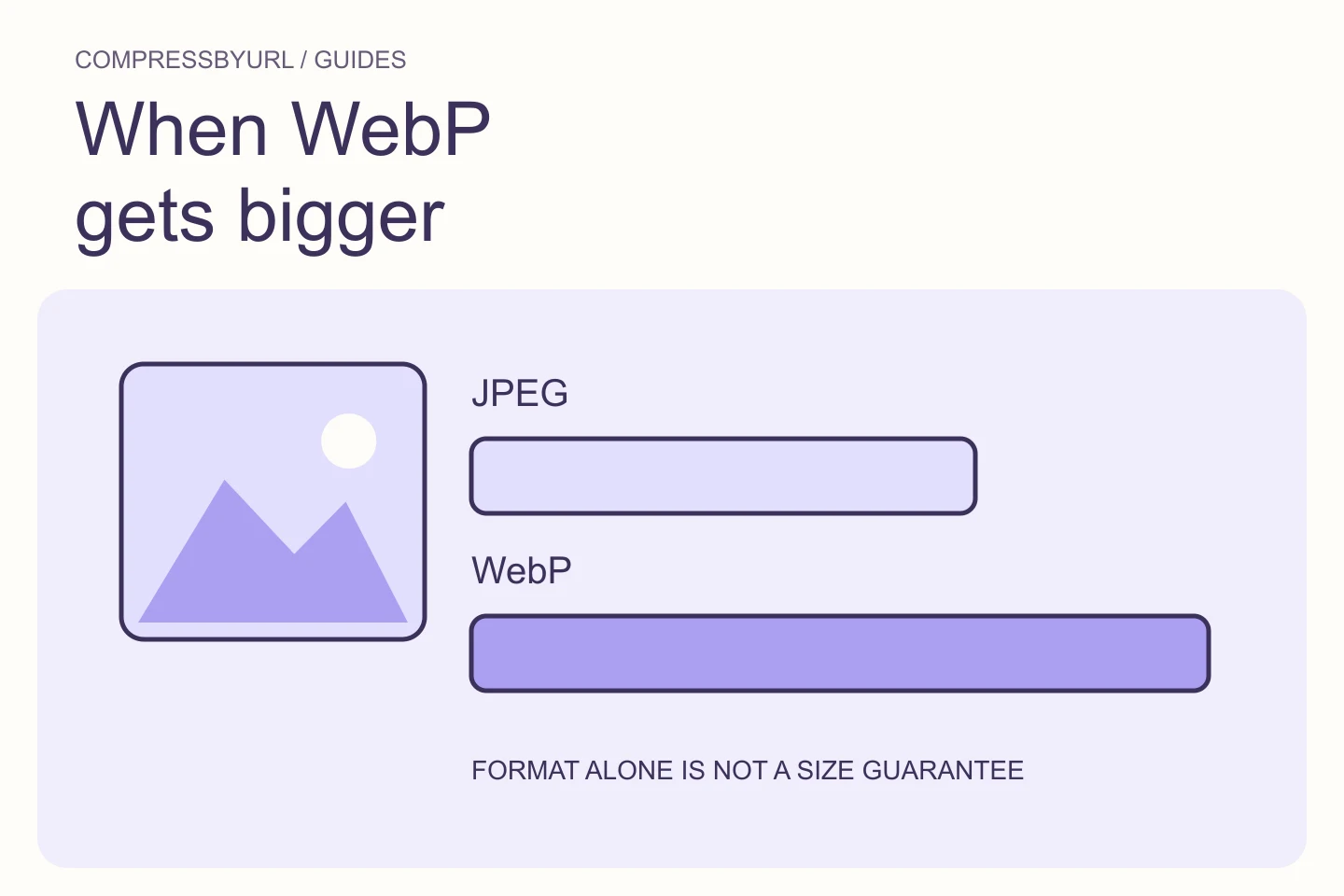
Diagnose WebP conversions that grow in size by checking dimensions, lossy versus lossless settings, source quality, and actual visual acceptance.
Reduce screenshot weight with lossless optimization, intentional crops, and careful resizing. Avoid blurry labels and damaged transparent edges.
Meet a 200 KB upload limit by balancing dimensions, format, and visual clarity. Learn when quality alone cannot reach the target and how to verify the output.
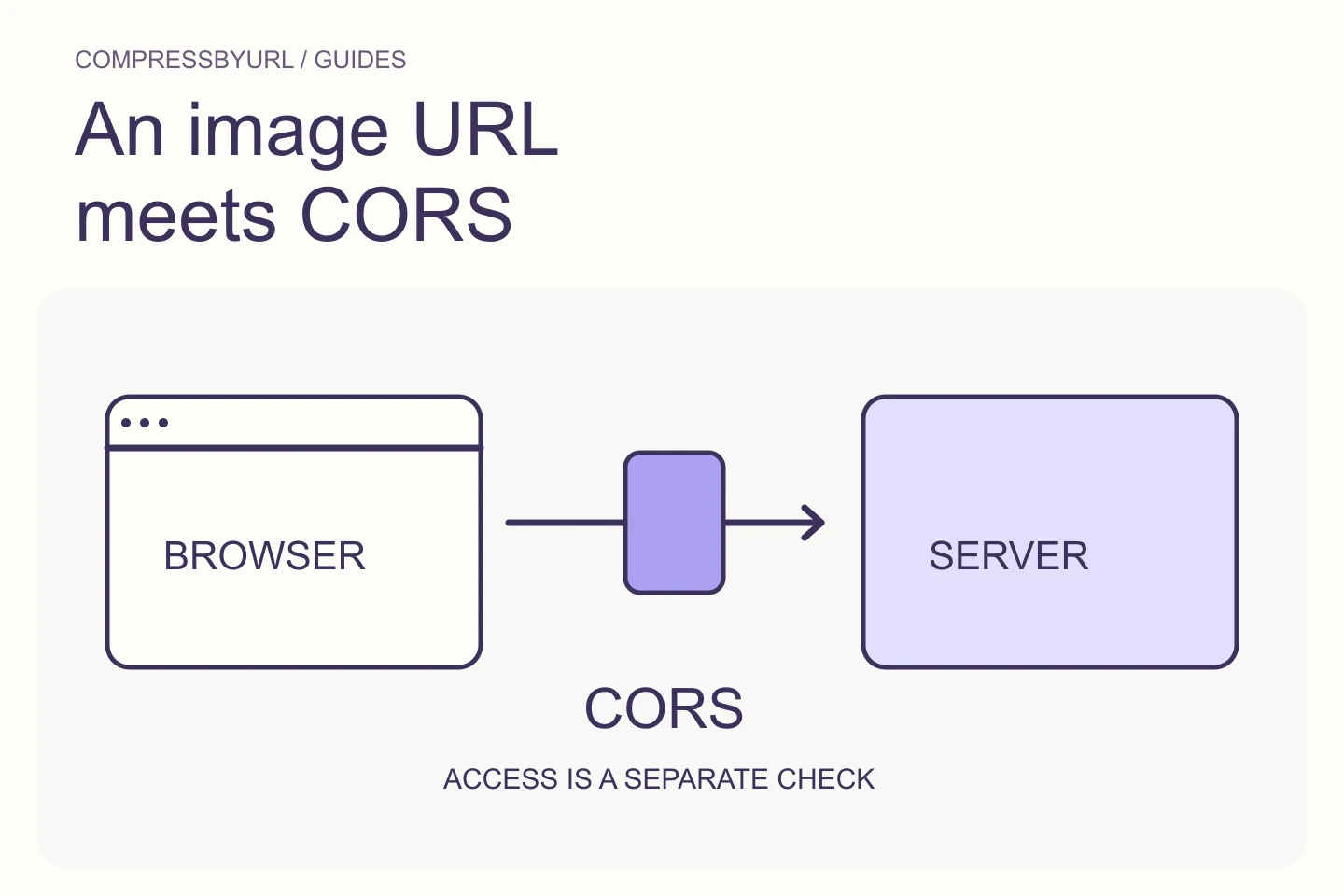
Diagnose CORS and canvas export failures, distinguish public image URLs from authenticated resources, and use a safe browser-first retrieval workflow.
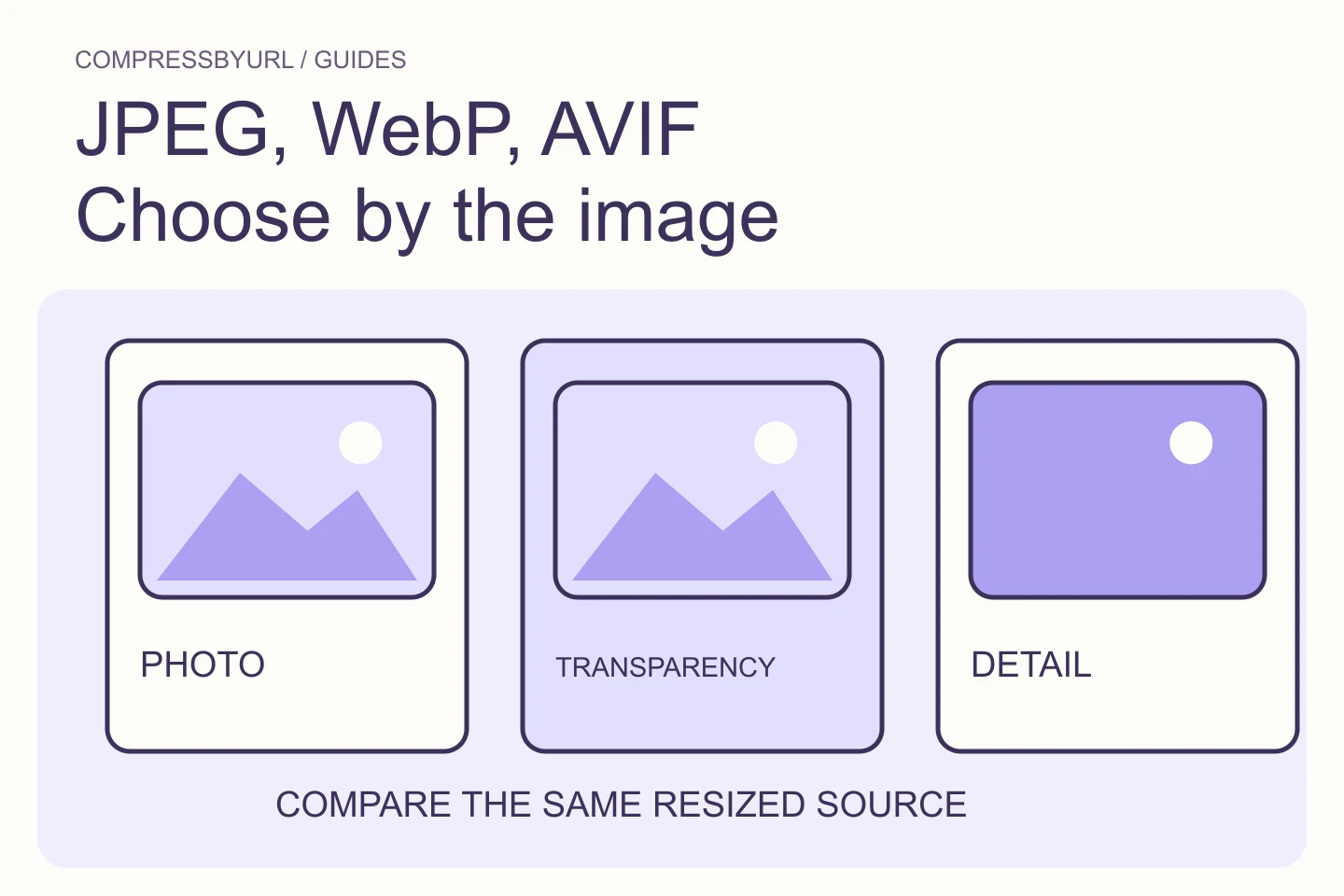
There is no permanently smallest format for every image. Start with the content, browser requirements and transparency needs, then compare outputs from the same source.
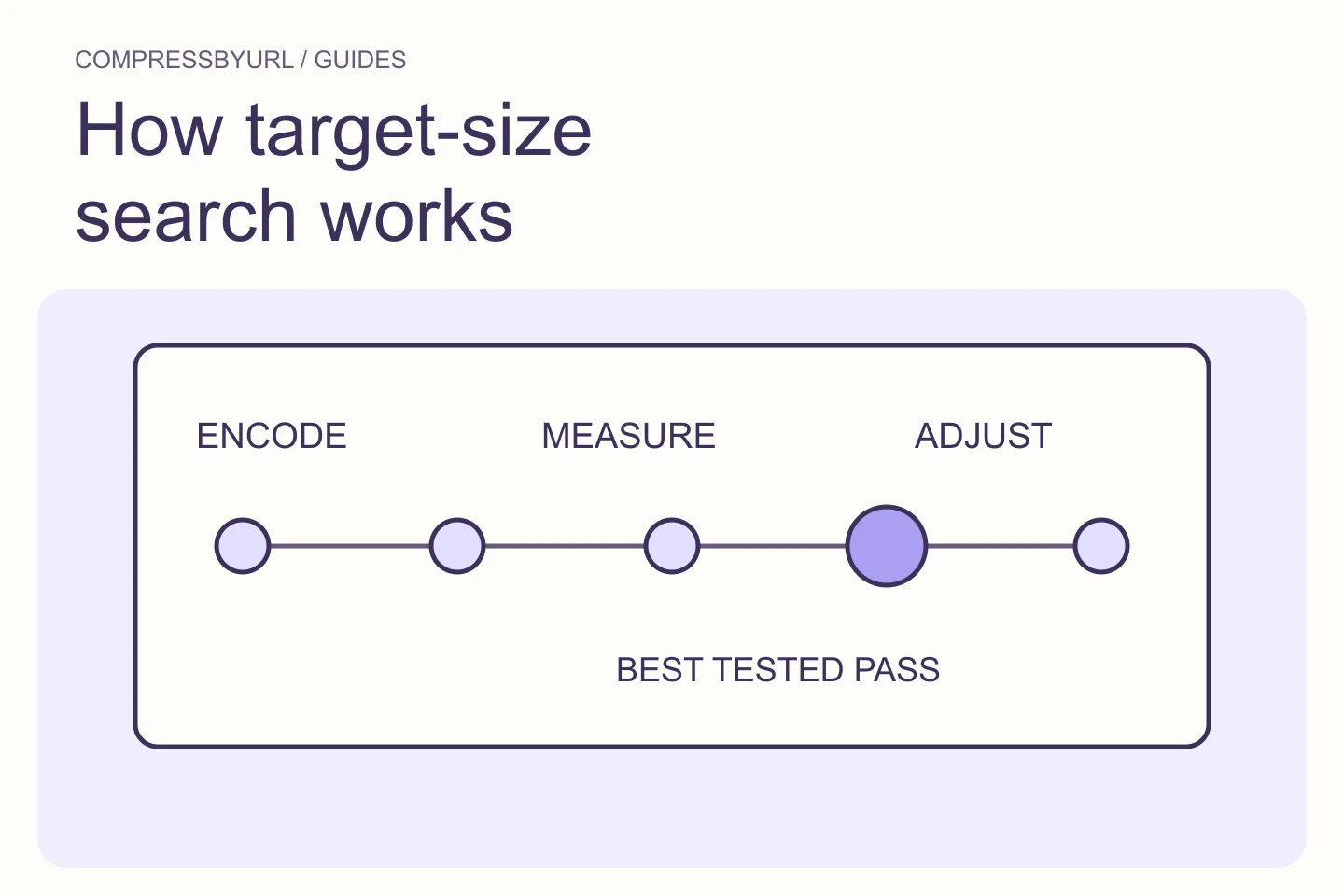
A target such as 200 KB is a constraint, not a quality setting. A useful compressor searches for the best tested output under that ceiling and admits when quality alone cannot get there.
A useful audit separates transfer weight, intrinsic pixel dimensions and rendered size. One number cannot tell you whether an image is actually a problem.