The short answer
- Width descriptors describe files; sizes describes the display slot.
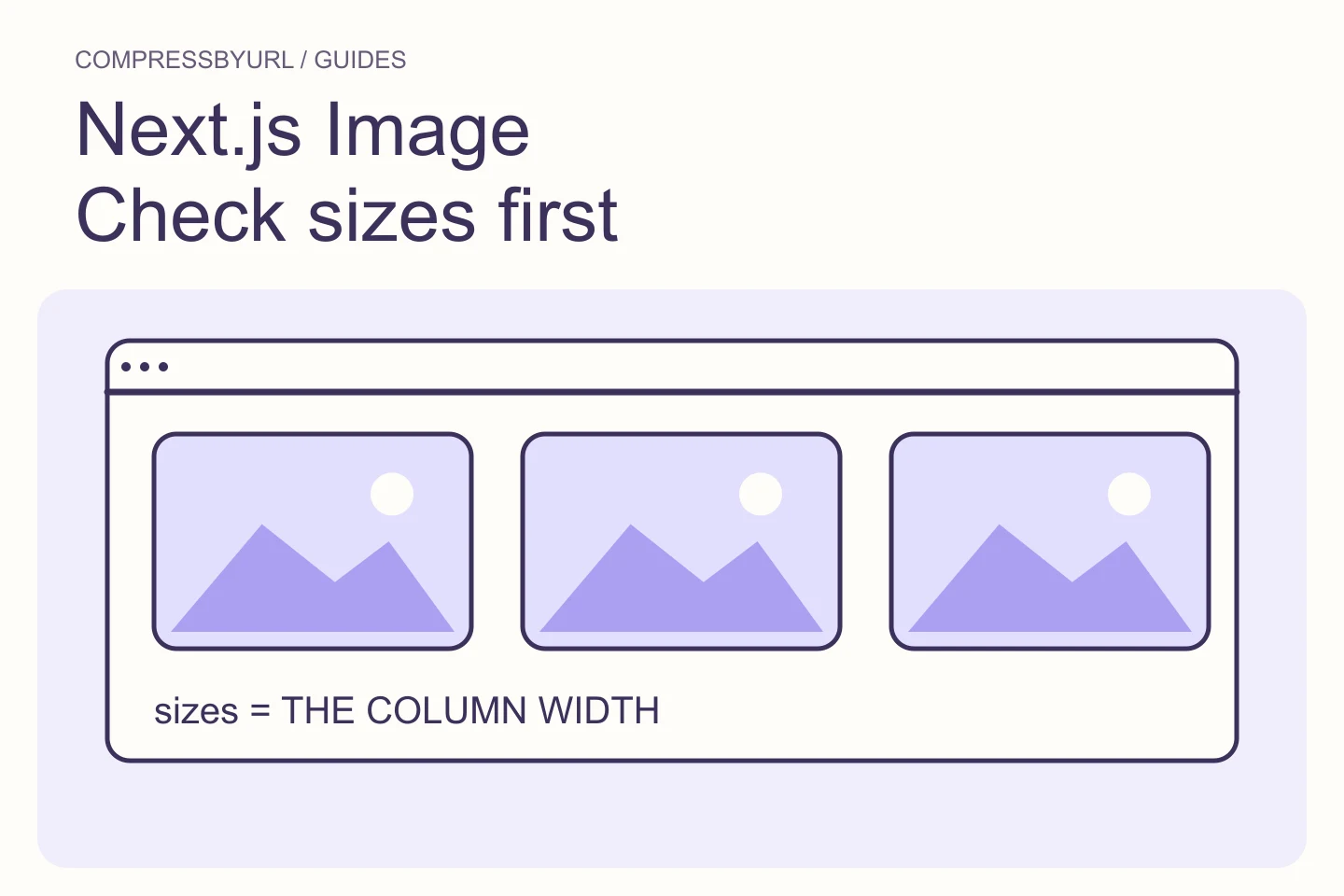
- Use the real column width, not always the viewport.
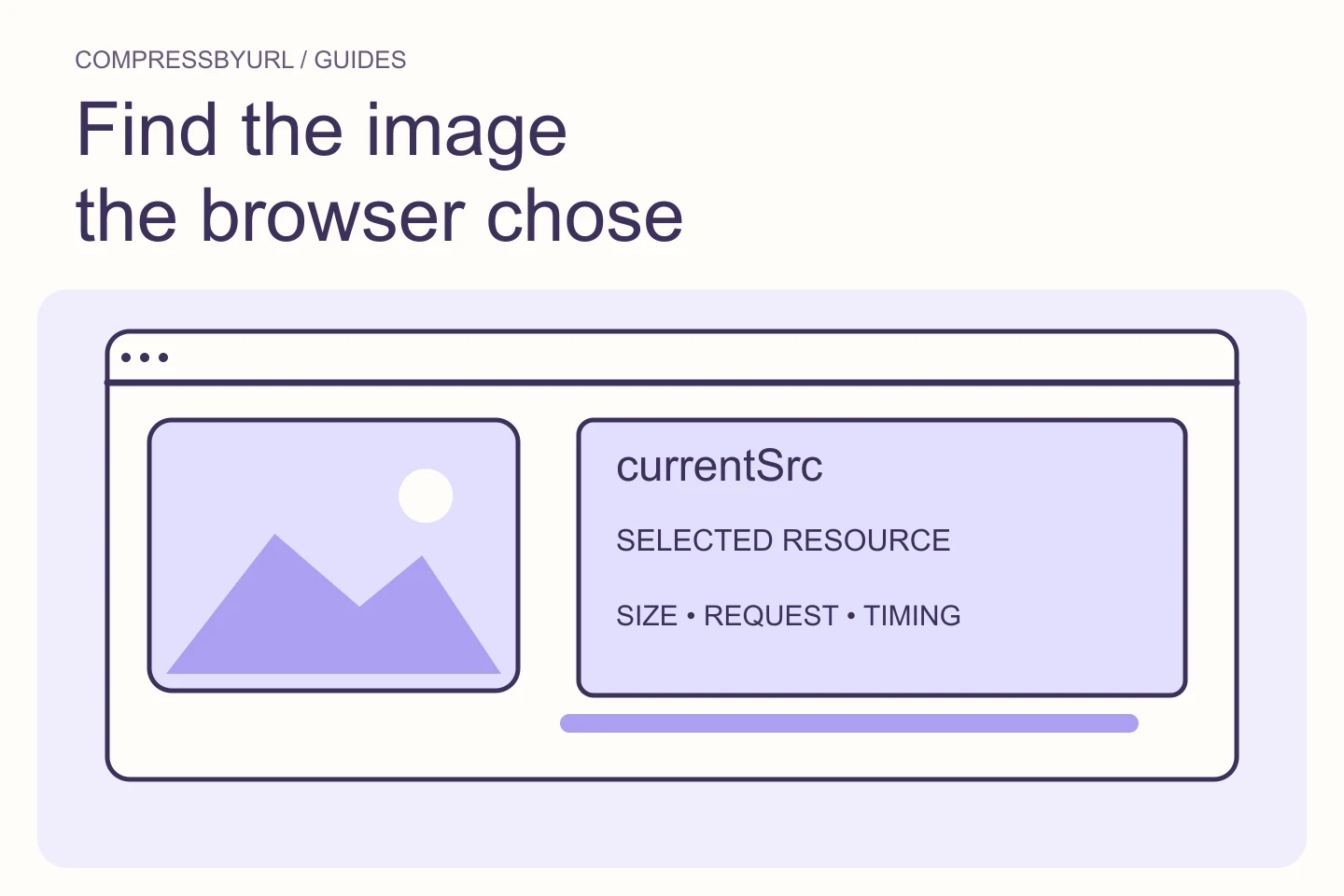
- Check currentSrc on fresh loads at each important breakpoint.
On this page
Separate image resolution from image composition
MDN distinguishes resolution switching from art direction. Resolution switching presents the same composition at different pixel dimensions. Art direction changes the crop for a different layout. Decide which problem you have before preparing files, because making a photograph smaller cannot repair a crop that hides the subject on mobile.
For an article card, width variants of the same crop are often sufficient. For a landscape banner with a person near the edge, a narrower layout might need a deliberately composed alternate crop. Document that distinction in the asset names. Keep alternative text about the content rather than about the crop or file format.
Measure the image slot at the layout breakpoints
In a worked example, a card uses the viewport minus 32 pixels of gutters on narrow screens and occupies a 360-pixel slot on desktop. Its sizes expression should describe those two situations. A value of 100vw would overstate the desktop requirement because the card does not stretch across the screen.
Test the slot in the actual component, including padding, gaps, and max-width. A design sketch is a starting assumption; computed layout is the acceptance evidence. If a sidebar opens or the card appears in another container, the expression may need to describe that layout too. Avoid solving one route while silently overfetching on another.
Create a small candidate set from a good original
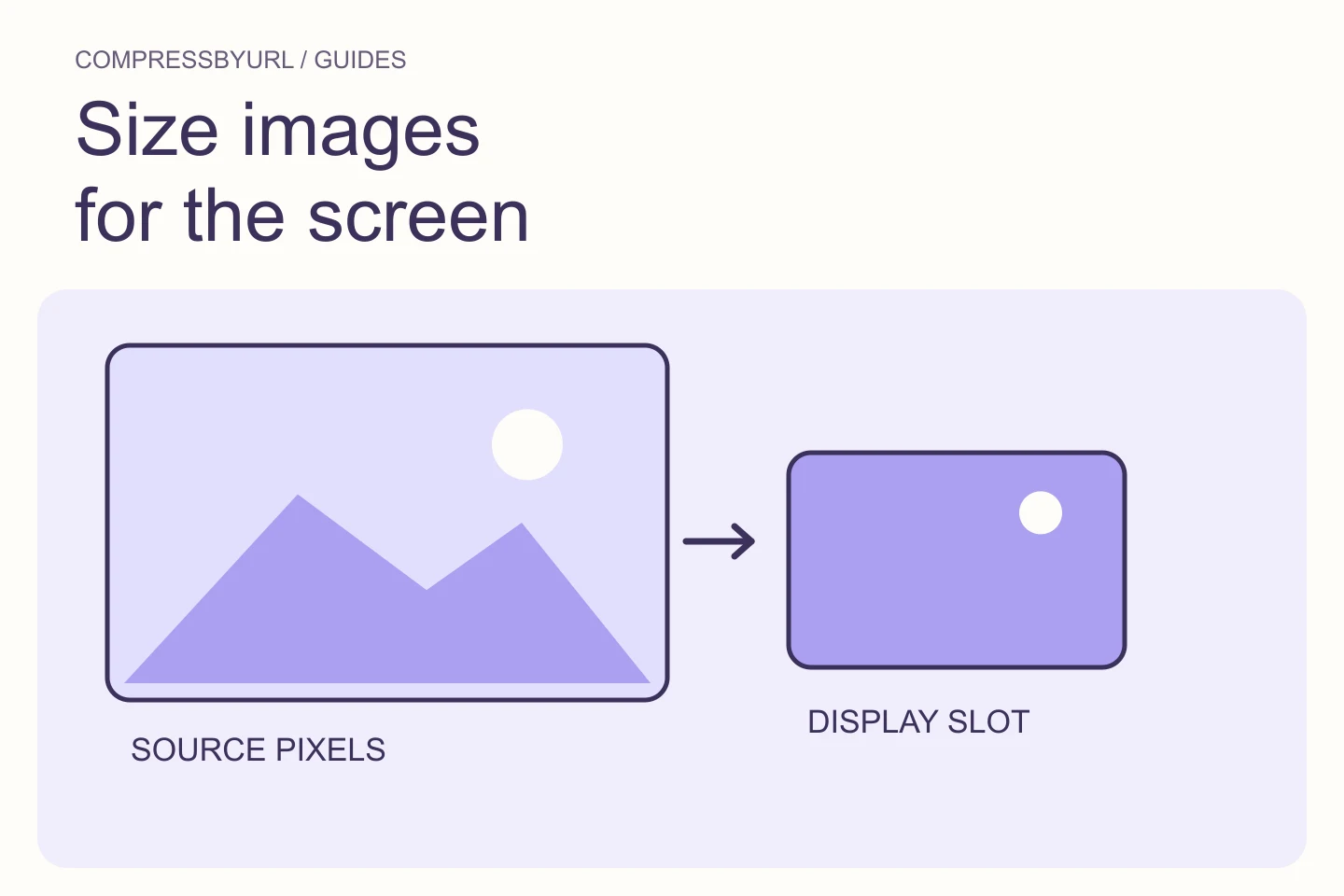
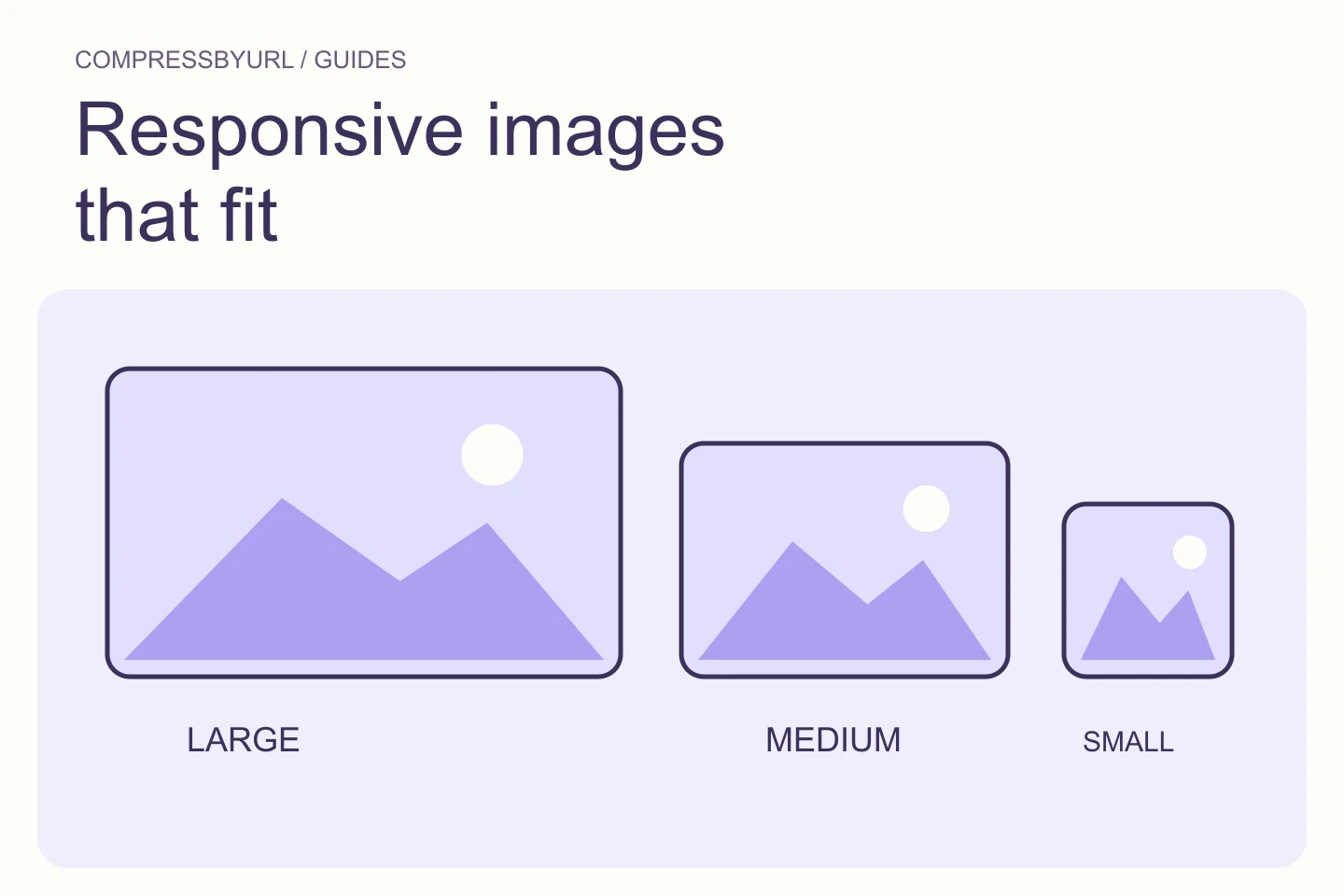
Export candidate widths that cover the relevant slots and selected density targets. For the example card, 360, 720, and 1080 pixels can provide useful options. Each w descriptor must correspond to the actual pixel width of its file. Do not name a 720-pixel file as 1080w to force a selection.
Use the same composition and aspect ratio for this resolution-switching set. Work from the original rather than from a succession of compressed derivatives. Compare bytes and quality after resizing. More candidates mean more files to maintain, so add another width because it serves a real gap, not because a template generator offers ten options.
Connect files and slot hints in complete HTML
The following example assumes you have exported three real files at the stated widths and a desktop card with a 360-pixel slot. The source paths are illustrative assets to replace in your own project. The width and height describe a 3:2 ratio; CSS makes the displayed image follow its containing card.
Keep the fallback src useful. Do not assume srcset is a CSS rule that forces one file at a breakpoint. It offers candidates and sizing information to the browser. For a genuinely different mobile crop, use picture with an appropriate media condition rather than mixing inconsistent crops into a single width-descriptor set.
<img
  src="/images/card-720.webp"
  srcset="/images/card-360.webp 360w,
          /images/card-720.webp 720w,
          /images/card-1080.webp 1080w"
  sizes="(max-width: 600px) calc(100vw - 32px), 360px"
  width="720" height="480"
  loading="lazy" decoding="async"
  alt="Mountain lake below a snow-covered ridge"
  style="display:block;width:100%;height:auto"
>
Verify the selected source and the visual result
Open a fresh load at a narrow viewport and inspect the image’s currentSrc and Network request. Repeat at the desktop layout and a relevant high-density setting. A resized existing session can retain a previously downloaded larger candidate, so it is weaker evidence than a fresh controlled navigation.
Check the actual content as well as the selected filename. An output can have the expected width and still contain artifacts or an incorrect crop. If the browser selects an unexpectedly large candidate, inspect sizes first, then verify the file widths and component geometry. Keep the findings attached to the relevant layout rather than adding another random candidate.
Maintain variants as part of the publishing workflow
Use a predictable naming scheme that distinguishes subject, crop, and width. Keep an untouched original in your source workflow. When the image changes, regenerate the full responsive set together so different widths do not accidentally show different revisions of the photograph.
CompressByURL can prepare static resized variants locally, but it does not write your responsive HTML or change your hosting configuration. Download the approved files, update the component, and verify a public page. The finished result is a working delivery set with readable content, not merely a folder full of small images.
| Information | Describes |
|---|---|
| 720w in srcset | Actual width of that candidate file |
| 360px in sizes | Expected CSS display slot |
| width and height attributes | Intrinsic aspect ratio for layout |
| CSS width | Displayed geometry of the element |
Common questions
Should sizes always be 100vw?
Only when the image really occupies the viewport width. Cards, article columns, and sidebar images usually need a more accurate description.
Does srcset automatically crop a mobile image?
No. Width candidates handle resolution selection. Use deliberately prepared crops and picture media conditions when composition needs to change.
Sources and further reading
Technical references for the concepts in this guide. Examples with hypothetical values are illustrations, not measured results.