Choose analytics

Essential browser storage remembers your tool settings. Optional analytics helps us understand site use and loads only if you accept it. Image files, filenames and submitted URLs are not sent to analytics.

Read the Cookie Policy
Skip to content
CompressByURL
CompressConvertResizeTarget sizeBy URLWebsite scannerBlog
Start compressing

Image optimization,
explained.

For the people building a faster web. Practical guides to lighter images, better delivery, and the audits that point you in the right direction.

Browse by topic

All guides23Web performance7Website audits5Developer guides6Image optimization5

Developer guides

6 guides to explore

Build responsive delivery and stable layouts in real website components.

arrow_outward
Developer guides4 min read

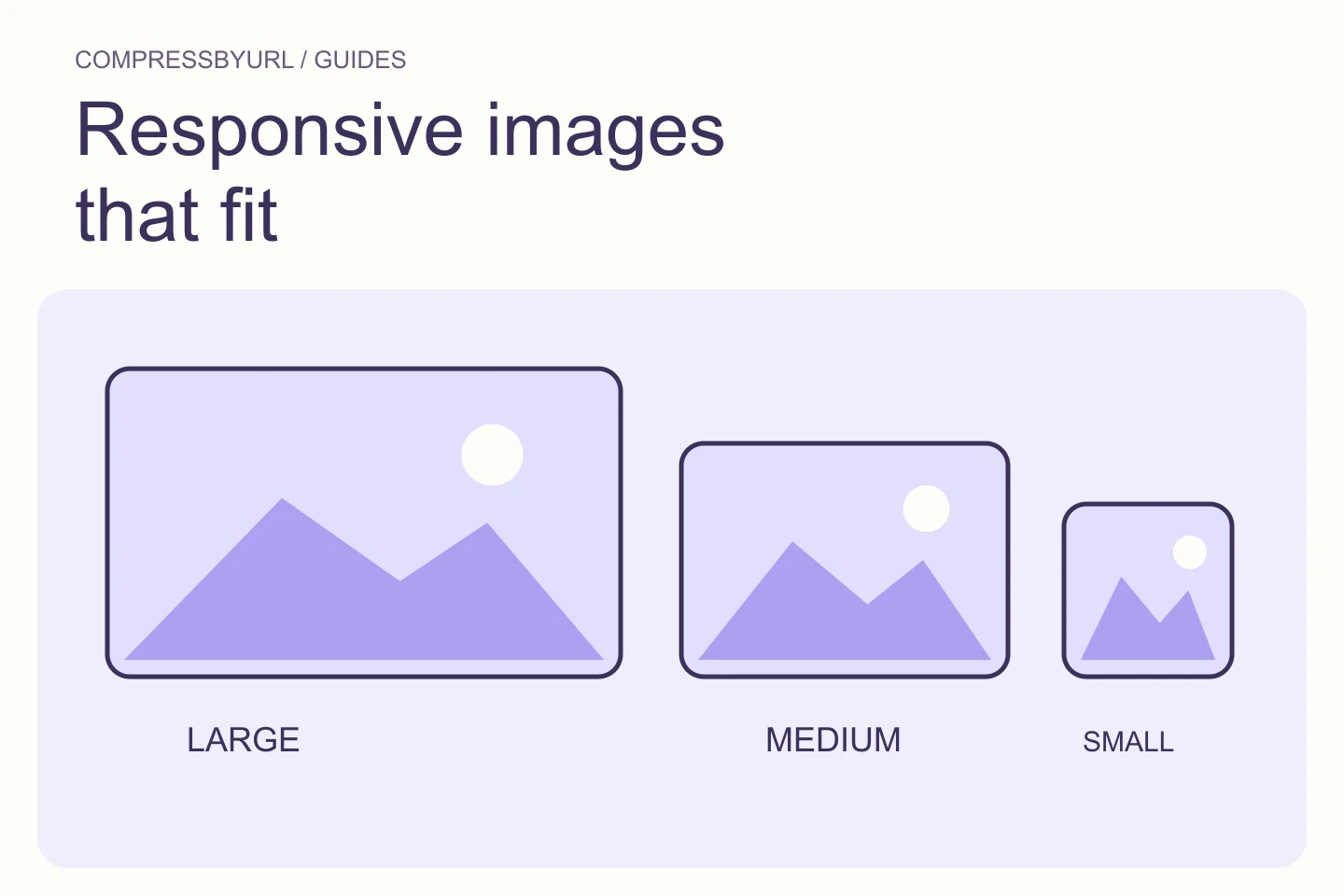
Responsive images: get srcset and sizes right for your layout

Build responsive image variants using real slot widths, pixel density, and browser-selected sources. Includes a complete HTML card example.

Sep 21, 2026
arrow_outward
Developer guides4 min read

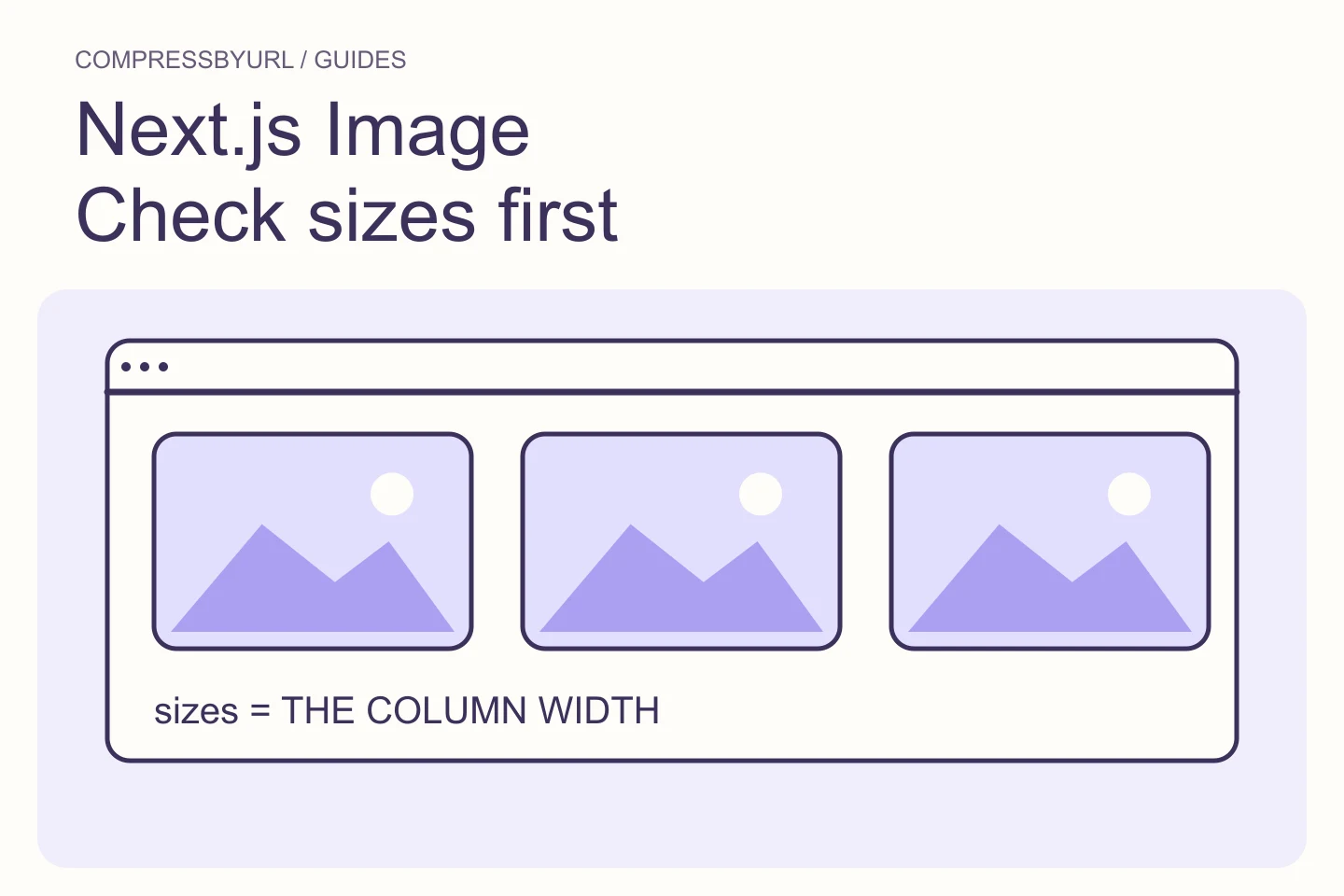
Next.js Image serving files that are too large? Check sizes first

Diagnose oversized Next.js Image downloads by matching sizes to grid columns, inspecting generated srcset, and separating source assets from delivery variants.

Sep 19, 2026
arrow_outward
Developer guides4 min read

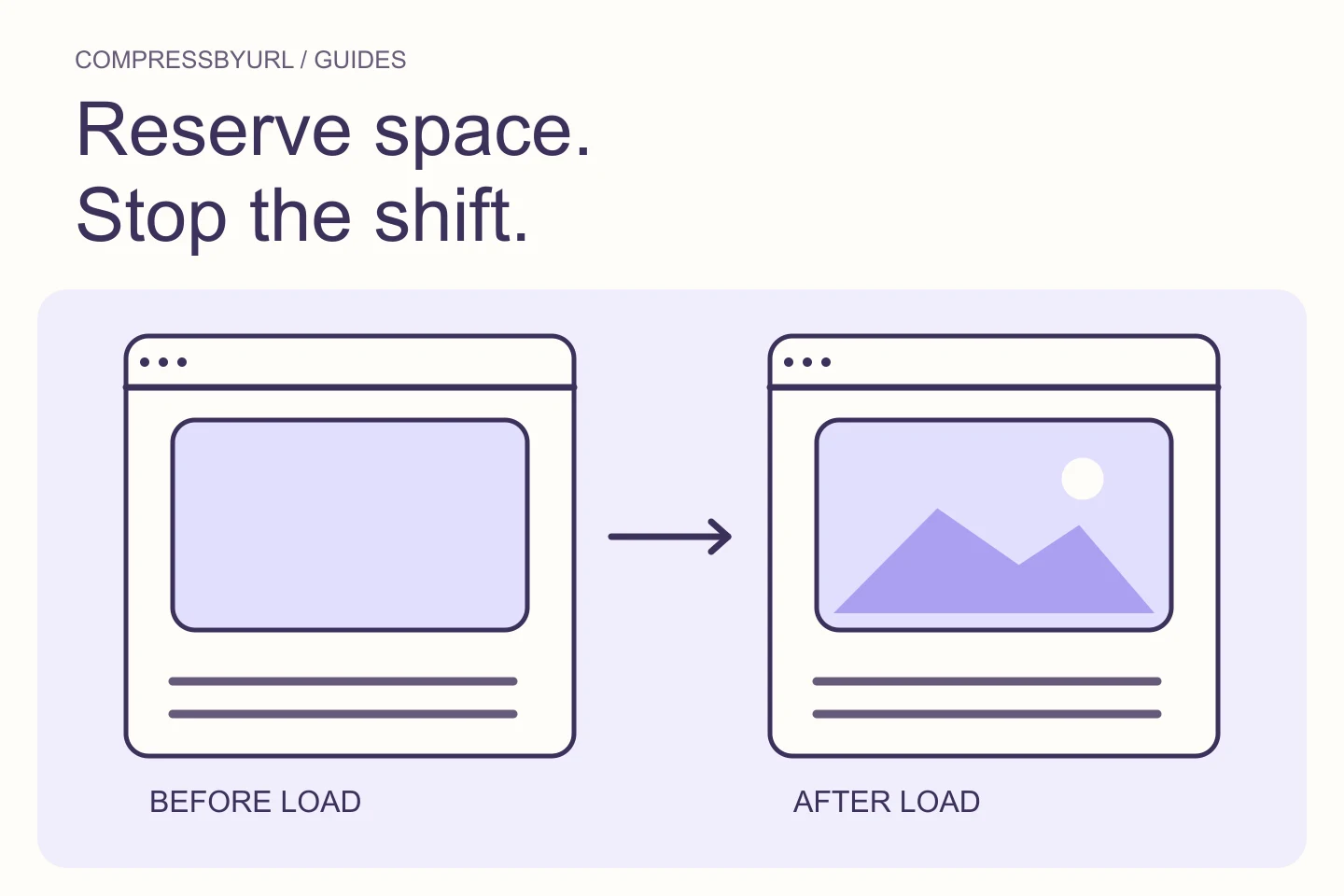
Stop images from causing Cumulative Layout Shift

Reserve image space with correct width, height, and aspect ratio. Fix shifting cards and article images without relying on smaller files alone.

Sep 15, 2026
arrow_outward
Developer guides4 min read

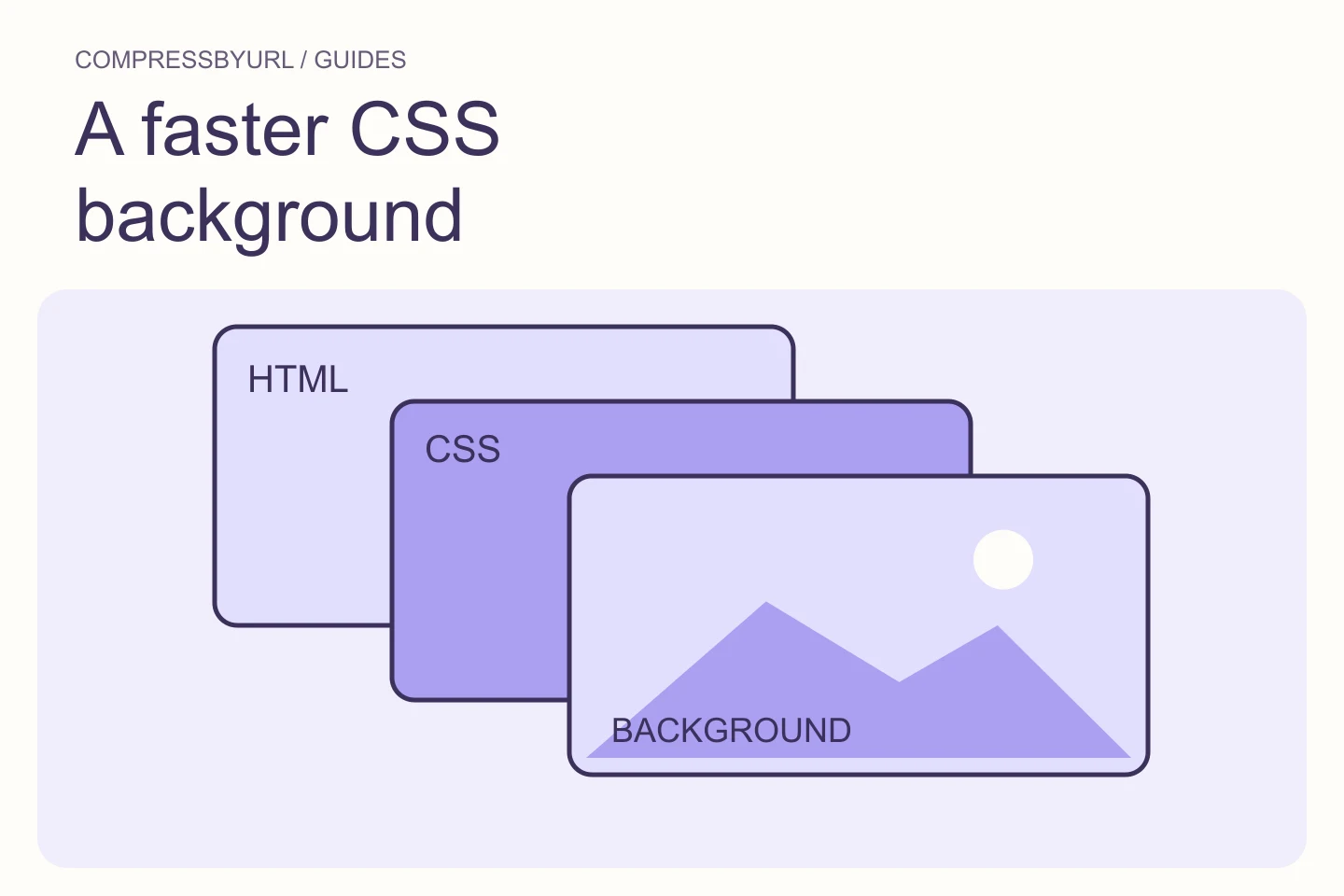
Optimize a CSS background image that delays LCP

Diagnose late CSS hero backgrounds, choose markup or a matching preload, and keep mobile candidates from downloading unnecessarily.

Sep 13, 2026
arrow_outward
Developer guides4 min read

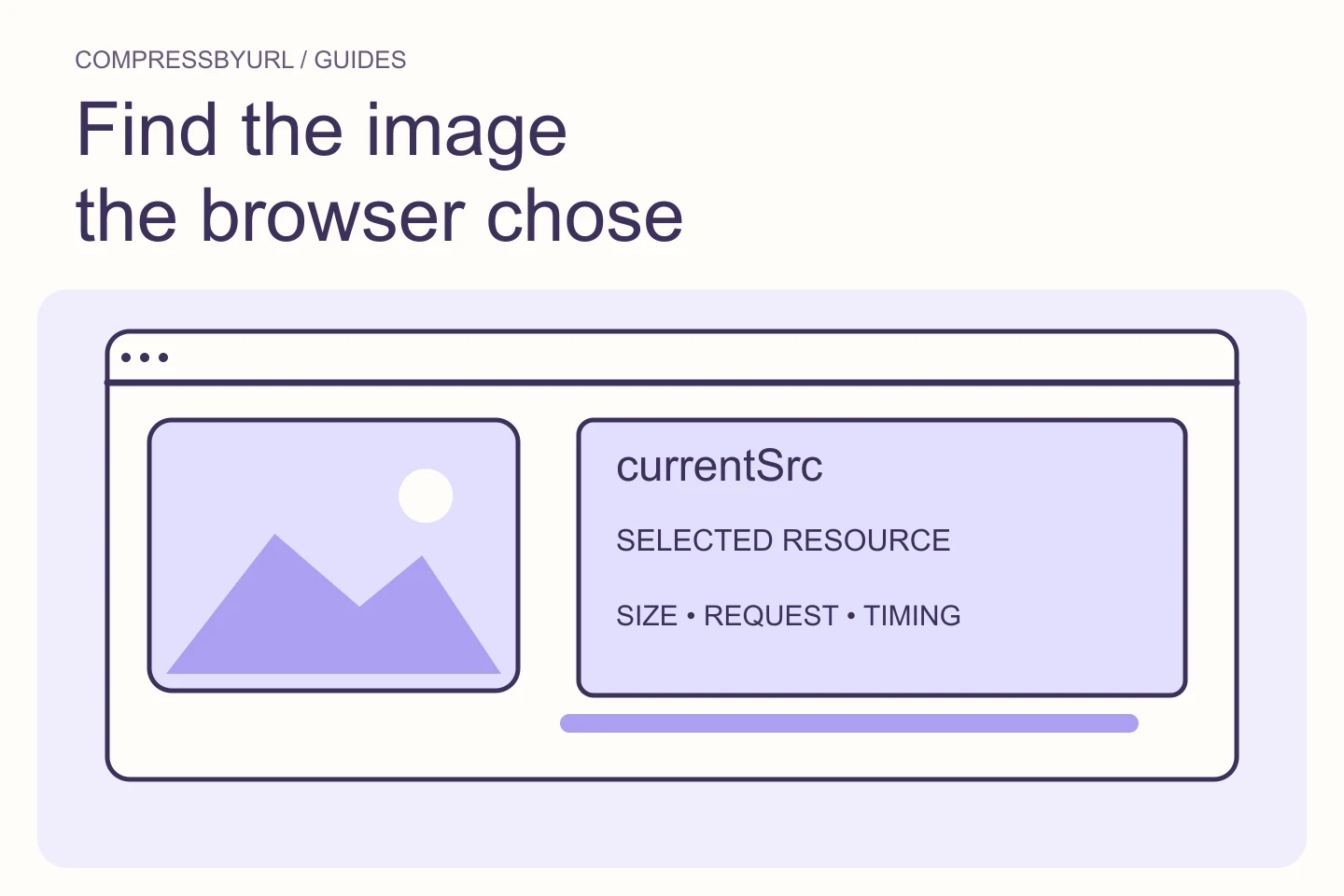
Find oversized images with Chrome DevTools and currentSrc

Identify the image a browser actually downloaded, compare its slot and selected source, and capture a useful image audit without guessing from filenames.

Sep 5, 2026
arrow_outward
Developer guides4 min read

Optimize WordPress images without adding another plugin

Prepare smaller media files locally, preserve originals, and check the theme’s responsive image output before replacing assets in WordPress.
Sep 1, 2026
Mascot organizing image cards for optimization

Compress images locally, from a URL, or from a webpage.

Reduce file size, convert formats and prepare web-ready assets in your browser.

Open the free image compressor
CompressByURL

Make images lighter. Keep local files private.

BlogAbout & contactPrivacyTermsCookies