How to fix “Improve image delivery” in PageSpeed Insights
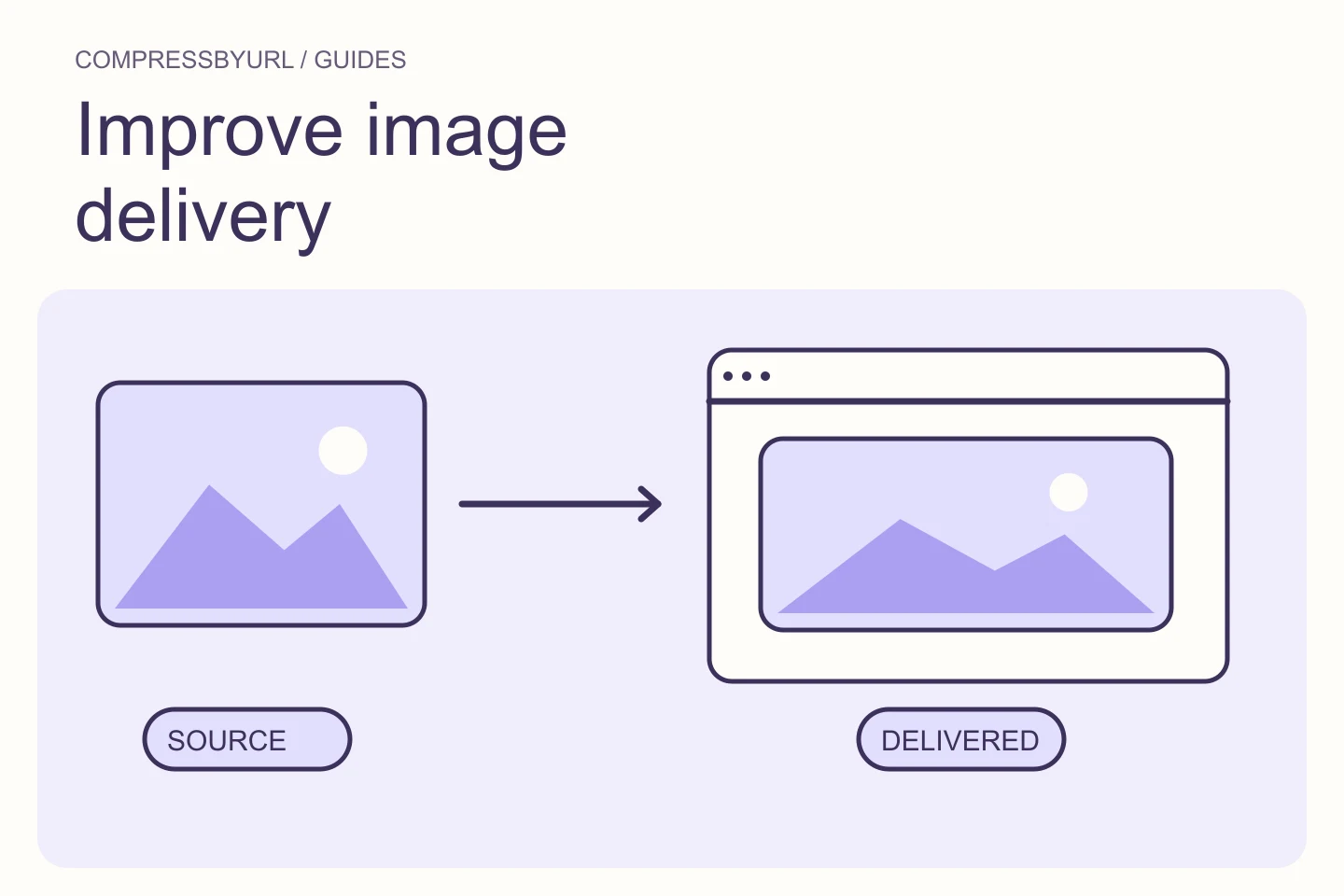
Diagnose PageSpeed image delivery warnings by separating oversized pixels, inefficient encoding, and slow loading. Includes a deployment checklist.
For the people building a faster web. Practical guides to lighter images, better delivery, and the audits that point you in the right direction.
Understand PageSpeed, GTmetrix, LCP, and the images behind your report.
Diagnose PageSpeed image delivery warnings by separating oversized pixels, inefficient encoding, and slow loading. Includes a deployment checklist.
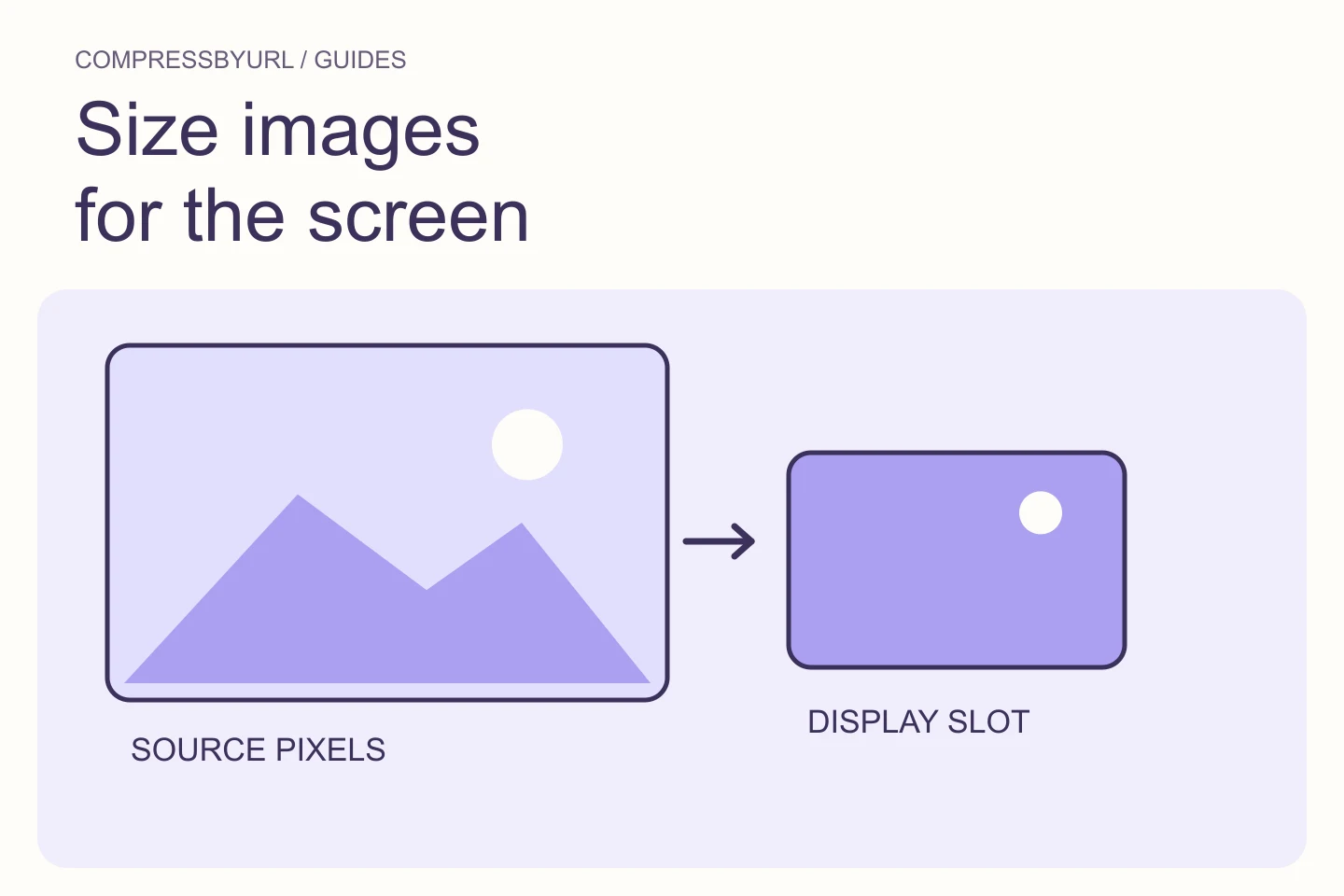
Find oversized image variants in GTmetrix, calculate a sensible pixel width, and deploy responsive replacements without sacrificing desktop clarity.
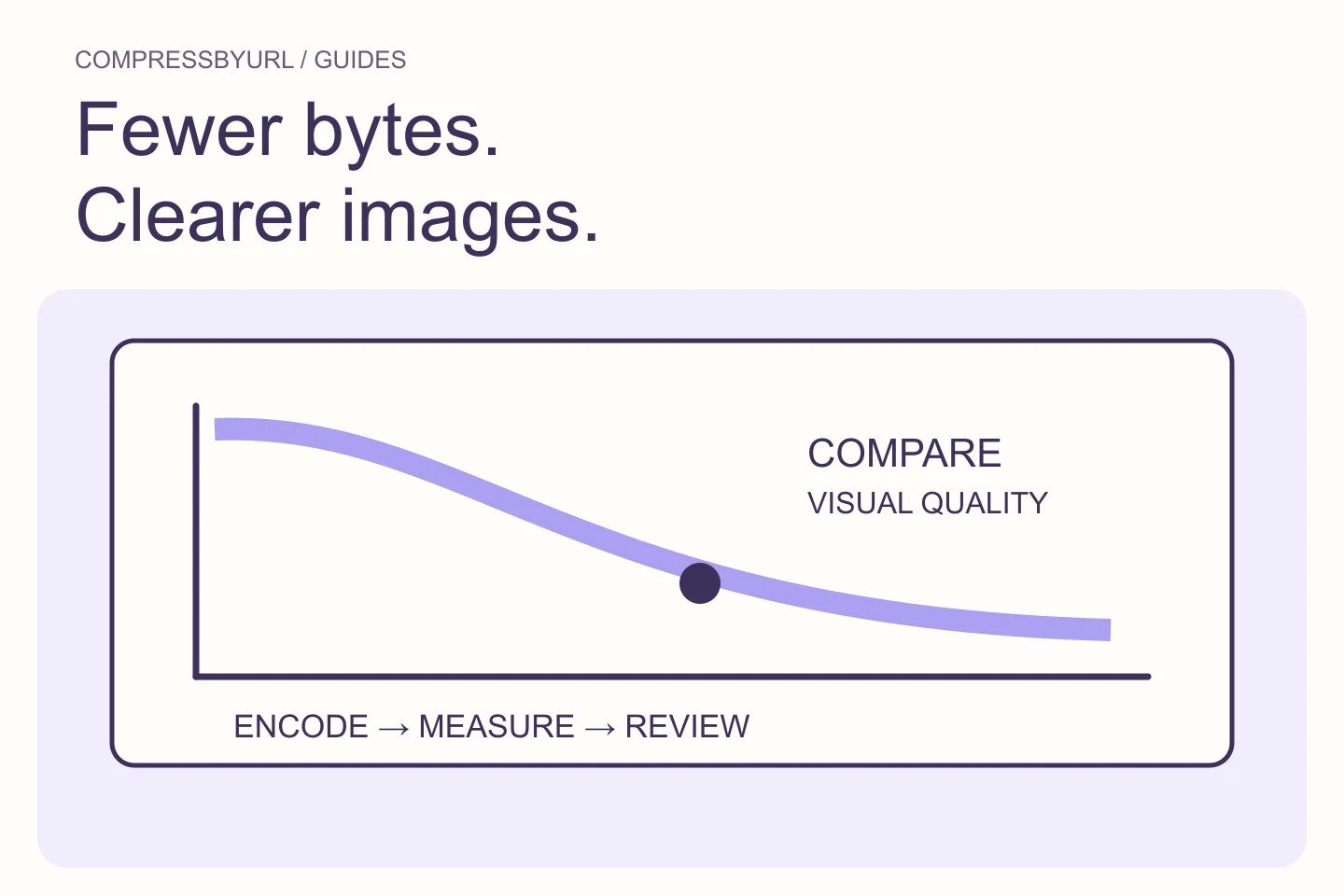
Reduce unnecessary image bytes without confusing compression with resizing. Use a practical export comparison and verify the replacement on your live page.
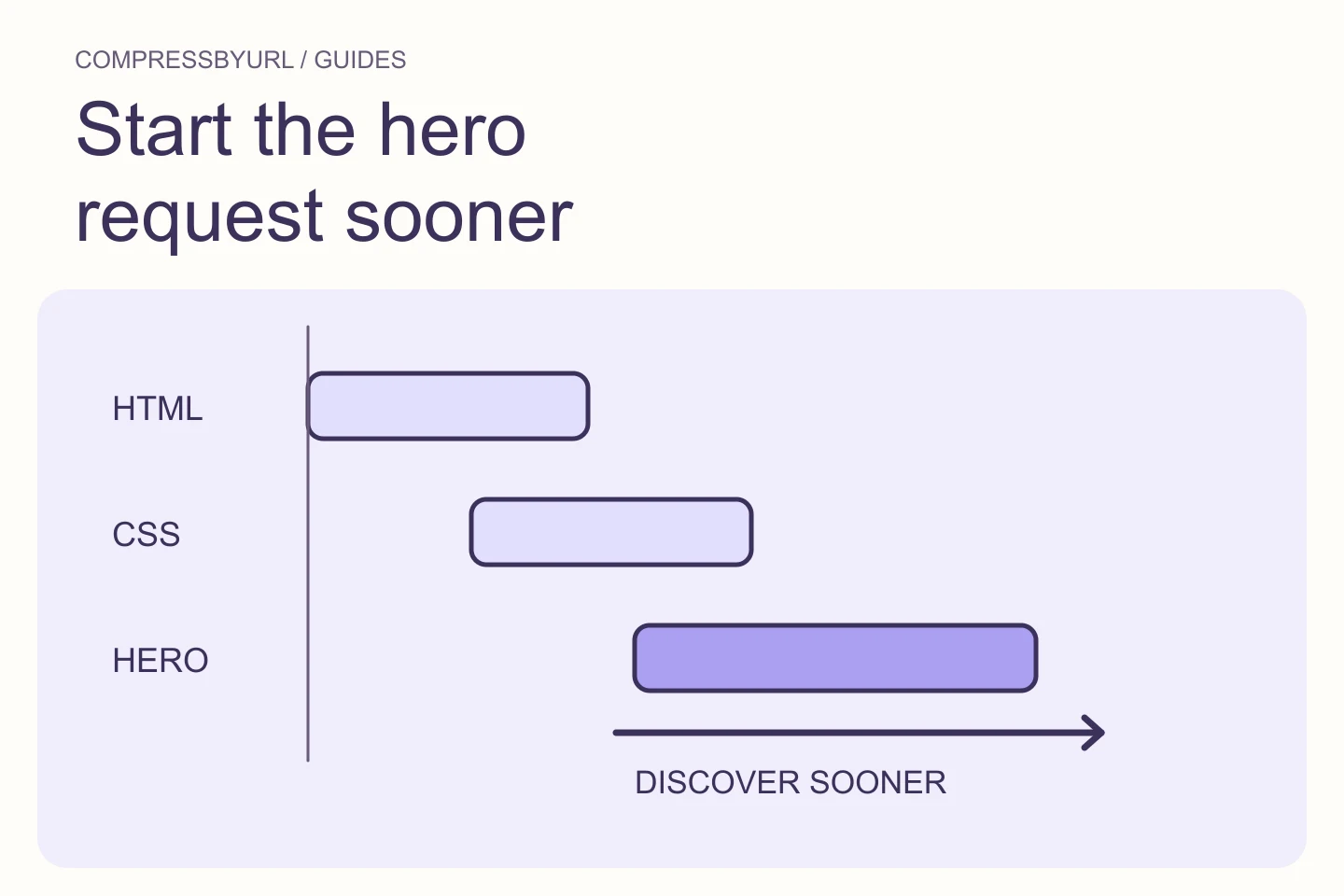
Find why your hero image starts late, separate LCP timing stages, and remove discovery delays without preloading every image on the page.
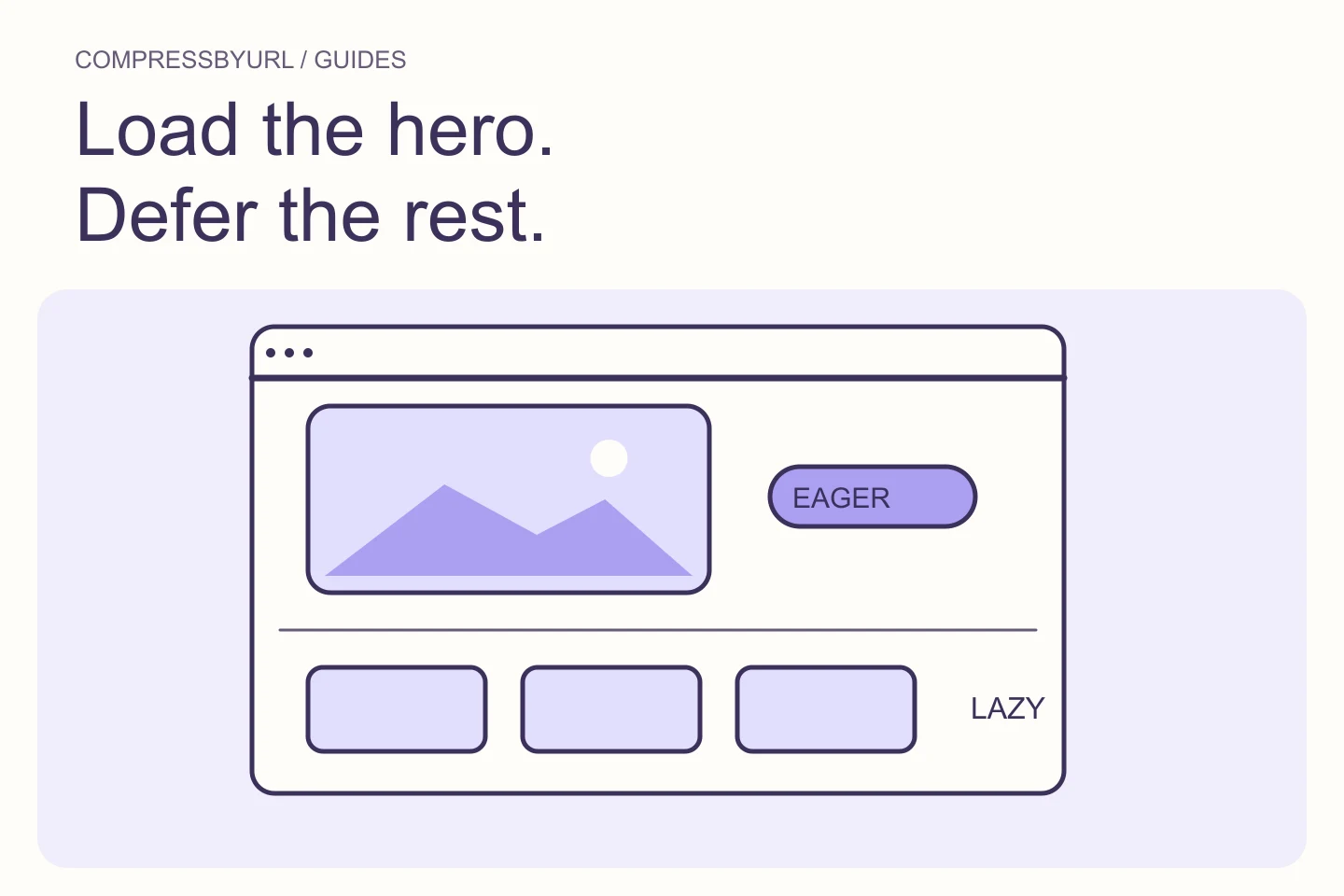
Choose an eager policy for critical first-view images and lazy loading for offscreen content. Diagnose hero delays without disabling lazy loading site-wide.
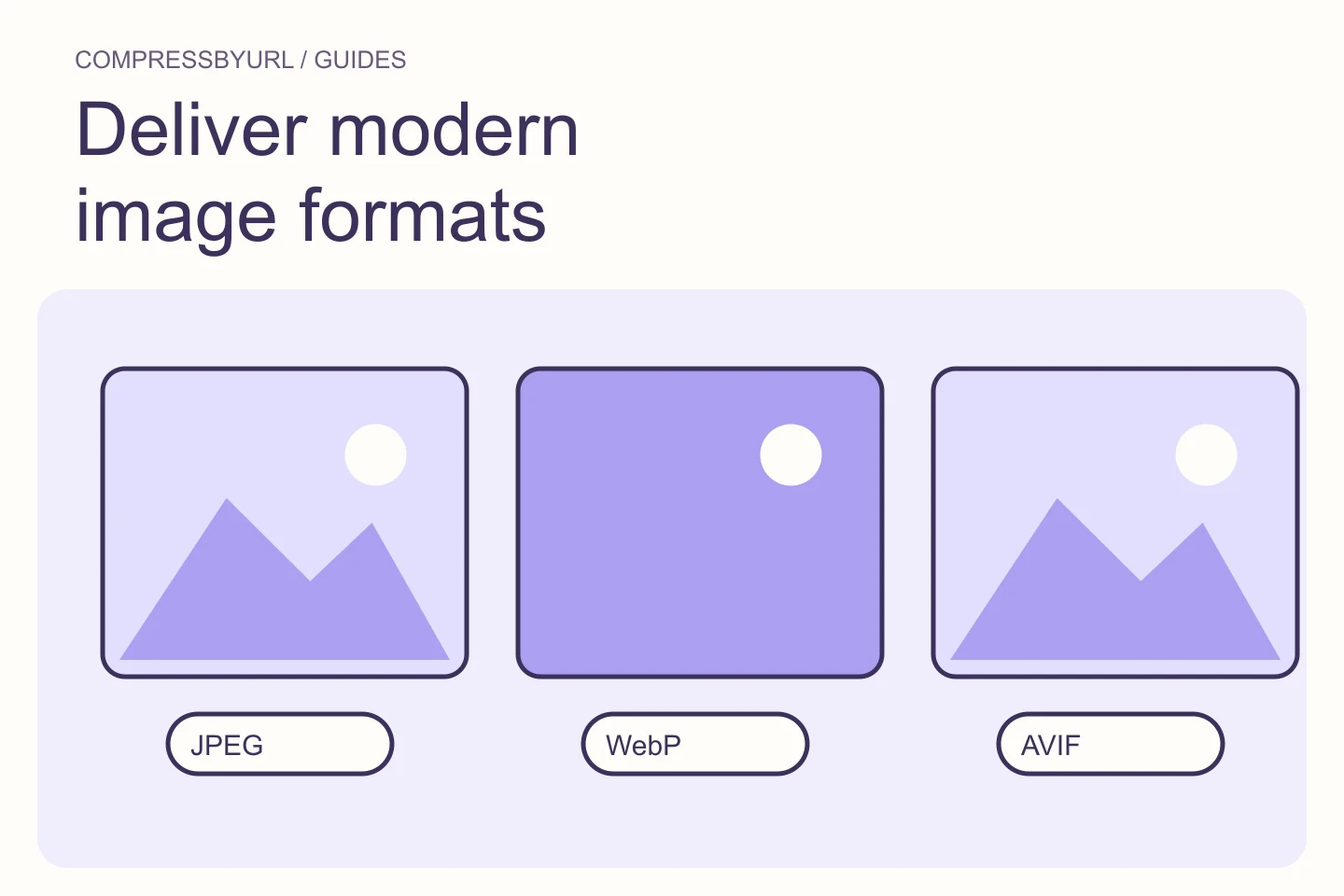
Convert suitable images to WebP or AVIF, update responsive references, and confirm the live response rather than simply renaming the file extension.
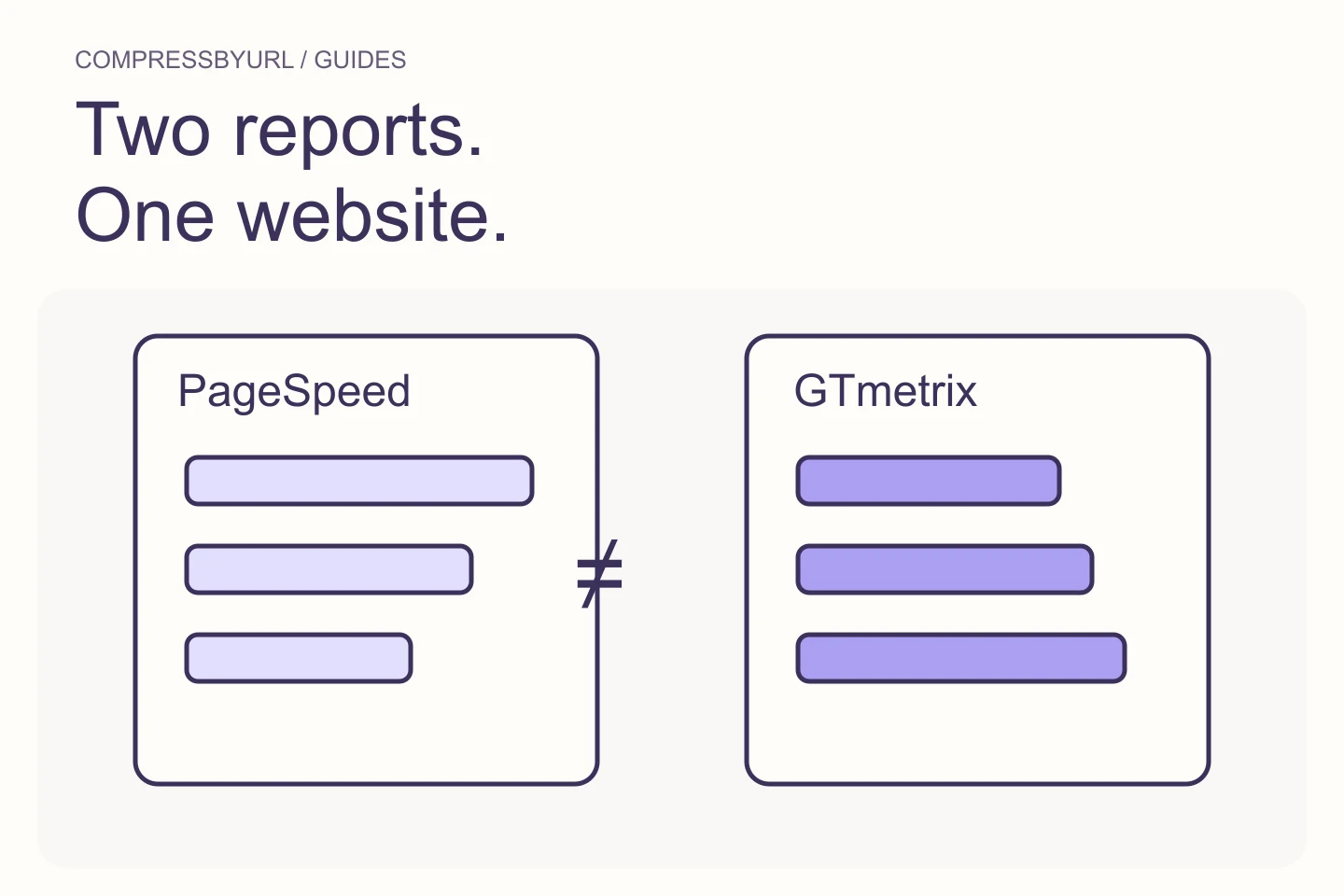
Compare image findings across PageSpeed Insights and GTmetrix by aligning test settings, selected resources, lab metrics, and available field data.