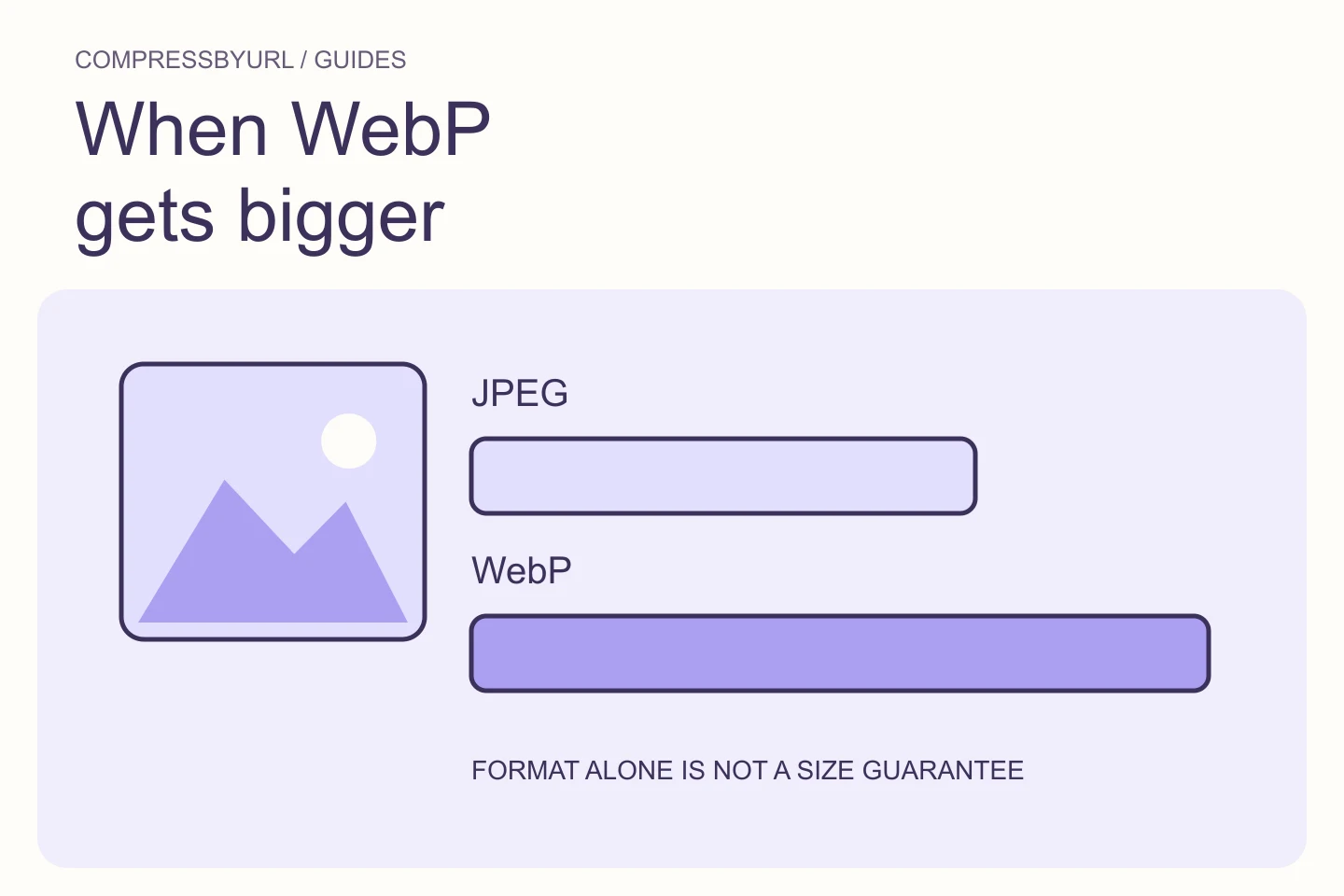
Why your WebP is bigger than the original JPEG
Diagnose WebP conversions that grow in size by checking dimensions, lossy versus lossless settings, source quality, and actual visual acceptance.
For the people building a faster web. Practical guides to lighter images, better delivery, and the audits that point you in the right direction.
Make better decisions about formats, dimensions, quality, and file size.
Diagnose WebP conversions that grow in size by checking dimensions, lossy versus lossless settings, source quality, and actual visual acceptance.
Reduce screenshot weight with lossless optimization, intentional crops, and careful resizing. Avoid blurry labels and damaged transparent edges.
Meet a 200 KB upload limit by balancing dimensions, format, and visual clarity. Learn when quality alone cannot reach the target and how to verify the output.
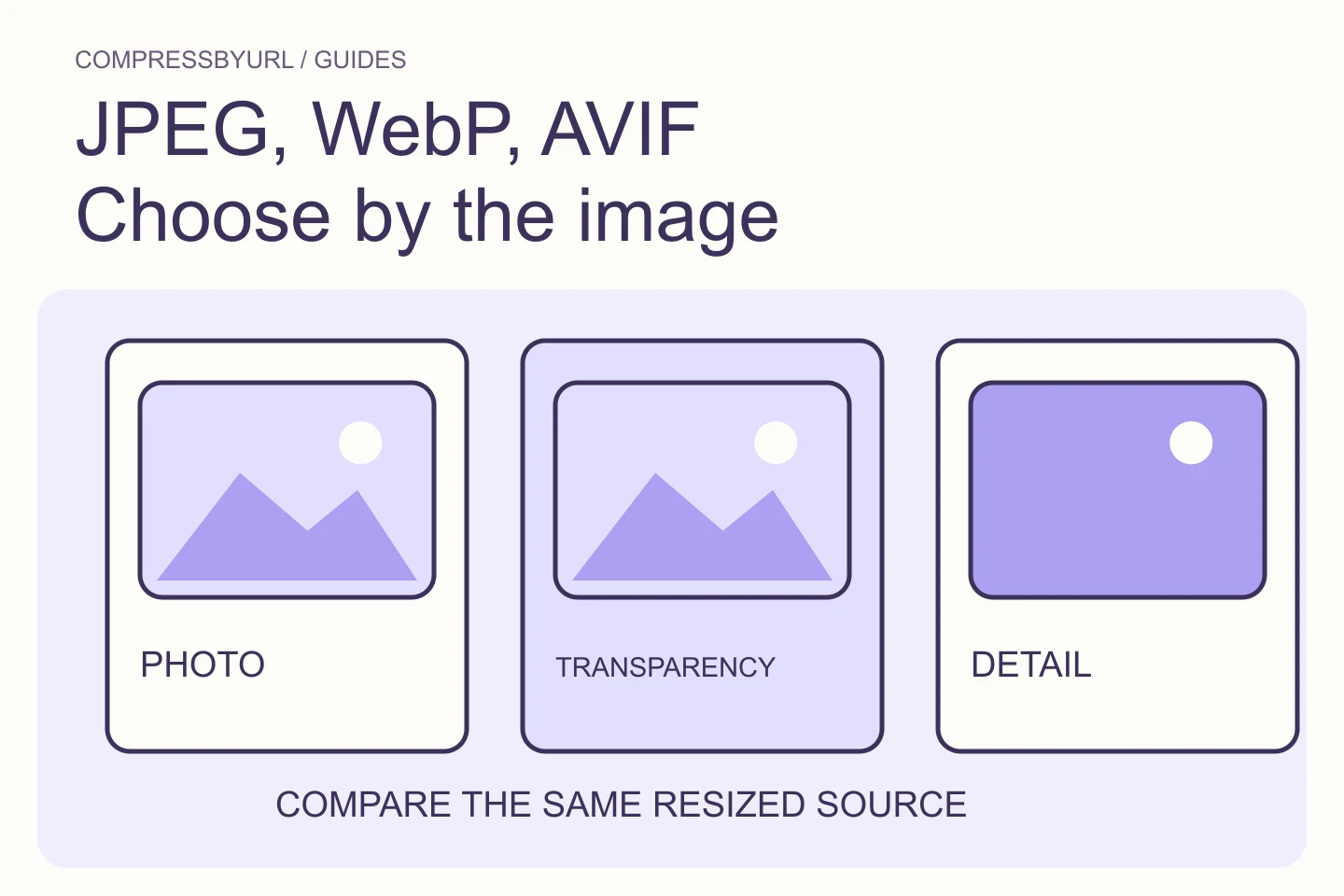
There is no permanently smallest format for every image. Start with the content, browser requirements and transparency needs, then compare outputs from the same source.
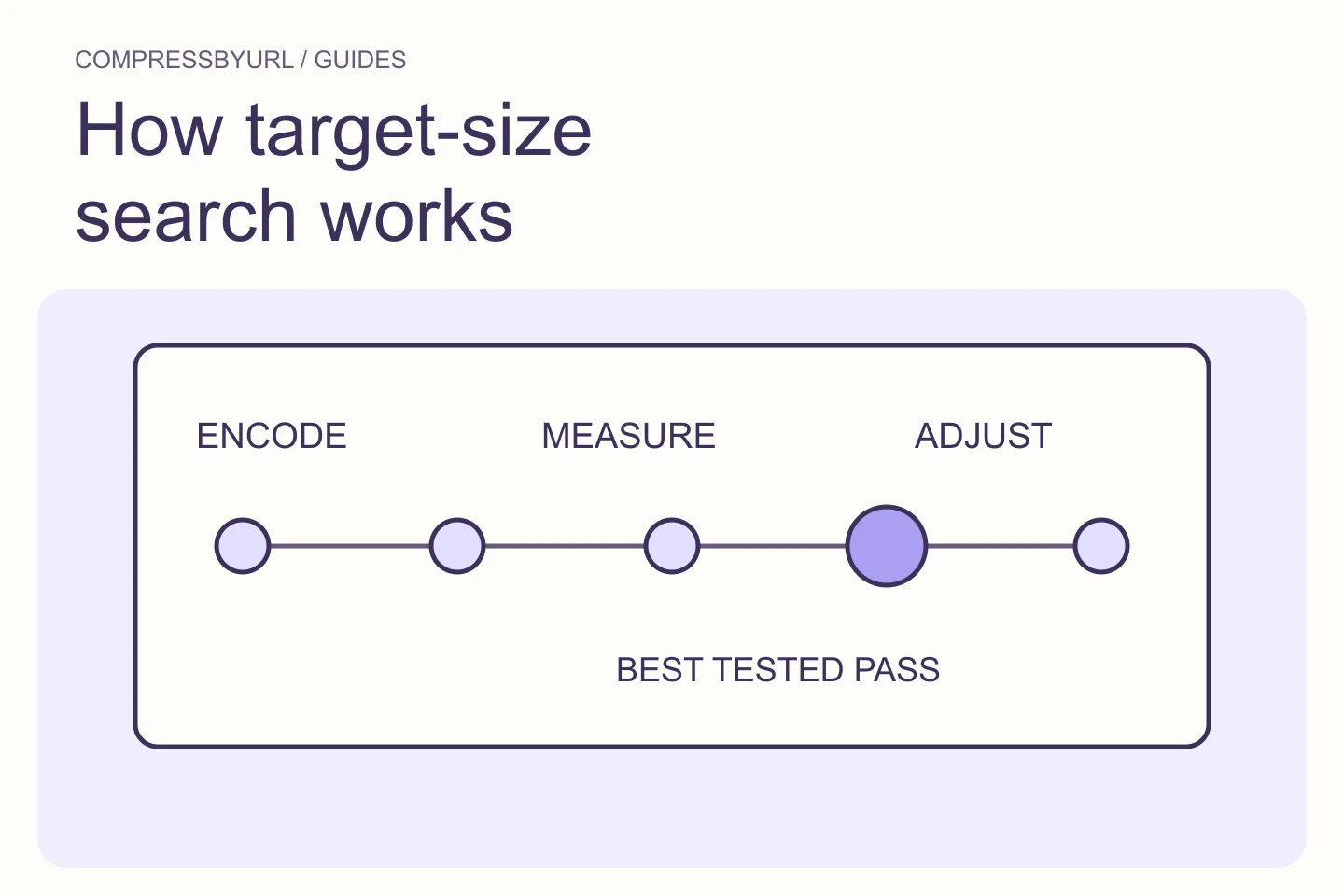
A target such as 200 KB is a constraint, not a quality setting. A useful compressor searches for the best tested output under that ceiling and admits when quality alone cannot get there.