The short answer
- Hold dimensions constant before judging the format.
- Compare visual quality rather than matching slider numbers.
- Keep the original when a new export offers no useful benefit.
On this page
Compare the two actual files before drawing a conclusion
Record bytes, pixel dimensions, and transparency for the input and output. Confirm that the output really is WebP rather than a renamed file or an unsupported browser fallback. Open both in a view where the image is displayed at its intended size.
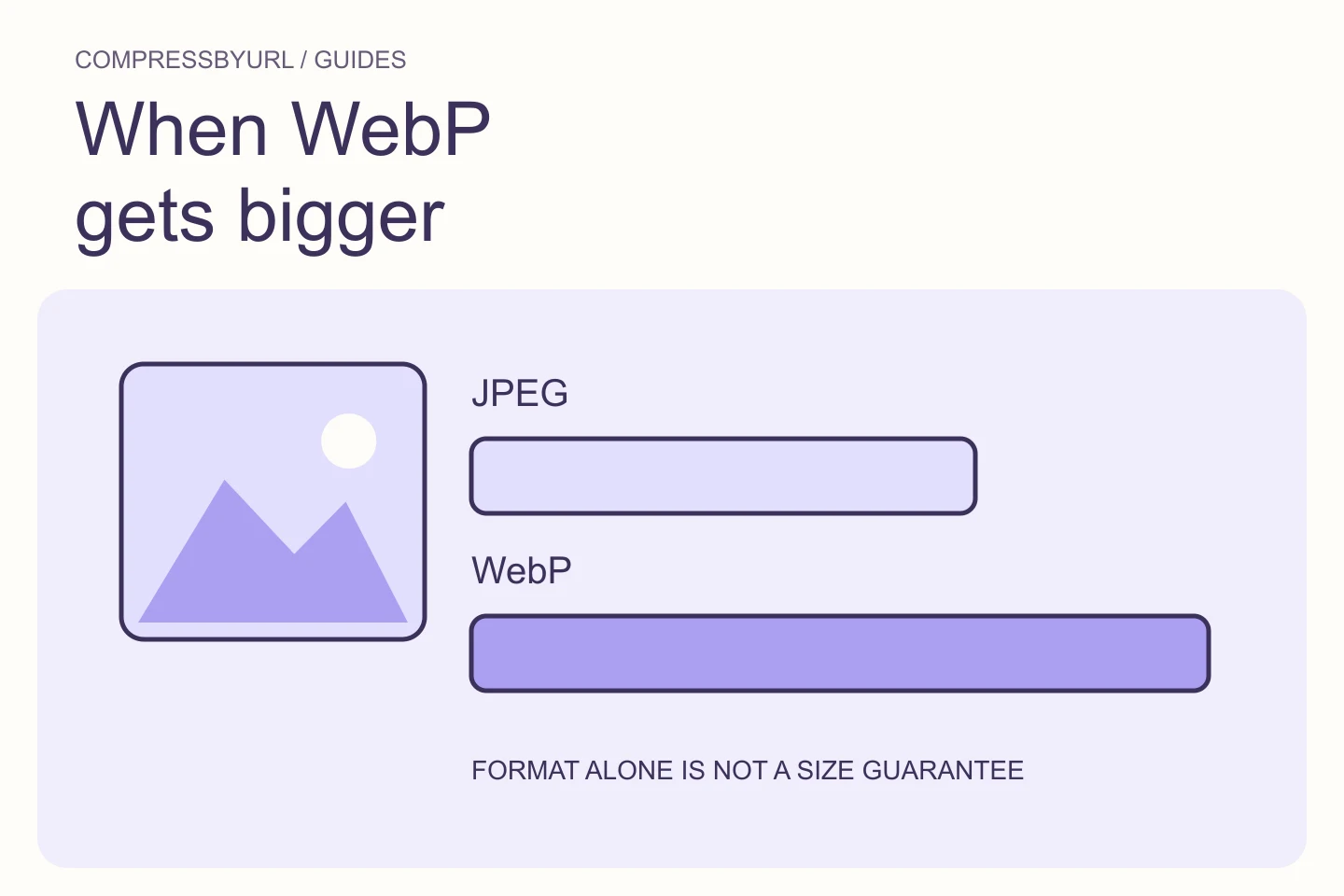
If the output grew in dimensions or gained unnecessary metadata, you are not testing format alone. Keep an untouched original and a simple worksheet. A tiny already compressed JPEG is a different starting point from a large high-quality camera source. The same conversion settings do not produce equal relative savings across those cases.
Check whether the export path is lossless or unusually conservative
MDN’s format guide distinguishes the capabilities of JPEG, WebP, and other image containers. WebP can be used in different encoding modes. A lossless or very conservative export may preserve detail the JPEG source has already discarded and can therefore produce a larger result.
Inspect the tool’s actual mode, not just the output extension. If your workflow requires lossless preservation of the decoded source, a larger result might be an acceptable tradeoff. If your goal is a visually equivalent web photograph, compare a suitable lossy path instead. The correct choice follows the image’s purpose.
Do not compare equal quality numbers across encoders
A quality value is an encoder control, not a universal visual unit. The same number on two export paths does not establish that they preserve the same detail or produce the same bytes. Compare the actual result, especially textures, gradients, and fine edges.
Prepare a small set of outputs from the same resized source. Reject unacceptable artifacts and compare the remaining file sizes. Avoid lowering quality repeatedly on the last lossy output; return to the original for each candidate. You cannot restore information previously removed from a JPEG by converting it to another container.
Check dimensions before spending time on marginal savings
A large source used in a small slot may offer more useful savings from resizing than from changing format at full resolution. In an illustrative card, a 2400-pixel source displayed at 300 CSS pixels deserves a sizing investigation before a series of format experiments.
Choose a candidate width that suits the real layout and supported density. Then compare JPEG and WebP at that width. Keep a separate larger variant if another component needs it. Do not compress the sole master into a thumbnail just because one page use is small.
Inspect browser export support in custom workflows
If you are writing a canvas-based exporter, inspect the returned blob’s type and whether export succeeded. MDN documents toBlob behavior, including supported type handling. The requested MIME string alone is not proof that the browser produced the intended output.
For a custom application, treat output validation and error handling as part of the encoder interface. A fallback or null result should not be silently saved under a misleading extension. In a user-facing tool, compare the named output format with the actual downloadable file and communicate unsupported paths clearly.
Keep the smaller acceptable file without format loyalty
If the original JPEG remains smaller and visually suitable, keep it unless your delivery requirements provide another reason to change. A mixed-format website is ordinary. Consistency in crop, dimensions, and publishing standards matters more than converting every file to one extension.
Use the image converter to create a controlled comparison, then deploy only an accepted improvement. Record the before/after file bytes and chosen dimensions. If a conversion grows, that observation is useful evidence for this image. It does not prove that the format is bad or that every future conversion will behave the same way.
| Possible reason | Check |
|---|---|
| Different dimensions | Compare actual pixel widths and heights |
| Lossless or high-quality output | Inspect encoder mode and visual requirement |
| Already efficient input | Compare measured candidate bytes |
| Unsupported custom export | Check blob type and export result |
Common questions
Is a larger WebP always a converter bug?
No. Encoding mode, source quality, dimensions, and export behavior can all explain it. Compare the actual files before assigning a cause.
Should I discard JPEG on every webpage?
No. Keep a JPEG when it meets compatibility and quality needs and compares well against alternatives.
Sources and further reading
Technical references for the concepts in this guide. Examples with hypothetical values are illustrations, not measured results.