The short answer
- Compare modern formats on the same resized pixels.
- Update srcset and picture references along with src.
- Confirm the delivered content type and quality.
On this page
Use the report to identify a real delivery change
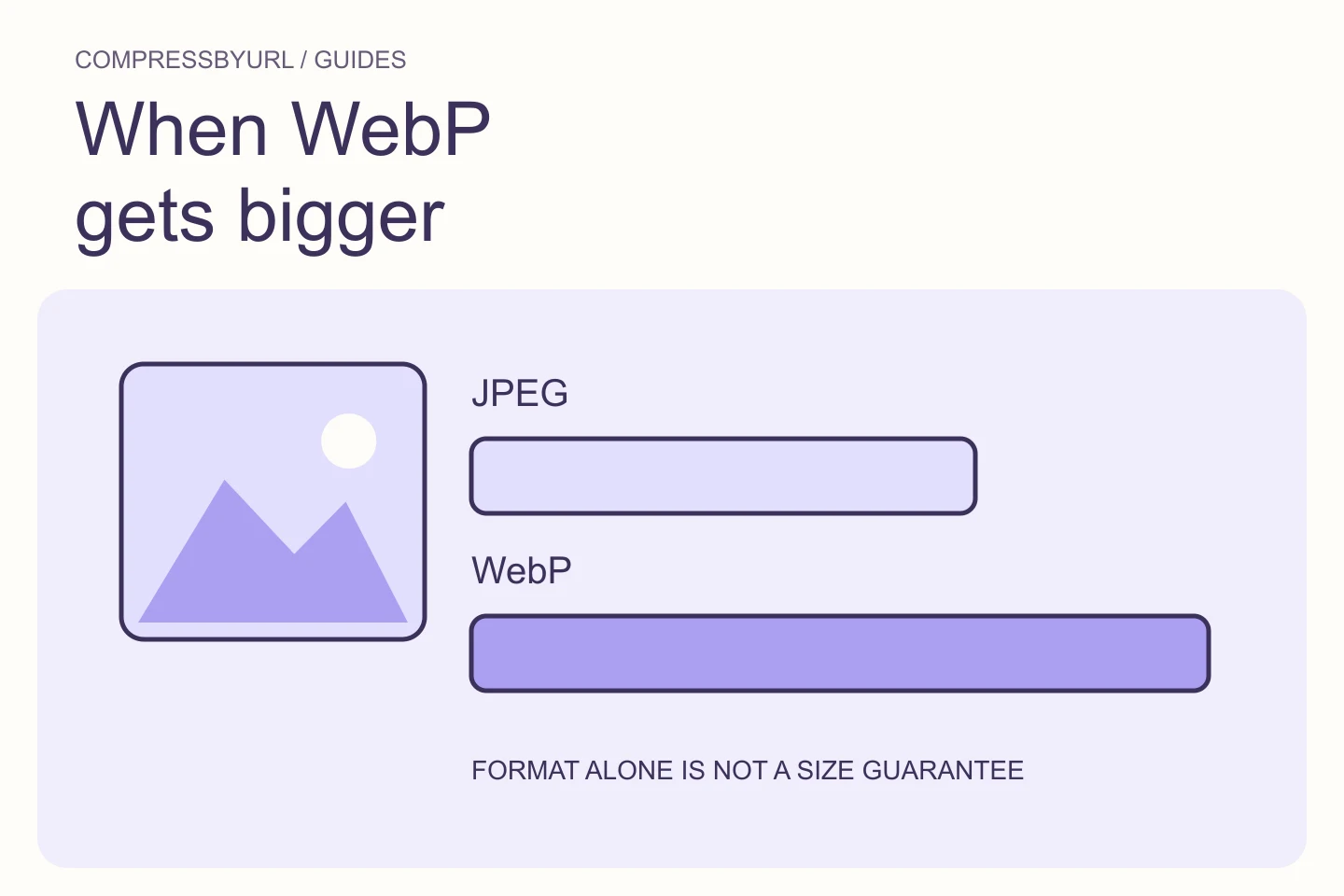
GTmetrix’s modern-format recommendation highlights image resources that may benefit from different encoding. Start with the reported URL and its page role. The finding does not establish that every image should be converted or that AVIF will always beat WebP for your content.
Create a worksheet with original dimensions, original bytes, required transparency, and the template reference. Note which browsers and downstream systems your project supports. A downloadable asset intended for another application may have different compatibility needs from a photograph displayed only on a webpage. Make those requirements explicit before selecting an output.
Compare candidates from the same source pixels
Choose the intended dimensions and crop first. Export a WebP candidate and, where supported by your workflow, a static AVIF candidate from that same source. Compare the visible result and measured bytes. Do not use equal numeric quality values as proof of equal quality across encoders.
Inspect faces, fine patterns, text, and gradients. If a candidate is only slightly smaller but much more expensive to generate or awkward to deploy, document that tradeoff. Keep an existing efficient file when the conversion does not produce an acceptable saving. Your decision should survive the removal of the audit label.
Preserve transparency and static-image boundaries
Check transparent logos against both the actual background and a contrasting inspection background. A solid-background export can hide the loss of alpha until the image is used elsewhere. JPEG is not an appropriate replacement when transparency is required.
This workflow concerns static images. CompressByURL does not optimize animated GIF, WebP, or AVIF. Do not import an animation and assume a static result preserves its meaning. Keep animated assets in a separate workflow and record them as outside this tool’s scope. A speed recommendation should not quietly erase useful content.
Update the complete set of page references
Change the image source and any responsive candidates that still point to the previous format. If picture provides alternatives, check the source order, media conditions, and declared types. If your framework or CDN negotiates formats, inspect the actual response rather than assuming a filename extension describes the bytes.
Do not rename a JPEG to .webp. Conversion means creating a genuinely encoded output, serving the appropriate content type, and having the page request it. Update caches or versioned URLs using your existing hosting workflow. Preserve the original source in your archive so future changes do not start from a lossy derivative.
Validate desktop and mobile delivery separately
A desktop report can pass while a mobile source still points to an older large file. Load the page freshly at each important layout and inspect the selected resource. Compare transferred bytes and visual quality. If the page uses different crops, verify both compositions rather than only the format label.
Check the fallback path when your project actually requires one. Avoid adding unnecessary parallel downloads. Watch for images loaded from both a CSS background and an ordinary image element. The useful result is one appropriate requested resource for each visible image, with intentional alternatives rather than duplicate requests.
Keep score claims separate from file improvements
Suppose a controlled example produces an acceptable 120 KB WebP from a 240 KB source. That is a 50% file-size reduction for that example. It is not evidence of a 50% LCP reduction, a ranking increase, or approval by an advertising platform. Measure page behavior after publishing.
Use the converter for owned assets, download the approved output, and deploy through your site’s template or CMS. Re-run the report under the same settings and inspect remaining flagged URLs individually. Keep a conversion only when it meets the image’s purpose and your delivery requirements.
| Observation | Meaning |
|---|---|
| New extension, old encoded bytes | Renaming did not convert the image |
| Converted file, old srcset | Some layouts may still request the original |
| Correct format, excessive dimensions | Sizing remains a separate opportunity |
Common questions
Is AVIF always the best output?
No. Compare actual visual quality, bytes, encode cost, and delivery compatibility for the specific image.
Will changing the extension satisfy the recommendation?
No. The file must actually be encoded in the intended format, and the page must request that output.
Sources and further reading
Technical references for the concepts in this guide. Examples with hypothetical values are illustrations, not measured results.