Choose analytics

Essential browser storage remembers your tool settings. Optional analytics helps us understand site use and loads only if you accept it. Image files, filenames and submitted URLs are not sent to analytics.

Read the Cookie Policy
Skip to content
CompressByURL
CompressConvertResizeTarget sizeBy URLWebsite scannerBlog
Start compressing

Compress images from files or URLs.

Make images smaller, convert formats and fix heavy webpage assets.

tuneSettings

Upload and compress images

Three image tiles becoming one smaller image tile

Drop or paste images here

JPEG, PNG, WebP or static AVIF. Add one file or a whole batch.

  • JPEG
  • PNG
  • WebP
  • AVIF
Three image tiles becoming one smaller image tile

Paste an image URL

Fetch one public image, then compress and download it locally.

HTTP or HTTPS · JPEG, PNG, WebP or static AVIF · up to 25 MB

shield_lockImport a public image. Compression and downloads happen on your device.

Three image tiles becoming one smaller image tile

Audit webpage images

Audit discoverable images, dimensions, formats and optimization issues.

One public HTTP or HTTPS page · no full-site crawling

shield_lockScan one public page, choose images, then optimize them on your device.

lockLocal files never leave your device.

One optimization engine, wherever your image starts.

Use files already on your device, fetch one public image URL, or scan a webpage for image candidates. Compression, conversion, resizing and downloads still happen in your browser after an image is selected.

Mascot uploading a collection of image files
upload_file

Upload files

Compress batches of JPEG, PNG, WebP and static AVIF images without sending local file bytes to the server.

Open the compressor
Mascot flying at super speed delivering an optimized image
link

Use an image URL

Import one public image, then apply the same local quality, format, resize, naming and target-size controls.

Open the URL tool
Mascot reviewing a website image before optimization
travel_explore

Scan a webpage

Find discoverable image candidates on one public page, select the useful ones and create a local replacement bundle.

Open the scanner
shield_lock

Your local images stay local.

Upload mode decodes, resizes, compresses, converts and packages images on your device. Local filenames, pixels and metadata are not sent to our server for processing.

URL modes make limited network requests because remote resources must be fetched. Private networks are blocked, redirects and content types are checked, and fetched images return to the browser for optimization.

Static formats
JPEG · PNG · WebP · AVIF
Local workflow
Compress · resize · convert · ZIP
URL scope
One image or one webpage at a time

Small files. A little know-how.

Practical notes on lighter images and the websites that serve them.

View all guides arrow_forward
arrow_outward
Web performance5 min read

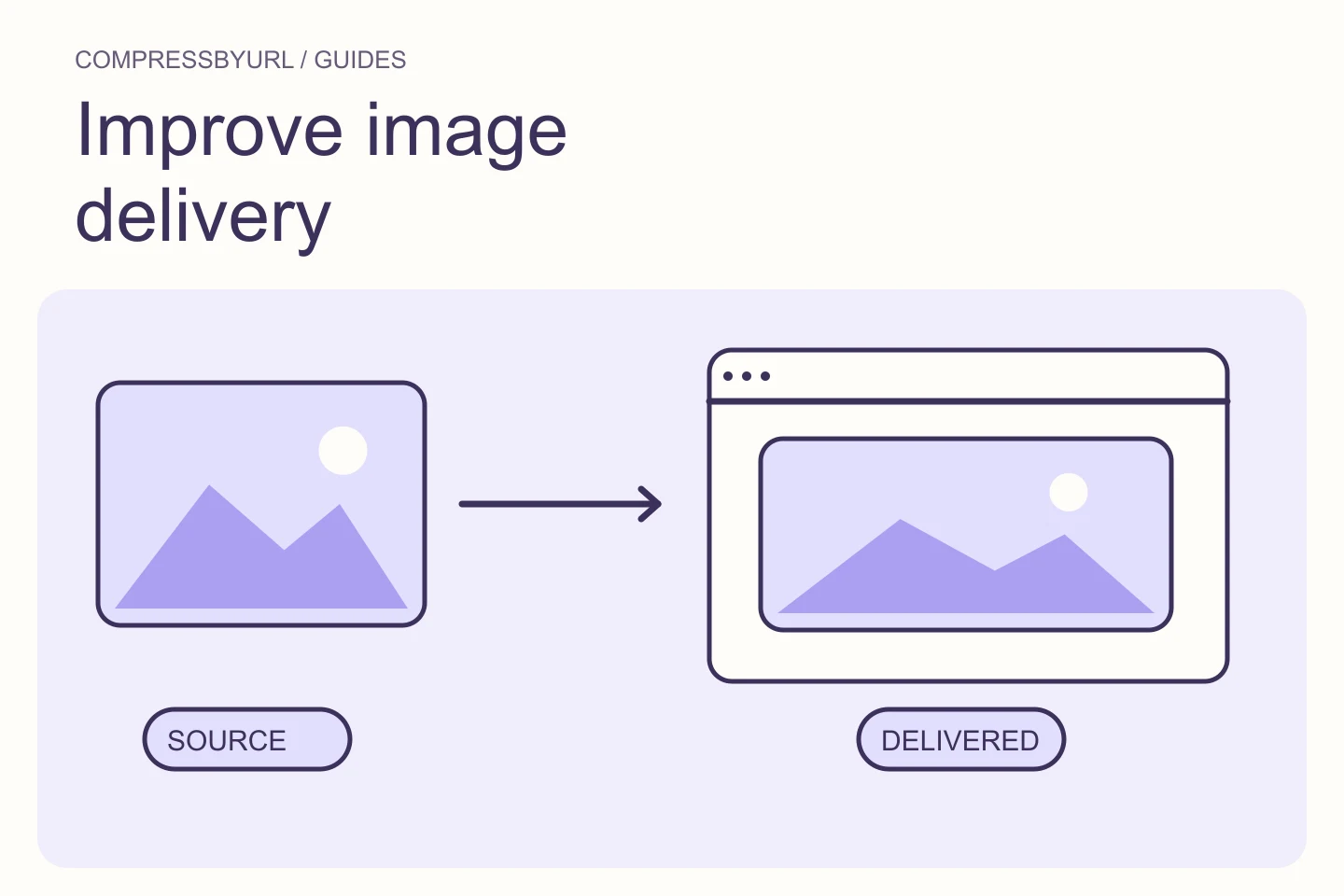
How to fix “Improve image delivery” in PageSpeed Insights

Diagnose PageSpeed image delivery warnings by separating oversized pixels, inefficient encoding, and slow loading. Includes a deployment checklist.

Oct 1, 2026
arrow_outward
Website audits3 min read

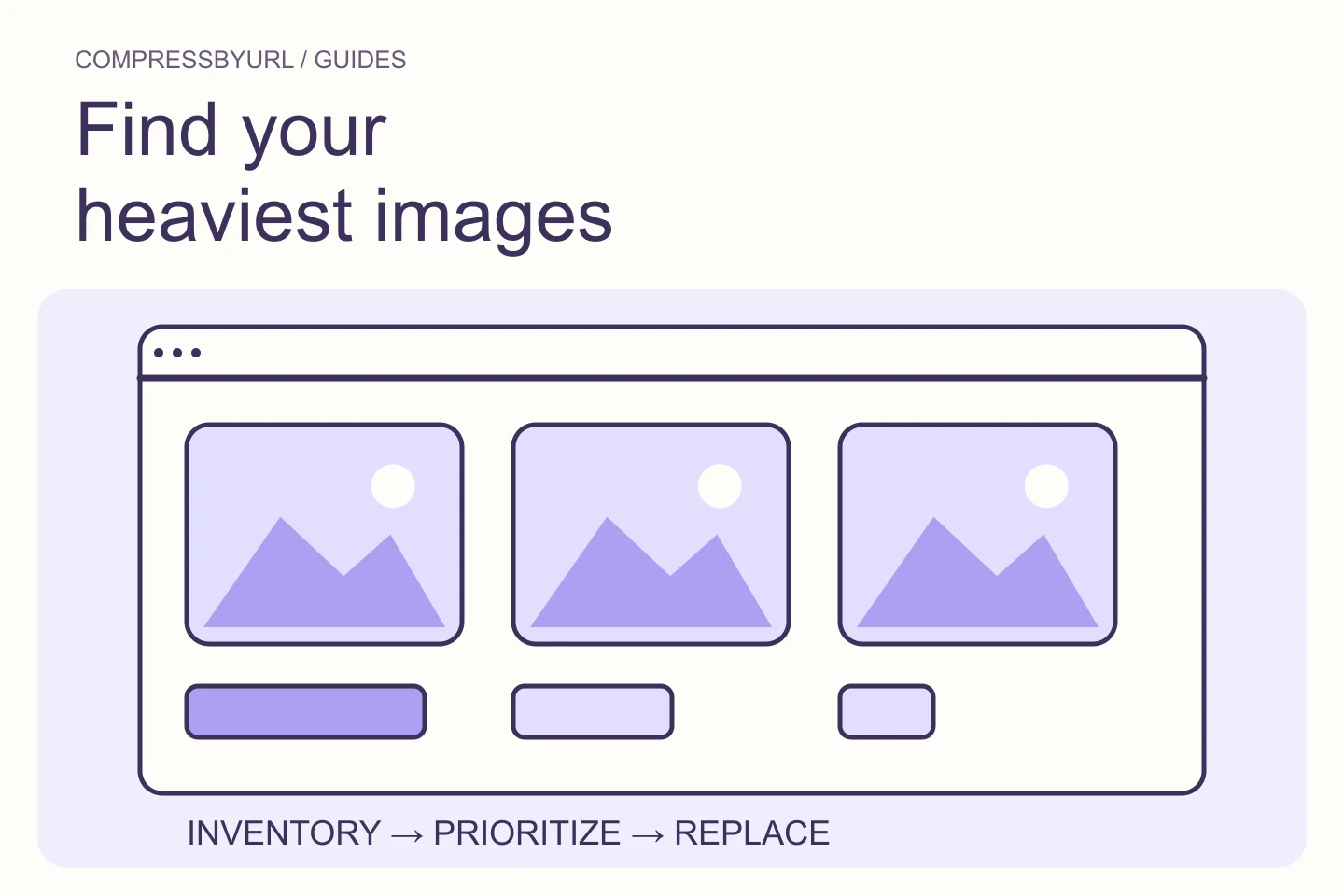
How to find large images on a website

A useful audit separates transfer weight, intrinsic pixel dimensions and rendered size. One number cannot tell you whether an image is actually a problem.

Aug 18, 2026
arrow_outward
Developer guides4 min read

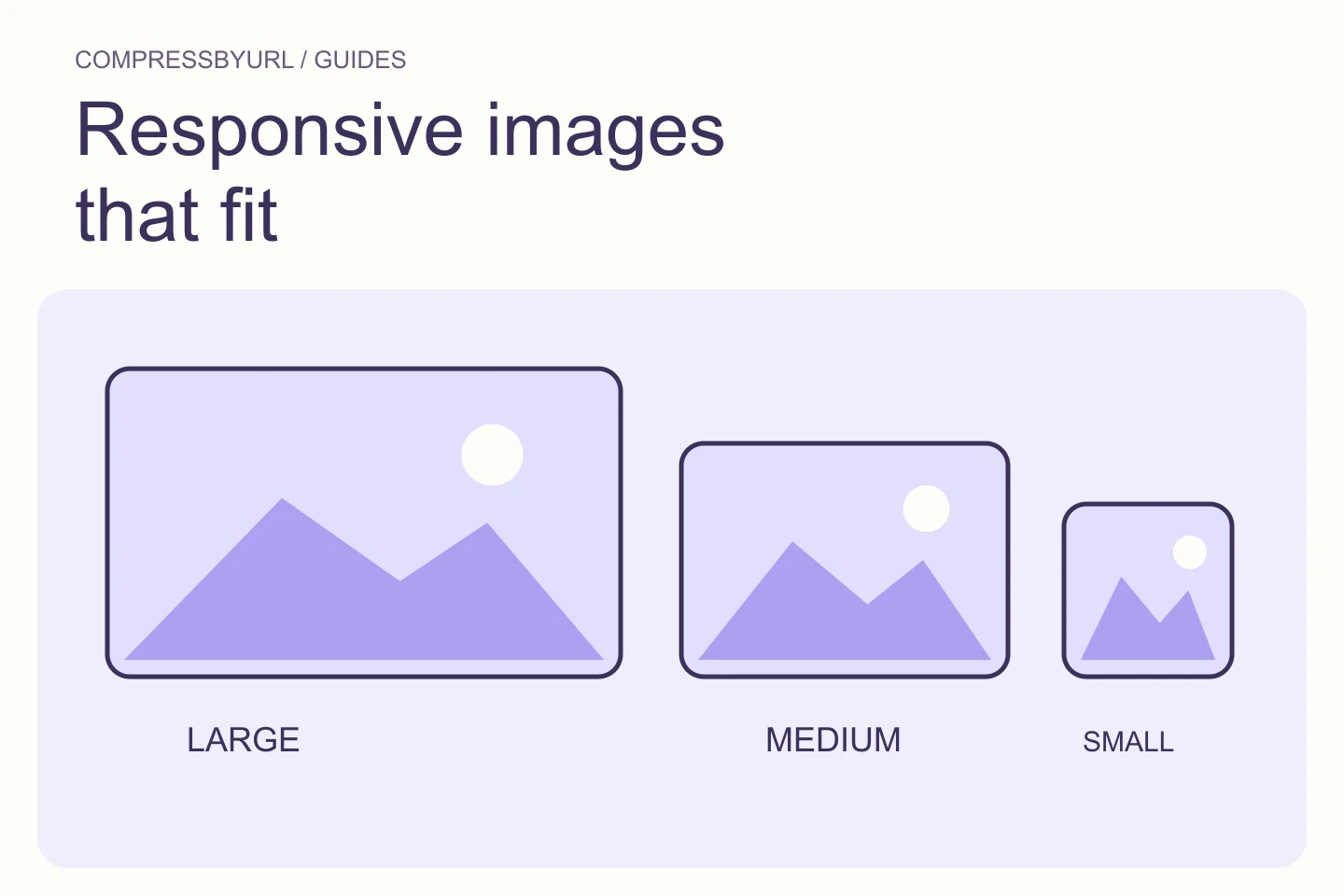
Responsive images: get srcset and sizes right for your layout

Build responsive image variants using real slot widths, pixel density, and browser-selected sources. Includes a complete HTML card example.

Sep 21, 2026
arrow_outward
Image optimization3 min read

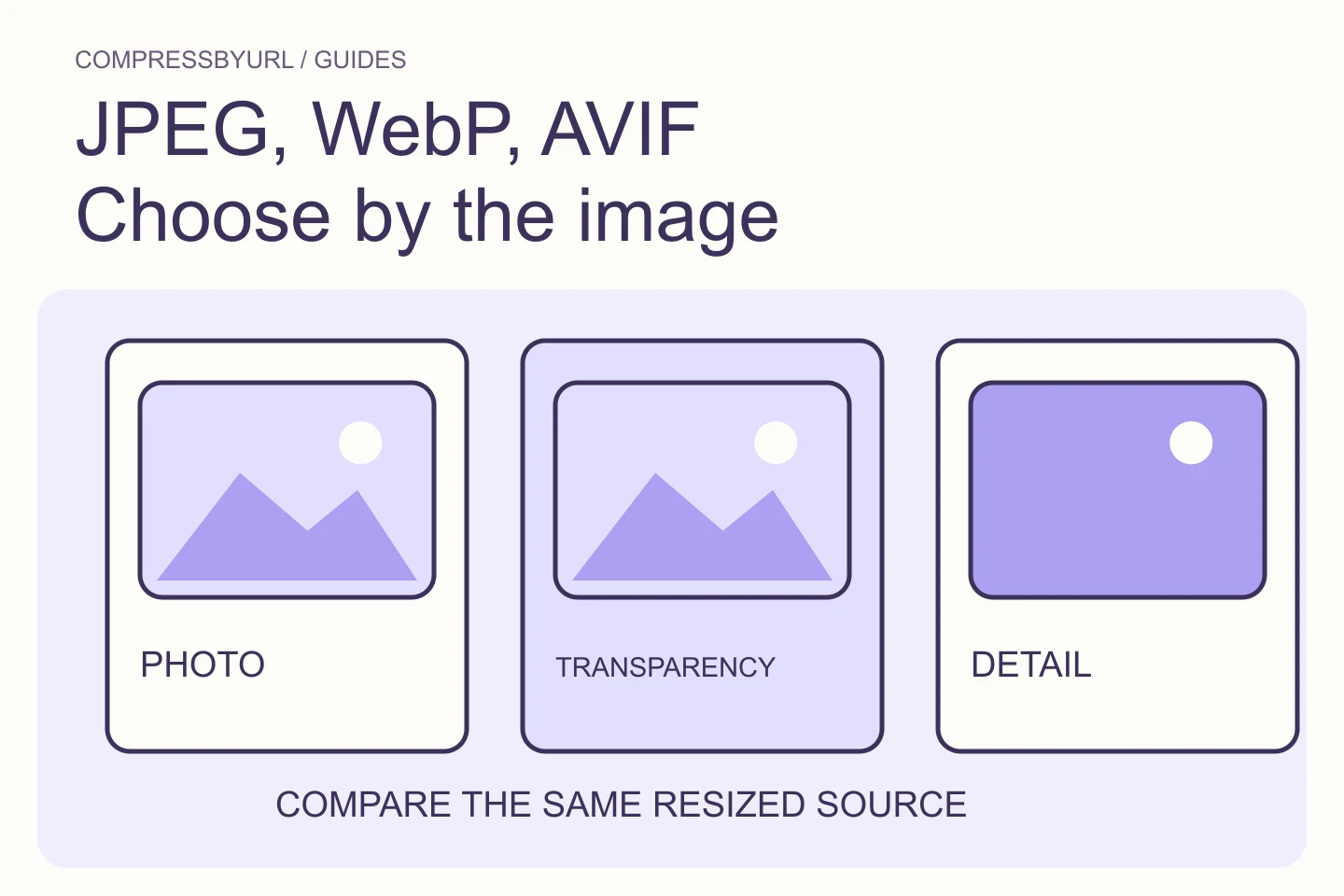
WebP vs AVIF vs JPEG: choose by the image

There is no permanently smallest format for every image. Start with the content, browser requirements and transparency needs, then compare outputs from the same source.

Aug 22, 2026
arrow_outward
Web performance4 min read

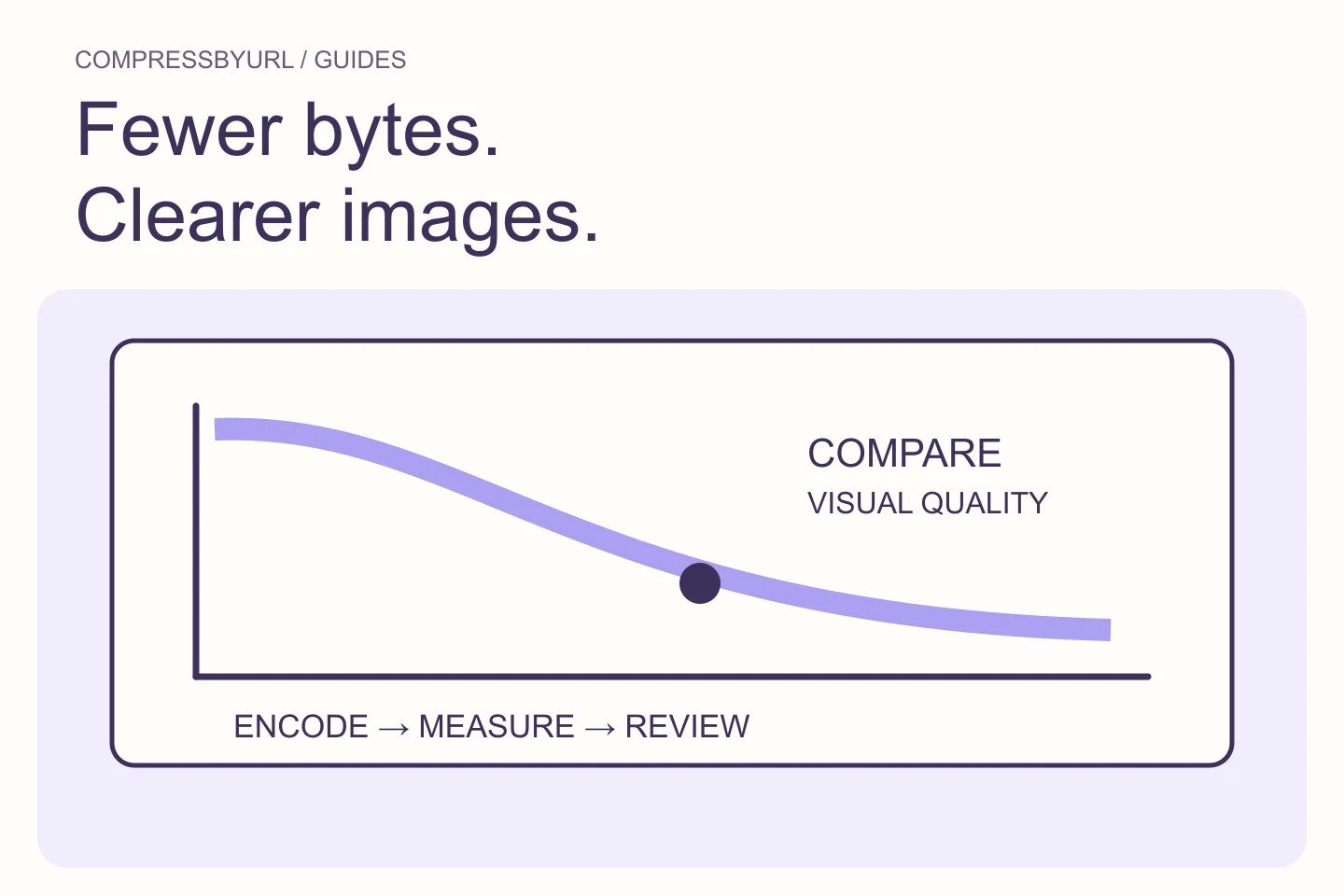
Fix GTmetrix “Efficiently encode images” with a controlled quality check

Reduce unnecessary image bytes without confusing compression with resizing. Use a practical export comparison and verify the replacement on your live page.

Sep 27, 2026
arrow_outward
Image optimization4 min read

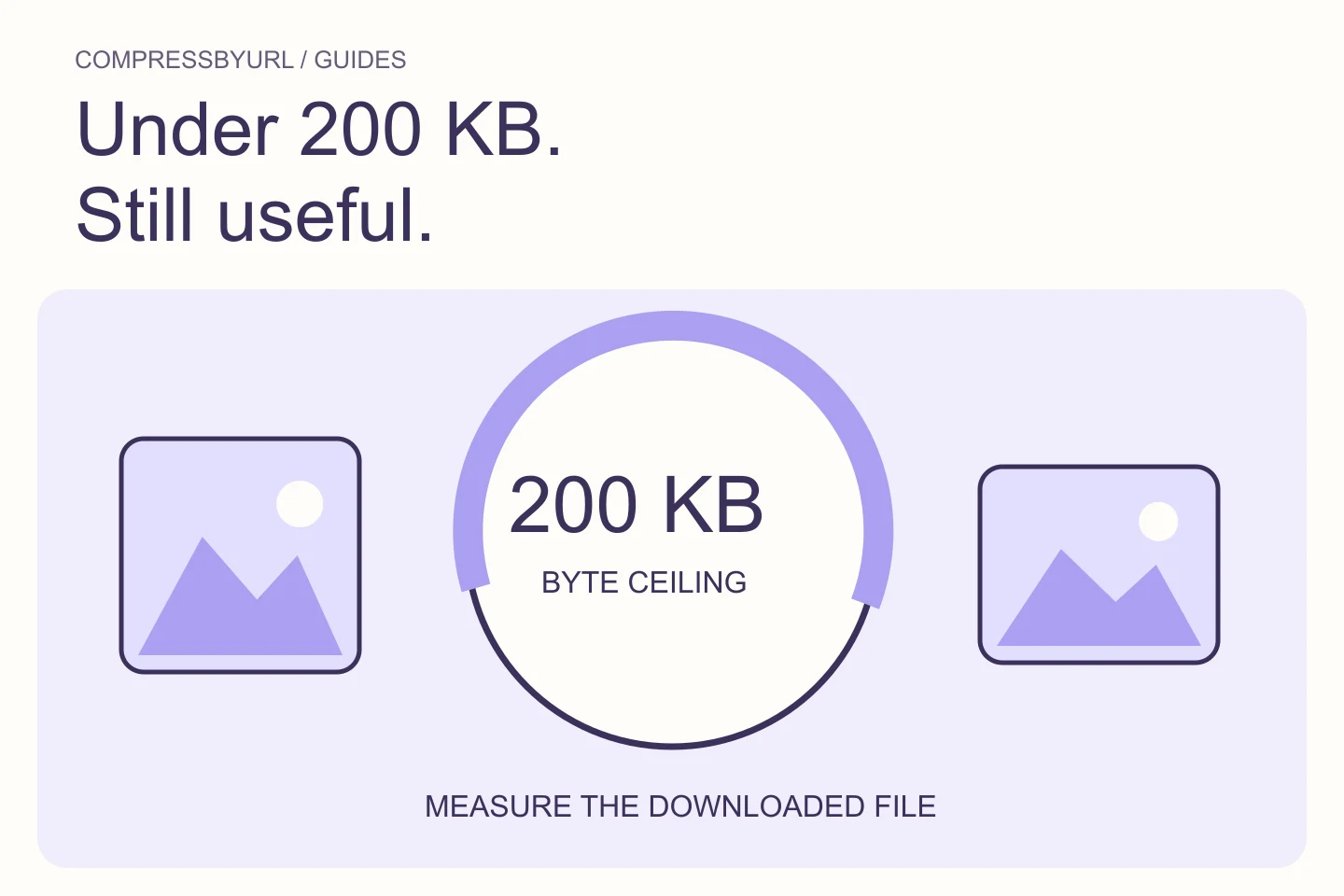
Get an image under 200 KB without making it unusable

Meet a 200 KB upload limit by balancing dimensions, format, and visual clarity. Learn when quality alone cannot reach the target and how to verify the output.
Aug 26, 2026
Explore the guides
Mascot organizing image cards for optimization

Compress images locally, from a URL, or from a webpage.

Reduce file size, convert formats and prepare web-ready assets in your browser.

Open the free image compressor
CompressByURL

Make images lighter. Keep local files private.

BlogAbout & contactPrivacyTermsCookies