The short answer
- JPEG is a safe photographic baseline without transparency.
- WebP is a balanced modern default with lossy, lossless and alpha-capable paths.
- AVIF is worth measuring when byte savings justify its encoding cost.
On this page
The useful differences
JPEG remains a dependable choice for photographs when broad compatibility and quick encoding matter. It is lossy and does not carry an alpha transparency channel.
WebP supports lossy and lossless compression plus transparency. It is a practical modern default when you want one format for photographs and transparent graphics across current browsers.
AVIF can be very efficient for photographic content and supports transparency, but encoding is usually heavier. That tradeoff matters in an interactive browser tool and in build pipelines.
| Question | JPEG | WebP | AVIF |
|---|---|---|---|
| Photo delivery | Dependable baseline | Strong general default | Worth testing for lower bytes |
| Transparency | No | Yes | Yes |
| Encoding effort | Usually lowest | Moderate | Usually highest |
| Best decision rule | Compatibility first | Balanced default | Measure savings against encode cost |
Two examples, two different shortlists
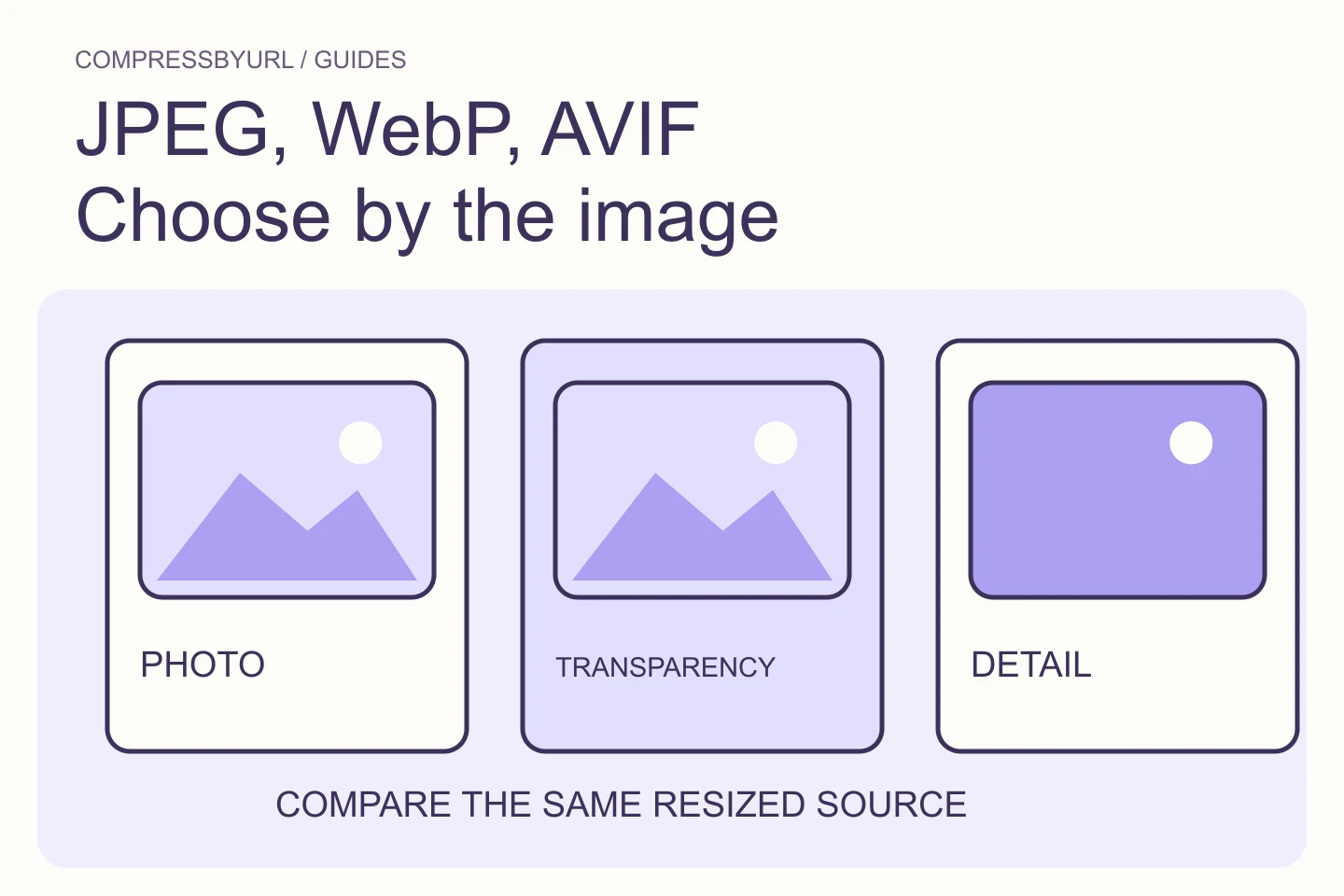
Imagine a 2400 × 1600 product photograph with no transparency. Export the same resized source to JPEG, WebP and AVIF, then compare bytes and visible detail at the intended display size. If AVIF saves only a small amount for noticeably slower encoding, WebP or JPEG may be the better operational choice.
Now imagine a logo with soft transparent edges. JPEG is removed from the shortlist because it needs a solid background. Compare PNG, WebP and AVIF instead; a photographic format comparison would answer the wrong question.
A repeatable decision process
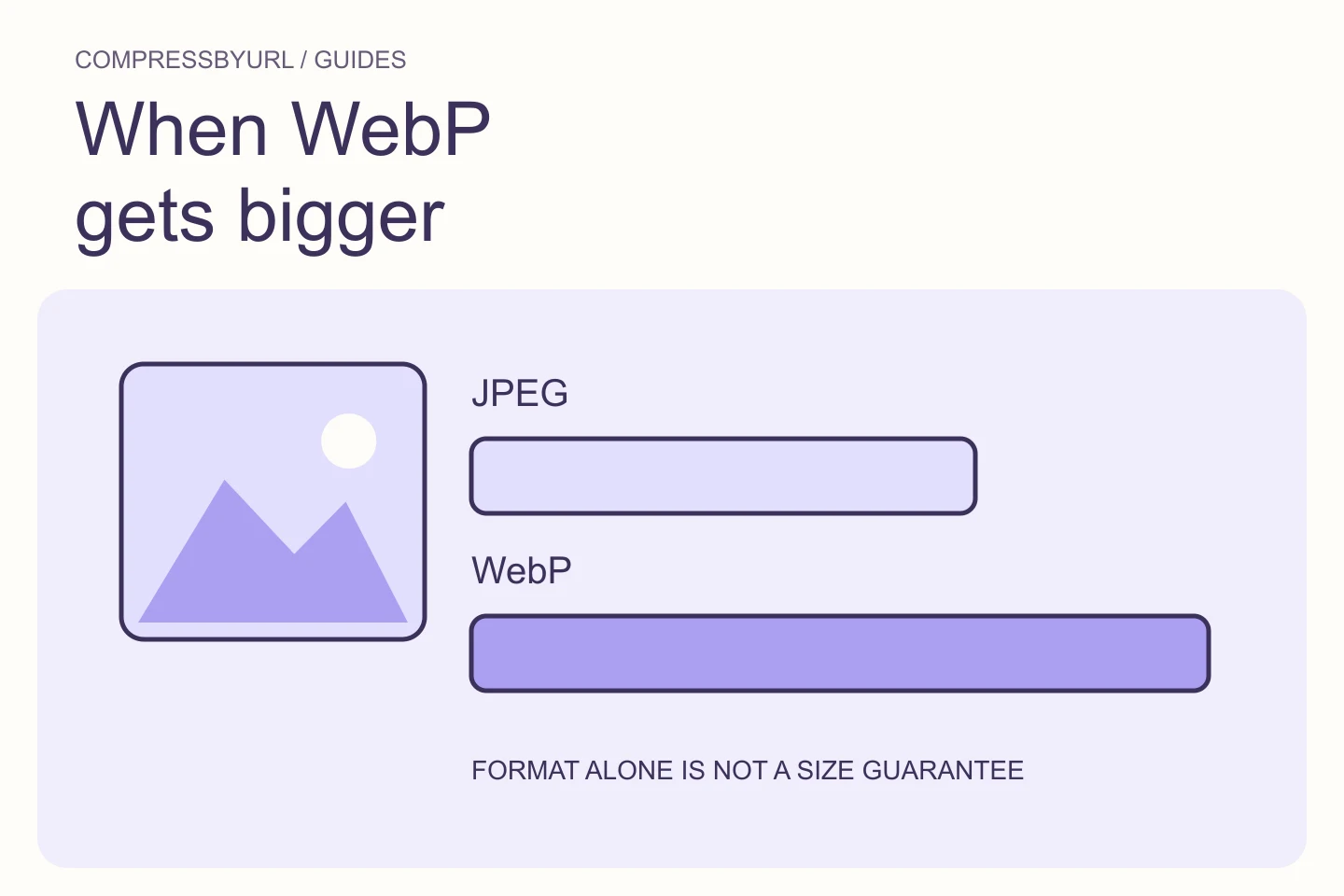
A format label is not a performance result. Dimensions and quality settings can outweigh the container choice, and an already efficient source can grow after re-encoding.
- Resize to the largest dimension the layout actually needs before judging formats.
- Use the same source pixels and inspect at the real display size.
- Compare bytes, visual artifacts, transparency and encode time together.
- Keep a fallback only when your browser or delivery requirements call for one.
Use a comparison sheet instead of a universal winner
Start with one original and record the image’s intended use. A photograph in a hero, a transparent mark, and a screenshot inside a tutorial carry different requirements. Keep a checklist of the visible detail, maximum display width, transparency, and systems that need to read the result. That sheet prevents a smaller file from quietly breaking an important use.
Export candidates from the same resized pixels. Record actual bytes and whether each passes visual review at the display size. Numeric quality scales are not interchangeable between encoders, so judge the result rather than matching slider positions. Keep the source original for another experiment. If the savings are marginal, choose the path your publishing system can deliver reliably.
Verify the format decision in the deployed page
Check the public request after you publish a candidate. A converter output sitting on your computer has no effect on the page until its references change. Inspect srcset, picture sources, and any CDN transformation. A file extension is only a label; verify that the delivery path actually serves the intended output.
Repeat the check in the important responsive layouts. A desktop photograph can be corrected while a mobile derivative still requests the old resource. Preserve alternative text and reserved geometry. Keep format choice as one part of the delivery decision alongside dimensions, loading, and visual quality. The finished comparison is the one your visitors actually receive.
Sources and further reading
Technical references for the concepts in this guide. Examples with hypothetical values are illustrations, not measured results.