The short answer
- Confirm the destination’s format, dimensions, and byte rule.
- Start from an original and inspect the essential detail.
- Reduce dimensions when quality alone cannot meet the ceiling.
On this page
Read the upload requirements before choosing a target
Check the allowed file formats, minimum dimensions, aspect ratio, and exact file-size rule. A form asking for a JPEG portrait is a different task from a site accepting any image format. Do not solve a byte limit by exporting a file the destination rejects.
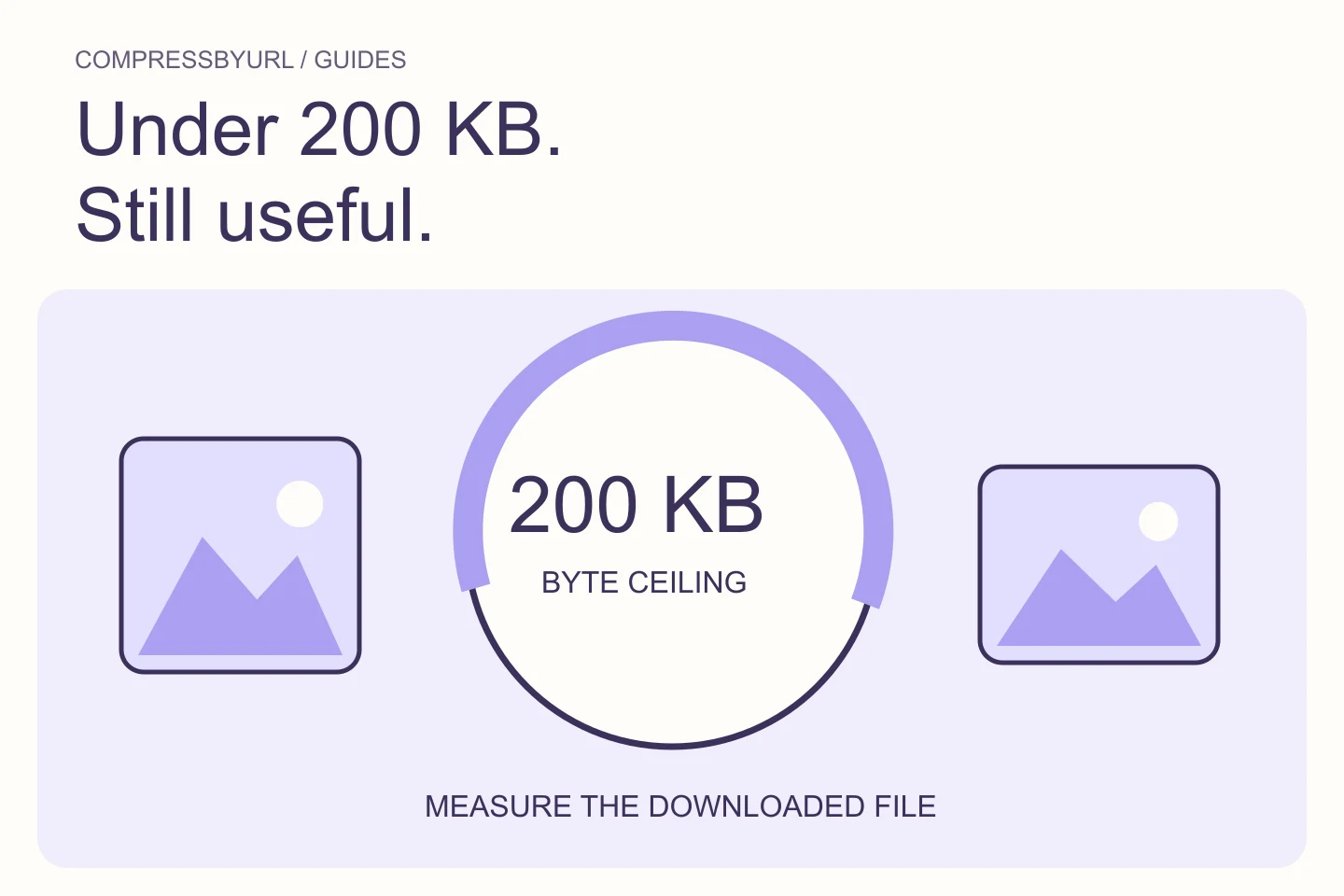
Units can differ between systems. Inspect the actual output byte count and the destination’s documented threshold, and leave a little margin when the rule is unclear. A filename that says 200kb does not establish acceptance. Keep the original source so a later requirement change does not force you to work from a degraded derivative.
Define the detail that must remain usable
For a photograph, check faces and important product markings. For a screenshot, check labels. For a document image, the destination may require readable text and a particular resolution. List these criteria before reducing the file so a smaller number does not become the only goal.
Inspect the result at the size where it will actually be used. A candidate can look acceptable as a tiny preview while failing the destination’s review or display needs. If the image is used as a document, follow that service’s instructions rather than relying on a generic web-image recipe.
Search from the original rather than recompressing repeatedly
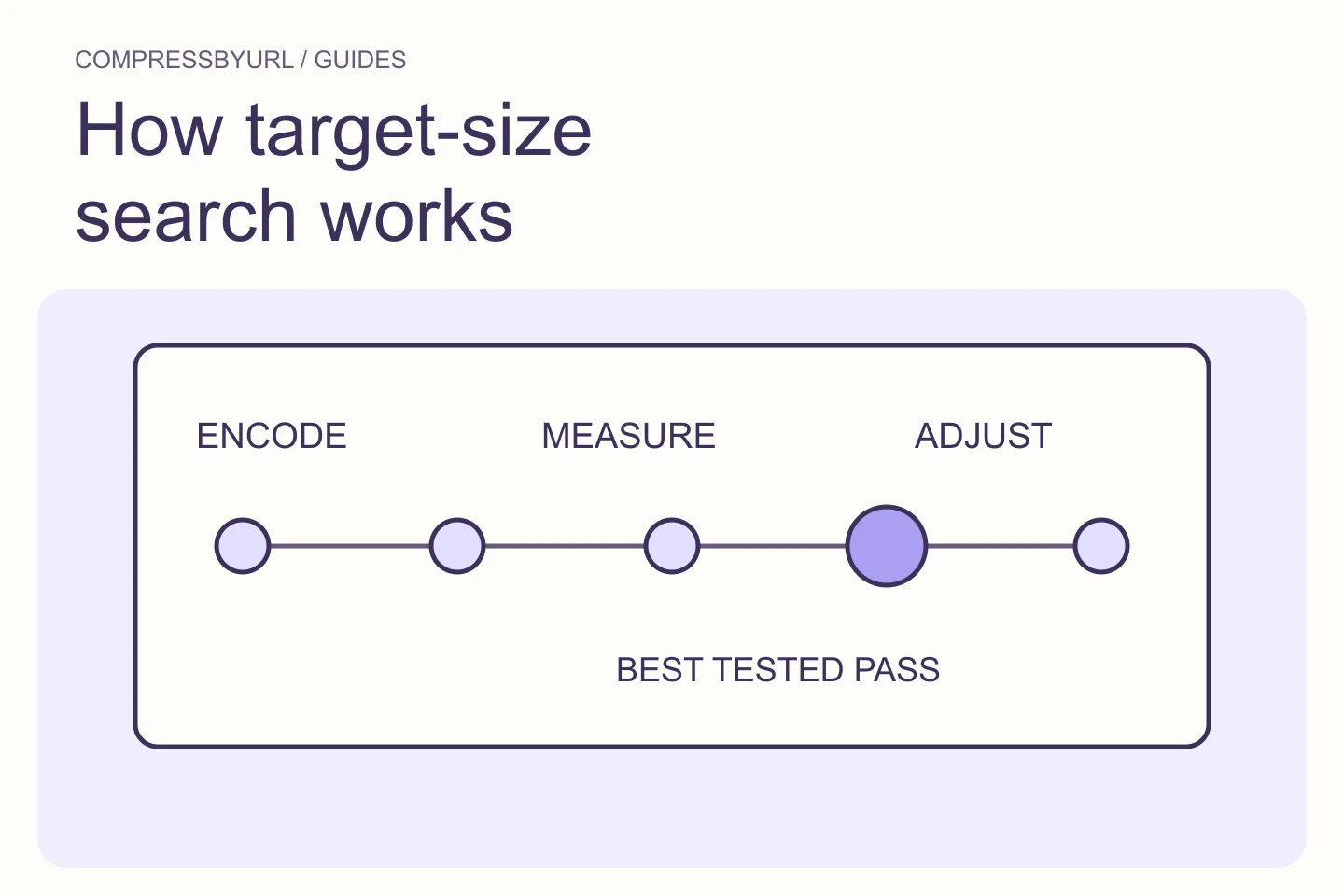
Start each export from an untouched original or a single deliberate resized source. Repeated lossy exports can accumulate artifacts. A bounded target-size search compares actual encodes against a byte ceiling; it cannot predict the exact output from one quality number.
CompressByURL’s target-size workflow tries measured candidates locally. The result depends on image content, format, and settings. A flat graphic and a textured photograph can produce very different byte counts with similar dimensions. Preserve the chosen settings and actual output size instead of assuming the same recipe works for the next image.
Reduce excess dimensions before accepting extreme quality loss
If the destination allows smaller dimensions, a deliberate resize can reduce the amount of image information that needs encoding. Choose a width that still preserves the required content. A huge landscape photo used in a small profile slot may have far more pixels than the application needs.
Keep minimum requirements in view. Do not reduce a document below readable size or force an incorrect crop. The right tradeoff is the smallest acceptable representation, not the smallest possible file. If the subject has fine texture, compare two dimension choices at sensible quality rather than using one huge image with severe artifacts.
Respect format-specific limits and honest failure cases
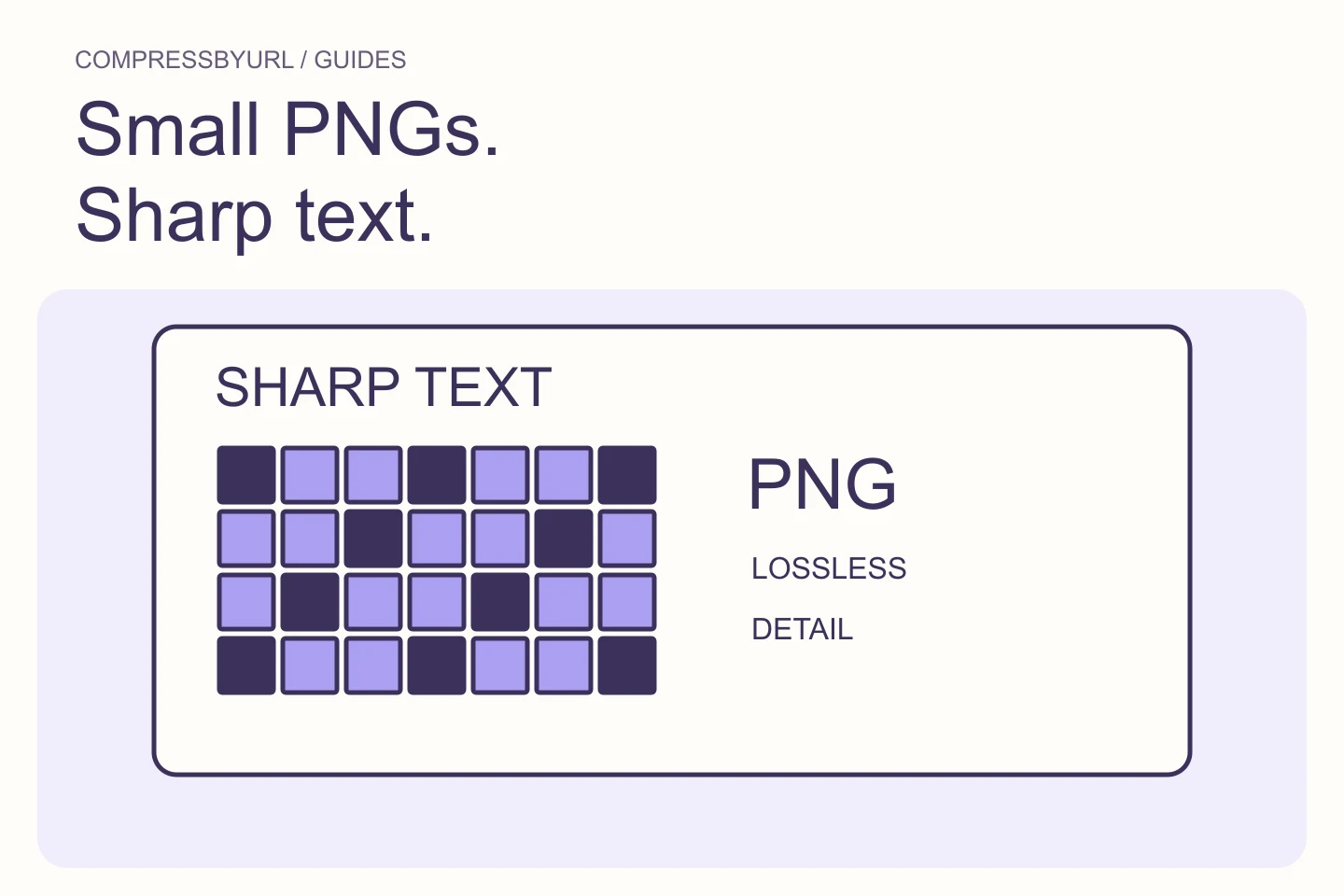
Lossless optimization has less freedom to reduce a file than a workflow that changes pixels or uses lossy encoding. A complex PNG may not reach a strict target without resizing or conversion. If the required format is PNG and the required dimensions are fixed, the ceiling may simply be incompatible with that content.
Do not treat a target as a guarantee. If the tool reports that it cannot meet the requested constraint, inspect what changes the destination permits. Keep the best usable candidate and choose a valid alternate workflow. An explicit failure is better than silently producing unreadable content or a file still over the limit.
Verify the output file before submitting it
Open the downloaded file and check its dimensions, format, and bytes. Inspect the essential details against your criteria. Submit the actual output to the destination and read its validation message; local compression success and external acceptance are separate events.
Use the 200 KB tool as a starting preset, then adjust only within the destination’s rules. Keep a small record of the accepted settings for future similar uploads. If the service rejects a file near the limit, check the exact rule and allow a margin rather than renaming it or repeatedly uploading the unchanged bytes.
| Constraint | Decision |
|---|---|
| Fixed format and fixed dimensions | Try valid encoding paths; accept possible failure |
| Dimensions can change | Resize while preserving required detail |
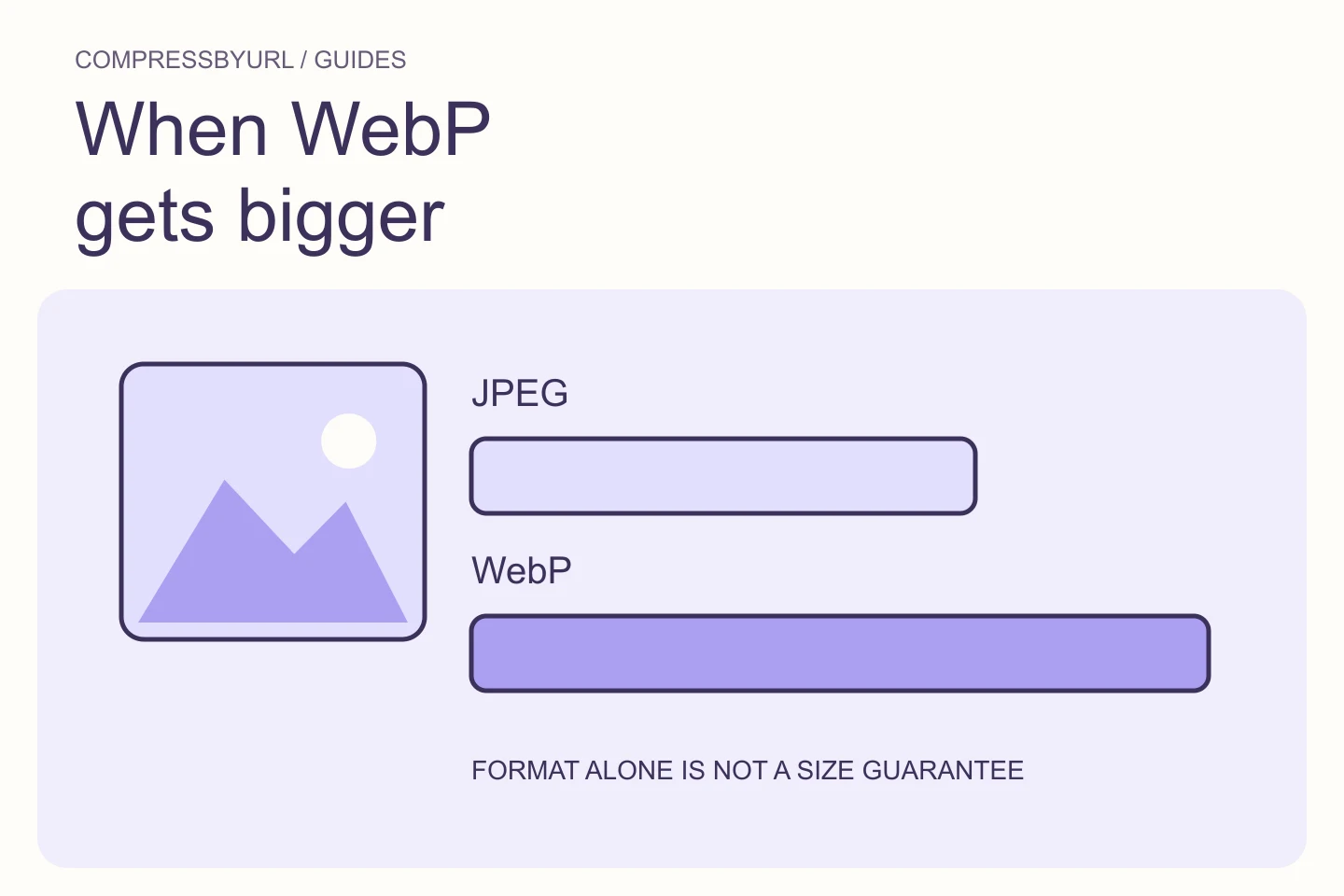
| Several formats accepted | Compare actual outputs |
| Unclear KB definition | Check bytes and leave practical margin |
Common questions
Can every image be made smaller than 200 KB without visible loss?
No. Content, required dimensions, and allowed formats constrain what is possible. Some targets require resizing or lossy tradeoffs.
Does the target tool upload my local file?
No. Local-file compression and the target search happen in your browser. You upload the downloaded result to the destination separately.
Sources and further reading
Technical references for the concepts in this guide. Examples with hypothetical values are illustrations, not measured results.