The short answer
- Target size is verified from encoded bytes, not guessed from a slider.
- Bounded search keeps the highest tested quality that meets the ceiling.
- Dimension reduction is a separate, explicit fallback when quality is insufficient.
On this page
Quality does not predict bytes
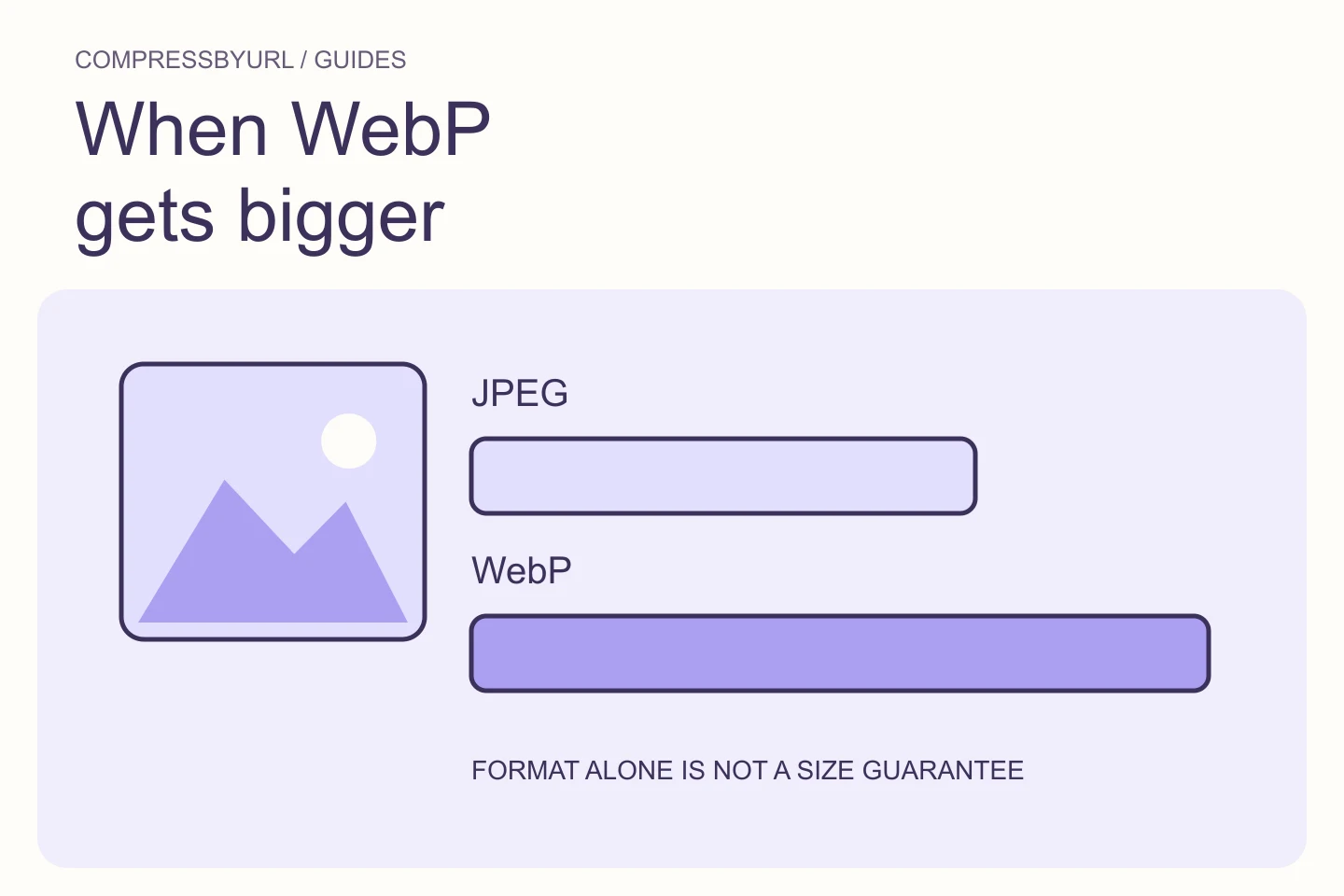
Lossy encoders usually accept a quality value, but the resulting byte size depends on the image. A detailed photograph and a flat illustration can produce very different sizes at the same quality.
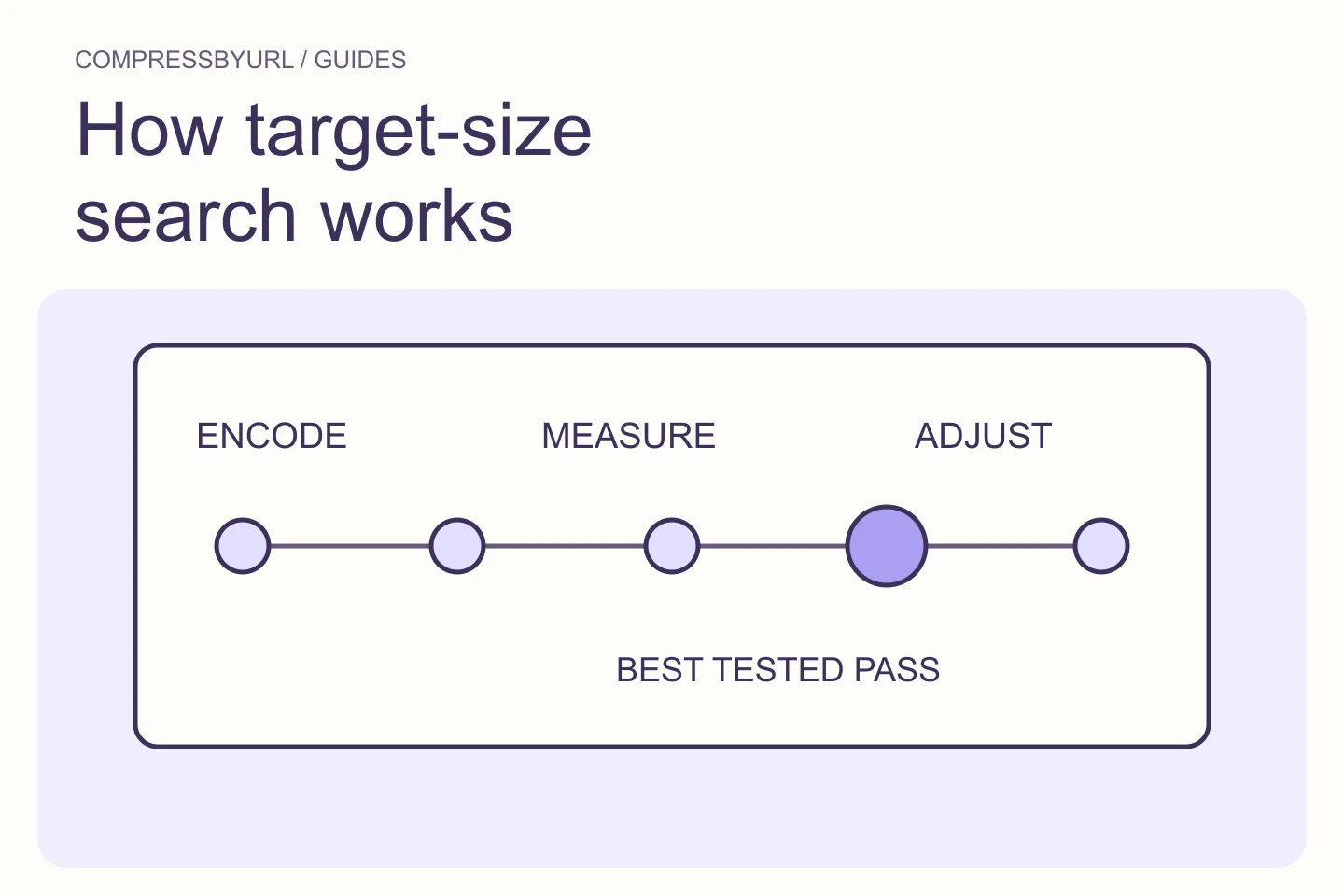
That is why a 200 KB mode cannot simply map to one magic quality percentage. It must encode, measure and adjust within a bounded search.
An illustrative search
Suppose a 3000 × 2000 photograph starts at 2.8 MB and must fit under 200 KB. The compressor first tests qualities inside a safe range. If 74 produces 218 KB and 71 produces 194 KB, 71 is the best tested result under the ceiling—not proof of a mathematically perfect global optimum.
If even the lowest allowed quality remains over 200 KB, Smart Fit can reduce dimensions proportionally and repeat the search. CompressByURL stops at a documented shorter-edge floor rather than shrinking indefinitely.
| Attempt | Illustrative result | Decision |
|---|---|---|
| Quality 82 | 286 KB | Over target |
| Quality 74 | 218 KB | Over target |
| Quality 71 | 194 KB | Keep as best tested pass |
| If all fail | Still over 200 KB | Offer proportional Smart Fit |
What an honest target tool must say
The example values above illustrate the decision path; they are not a benchmark or promised output for another image.
- A byte ceiling can require visible loss; no tool can guarantee otherwise.
- Very small targets may require fewer pixels, not just lower quality.
- Lossless PNG has no meaningful lossy quality search unless you convert formats.
- The correct failure state is explicit: target not reached within the allowed bounds.
Write a destination-specific acceptance checklist
Before choosing a byte target, read the destination’s allowed format, minimum dimensions, and aspect ratio. A file that meets a byte ceiling but uses a rejected format is not a successful output. Inspect the exact downloaded byte count and allow a margin when the destination’s unit definition is unclear.
Decide which visible details must remain useful. For a screenshot, inspect labels; for a product photograph, inspect markings and important texture. A tiny preview is not enough. Keep the untouched original and compare candidates at the real display size. The target search should stop at a usable output, not at any file small enough to satisfy arithmetic.
Handle a target that conflicts with quality honestly
Some source images cannot meet a strict ceiling while keeping the required dimensions, format, and fidelity. A bounded search can establish the best candidate it found; it cannot promise that every constraint has a solution. If quality reduction is insufficient, consider dimensions only when the destination permits that change.
Download and inspect the result before submitting it elsewhere. Local encoding success and the destination’s validation are separate checks. If the form rejects an output close to the limit, verify the rule and the actual bytes rather than renaming the file. Preserve accepted settings for future similar uploads, but do not assume a different image will produce the same size.
Sources and further reading
Technical references for the concepts in this guide. Examples with hypothetical values are illustrations, not measured results.