The short answer
- Confirm which image is critical at the target viewport.
- Keep below-the-fold images lazy.
- Check templates that add hidden placeholders or client waits.
On this page
Ask whether this image can wait until later
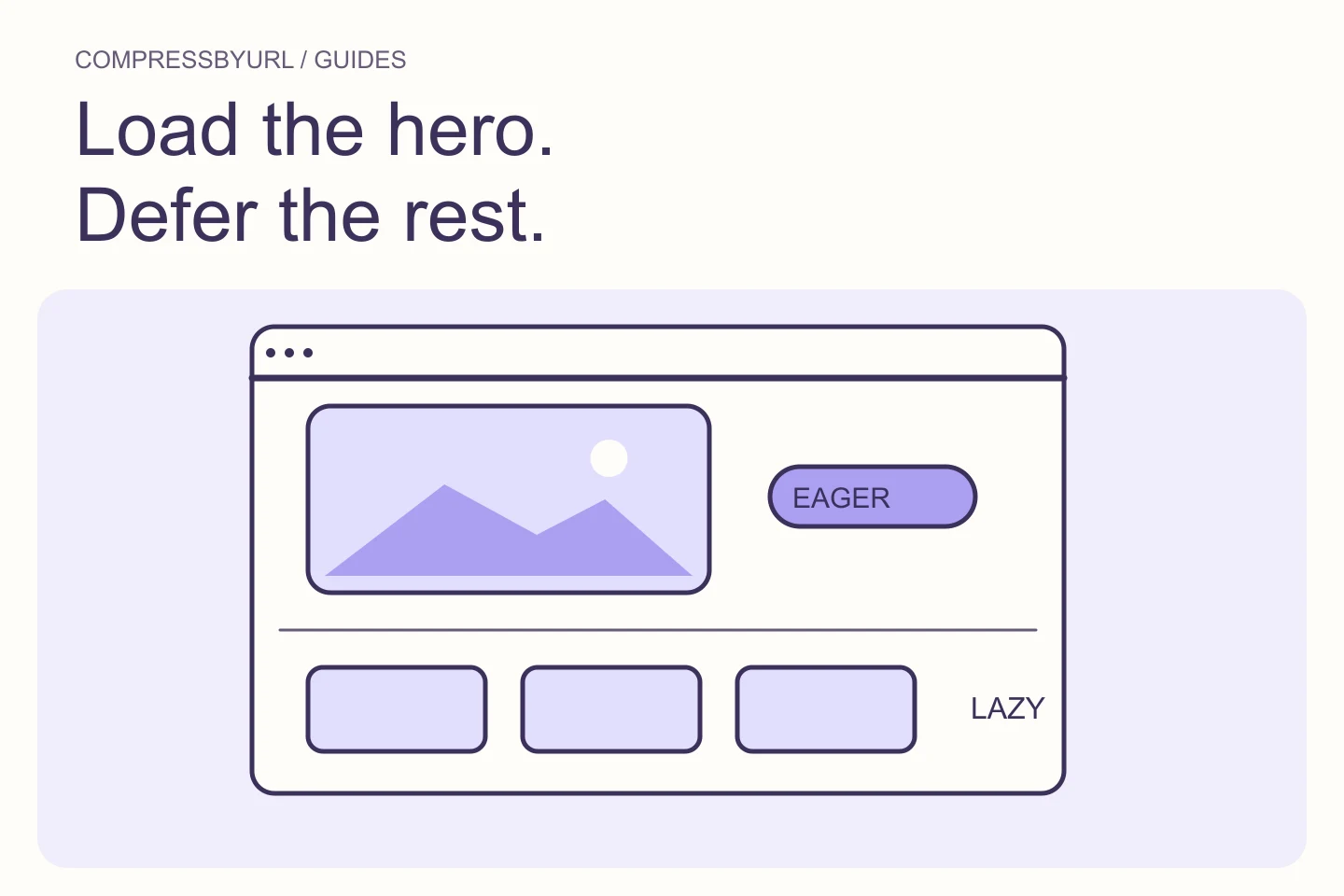
Native lazy loading defers eligible image fetching until the browser considers the resource near enough to the viewport. web.dev recommends keeping likely first-view and LCP images out of that delayed path. The key is the image’s role in the page, not whether its file is large.
A page can contain a hero, visible cards, and an offscreen gallery. These do not need one global loading rule. Mark the intended initial experience in your design review: what should be visible without scrolling, and which image contributes most to that experience? Use a measured LCP report to confirm the critical element.
Inspect how the hero is rendered, not just its attribute
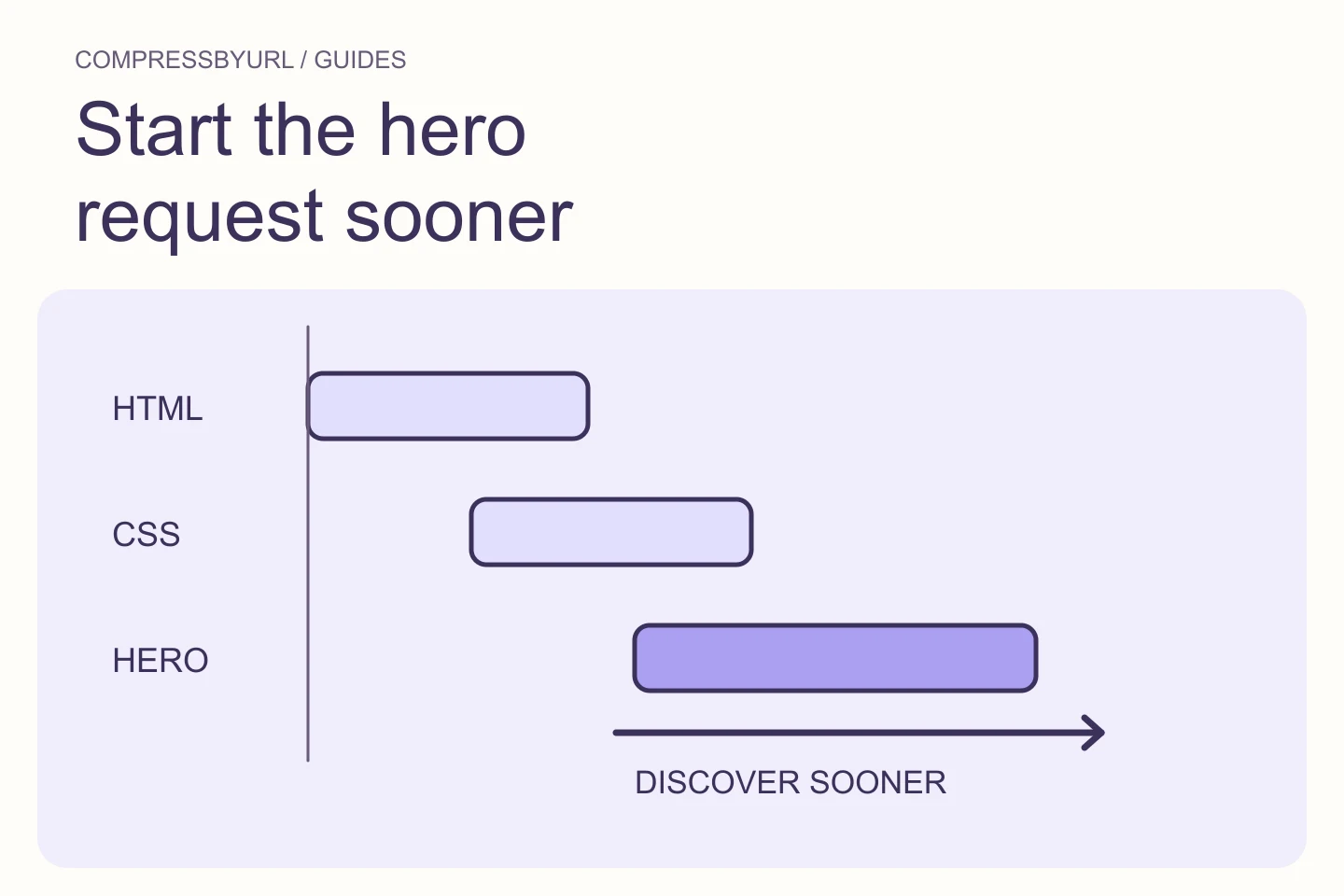
Check whether the initial document contains the real src and srcset. A script that uses data-src or inserts the image after initialization can create a delay even if the final DOM eventually shows loading eager. Review the code path that first supplies the URL.
A carousel may keep its first slide behind a hydration step, and a CMS plugin may apply the same lazy transformation to every image. Find that responsible layer before changing files. Write down the resource-discovery condition so the fix survives the next theme update or asset replacement.
Use a deliberately eager policy for the critical image
For a confirmed critical image already in the markup, use normal eager behavior rather than lazy. Consider a high fetch-priority hint when the image is competing with other requests. The hint does not create a resource that is absent from the document, and it does not remove a later rendering gate.
The example below illustrates an ordinary image with reserved geometry. Replace the asset path and dimensions with your own exported image. A framework may expose equivalent properties with different casing or version-specific behavior; use its current documentation instead of pasting HTML attributes into a component without checking.
<img
  src="/images/hero.webp"
  width="1440" height="960"
  loading="eager" fetchpriority="high"
  alt="Mountain lake below a snow-covered ridge"
  style="display:block;width:100%;height:auto"
>
Keep deferred loading for the images that can wait
Below-the-fold illustrations, long article image sequences, and gallery items can retain lazy loading. Give them reserved dimensions so layout does not jump as they appear. Do not eagerly request a large hidden gallery just because one hero needed a different policy.
Also inspect carousels that place many slides in the document. A slide can be hidden visually yet still produce a request. The first visible slide and the next twenty slides have different usefulness at navigation time. Check request behavior rather than assuming a CSS hiding rule automatically prevents downloads.
Avoid layering several mechanisms without evidence
A preload, eager loading, and a priority hint can be useful in different situations, but adding all of them without tracing the request can make the page harder to reason about. If the correct resource already starts promptly, another preload may not solve the observed delay.
Responsive preloads need to line up with the resource the browser actually uses. Check for duplicate requests or a downloaded desktop asset on mobile. Remove unnecessary hints once the measured behavior is correct. A small explicit policy is easier to maintain than a growing collection of exceptions copied from several performance tutorials.
Verify discovery, transfer, and paint independently
Compare the same viewport before and after the policy change. Look for the critical request to start at the expected point in navigation. Confirm that the visible image still has the correct crop and a stable layout. Then inspect whether presentation remains delayed by scripting or styles.
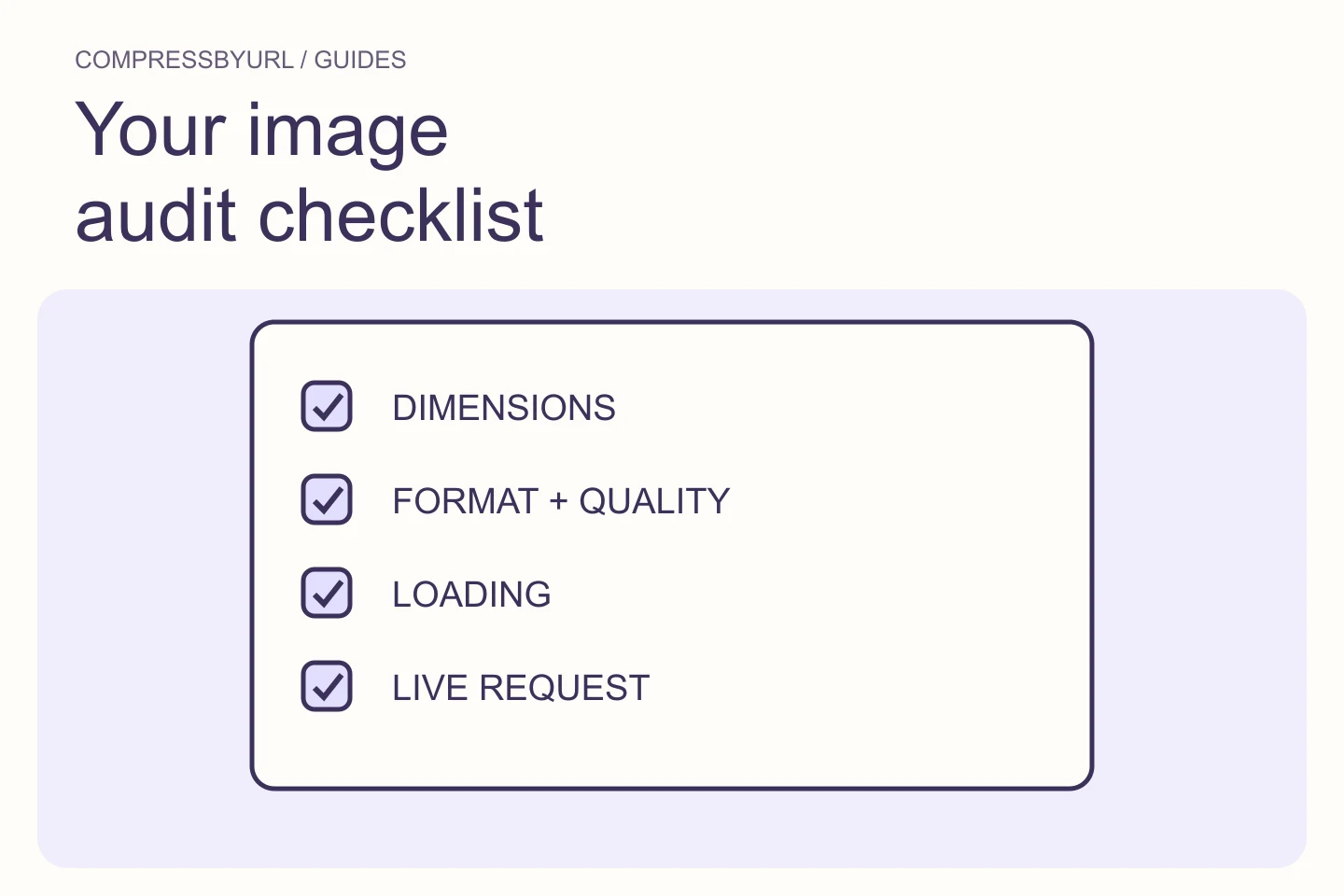
Compress the asset after the loading path is understood if its bytes remain excessive. Your final evidence should include the measured critical image, selected URL, loading policy, and trace. Do not infer a fixed LCP improvement from a tutorial example. Keep the offscreen gallery check in the acceptance list so the hero fix does not increase unrelated initial transfer.
Common questions
Should I remove lazy loading everywhere?
No. Separate critical first-view images from offscreen content and verify each policy in the actual layout.
Does high priority cancel lazy loading?
Treat priority and loading as separate controls. A deferred resource still depends on its loading conditions; verify the resulting request timeline.
Sources and further reading
Technical references for the concepts in this guide. Examples with hypothetical values are illustrations, not measured results.