The short answer
- Build an inventory before optimizing a batch.
- Prioritize first-view images and repeated oversized assets.
- Verify deployment instead of stopping at a downloaded ZIP.
On this page
Capture a baseline with the page and device settings
Record the tested URL, viewport, network conditions, and report date. Google distinguishes lab measurements from field data in PageSpeed Insights. Use a lab run to investigate a repeatable problem and use available field data to understand the visitor experience. Do not compare two unrelated environments as if they were a controlled experiment.
Save a screenshot of the first view and identify likely critical images. Note banners, thumbnails, decorative backgrounds, and third-party widgets separately. A single URL can expose several responsive layouts. Start with the layout your visitors actually use or the one flagged by the report, then add the other important layouts to the acceptance check.
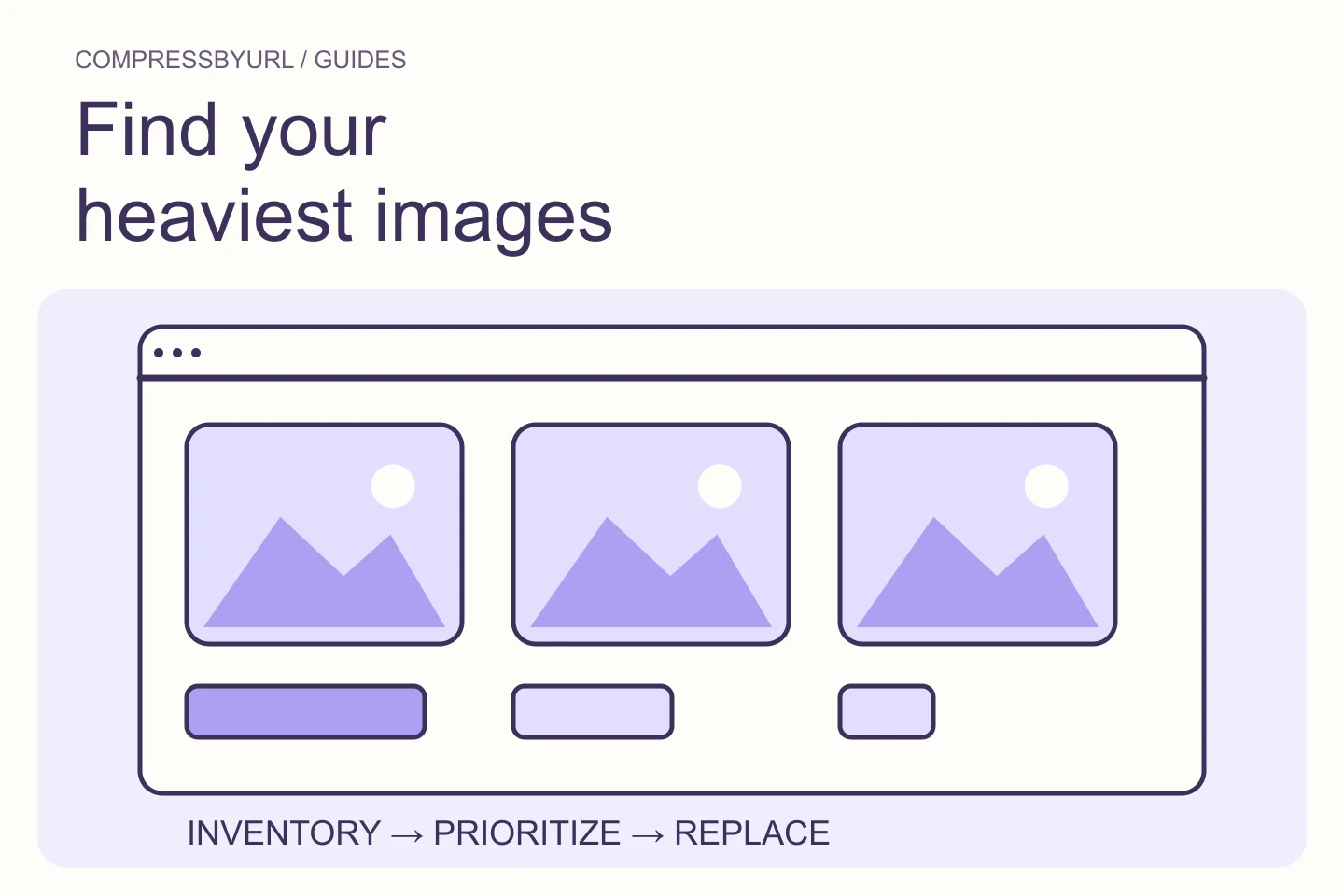
Create an image inventory with actionable ownership
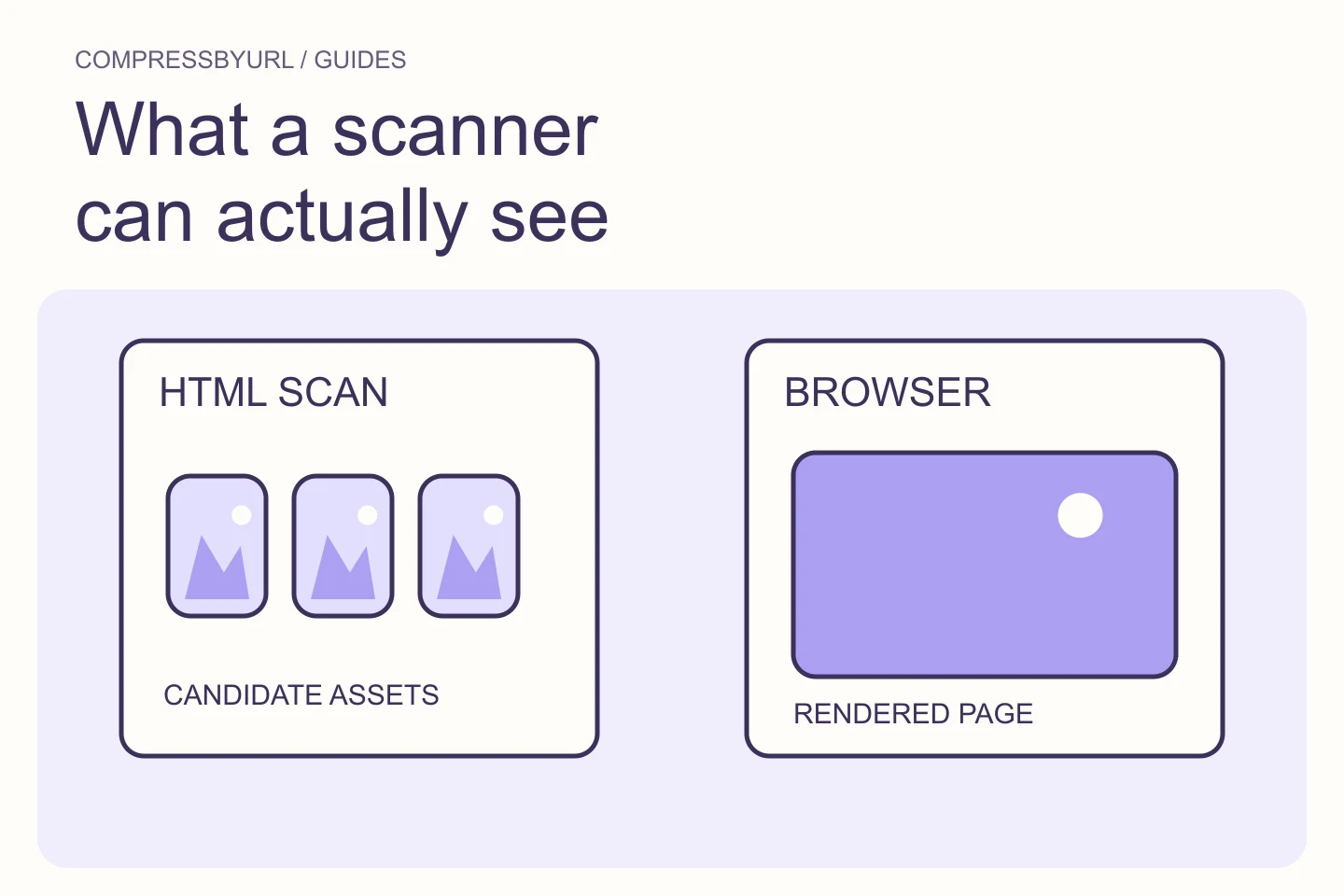
List the resource URL, approximate transfer size, intrinsic dimensions when known, and the component that references it. Add whether you control the file or only the integration. A static scanner is useful for finding HTML image candidates quickly, but confirm actual browser requests for script-created content and responsive selection.
Deduplicate repeated URLs so the work list does not count the same delivered file several times. Keep intentionally different crops separate. Mark unknown values as unknown rather than zero. If a resource cannot be fetched by the scanner, preserve that limitation and inspect it in your own browser instead of assuming it has no performance cost.
Prioritize fixes by page use rather than file size alone
A heavy above-the-fold image is a different task from a heavy image far below the fold. A small asset repeated across hundreds of templates can be a different priority again. Start with critical visibility, then unnecessary dimensions, then encoding opportunities. Consider whether the asset is reused and how easy the responsible template is to change.
Use a simple queue with “critical image,” “repeated card,” and “other content” groups. These groups are planning aids, not measured severity scores. A third-party file may require removing or configuring a widget. A first-party file may need only an export and a template reference. Make the next action explicit for each entry.
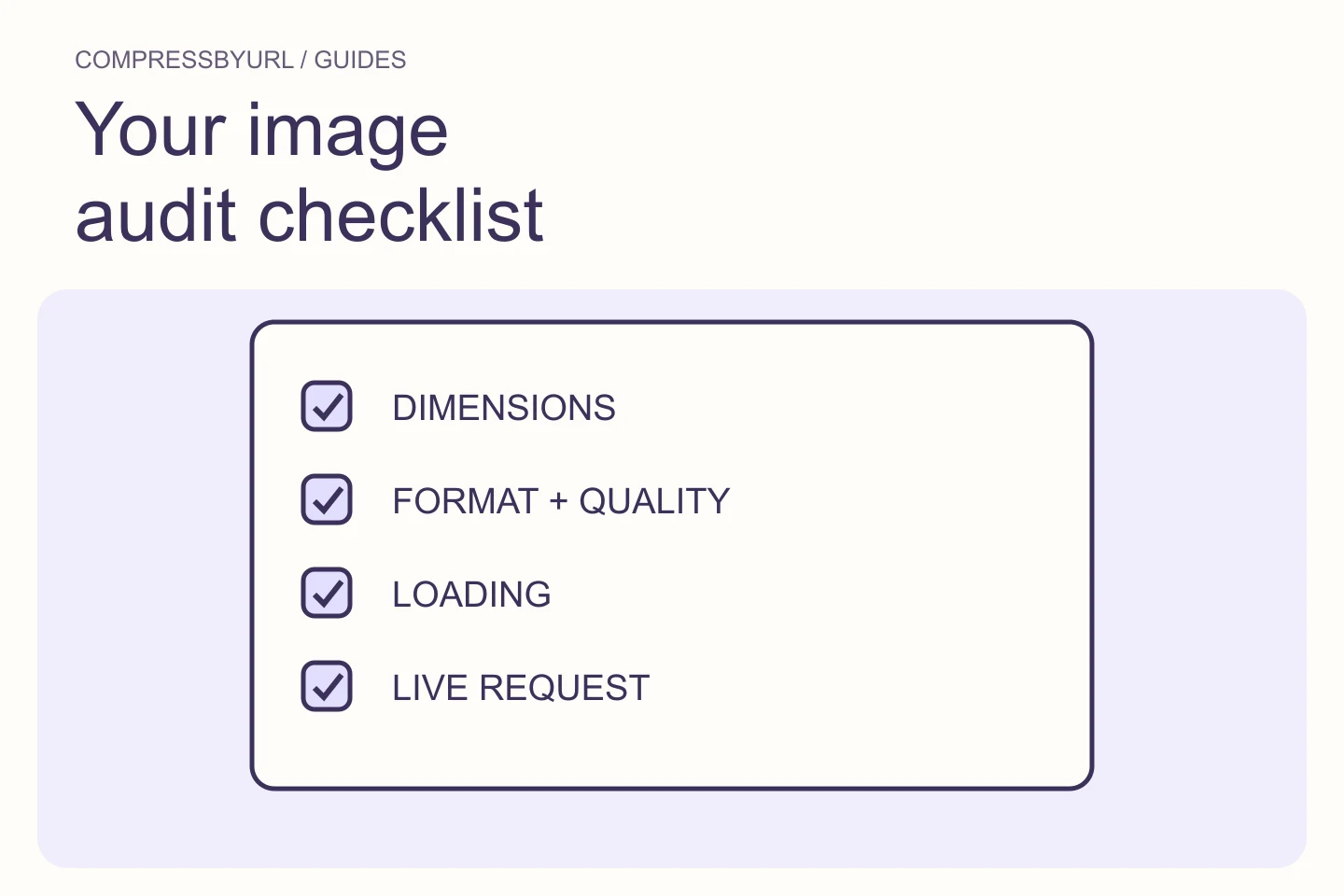
Check dimensions, quality, loading, and reserved space
For each owned asset, measure its display slot and choose useful output widths. Compare quality and formats from the same source. Inspect the first-view request timing. Check whether the image area stays stable while loading. This prevents one fix, such as replacing a file, from hiding another problem, such as delayed discovery.
Keep a separate checkbox for meaningful alternative text. It is an accessibility task rather than a byte-saving technique, but a replacement should not discard it. Check transparency and crop as well. An audit that reduces transfer while breaking labels, visible subjects, or layout has not improved the page.
- Confirm the real selected source at target viewports.
- Avoid forcing a mobile width onto a desktop hero.
- Keep critical images discoverable without unnecessary client waits.
- Reserve a layout area before image download completes.
Create and deploy a replacement bundle deliberately
Select a manageable group of images and generate replacements locally. Keep originals, name outputs so you can map them to the source assets, and inspect the chosen results. A ZIP is a delivery artifact for your own deployment workflow, not an automatic website update. Include a small mapping note with the template or media entry that needs changing.
Deploy one representative page before rolling the same transformation across a whole theme. Check responsive candidates and caches. If the site regenerates derivatives, inspect those generated files rather than only the file you uploaded. Preserve a rollback path for a visual defect or incorrect crop discovered on a larger display.
Use an evidence worksheet for the final check
Capture the same page after deployment. Record the actual requested replacement, transferred bytes, dimensions, and visual acceptance. Compare lab runs under matching settings. Do not claim that a lower file size proves a ranking gain or that a single better score proves the visitor experience is permanently fixed.
Keep the worksheet as a reusable publishing standard. For future uploads, editors can check the intended slot and source quality before a large file reaches production. Review new report findings against this baseline instead of endlessly recompressing old files. Begin the next audit with the remaining largest actionable issue, not with a fresh batch of unprioritized downloads.
| Evidence | Before | After |
|---|---|---|
| Selected source URL | Record actual URL | Record replacement URL |
| Transferred image bytes | Measure in browser | Measure under same conditions |
| Display width and crop | Record target layout | Confirm unchanged intent |
| Timing and stability | Save trace or report | Compare repeatable runs |
Common questions
Do I need to optimize every image at once?
No. A prioritized first batch is easier to deploy and verify. Start with critical or repeated owned assets, then work through the remaining inventory.
Does a good PageSpeed score guarantee AdSense approval?
No. Performance is one part of site quality. AdSense also reviews content, access, and policy compliance, and Google makes the approval decision.
Sources and further reading
Technical references for the concepts in this guide. Examples with hypothetical values are illustrations, not measured results.