The short answer
- HTML discovery produces candidates rather than rendered-page truth.
- Unknown bytes or dimensions remain unknown.
- Confirm important resources with a real browser before deployment.
On this page
Understand the discovery model before reading the results
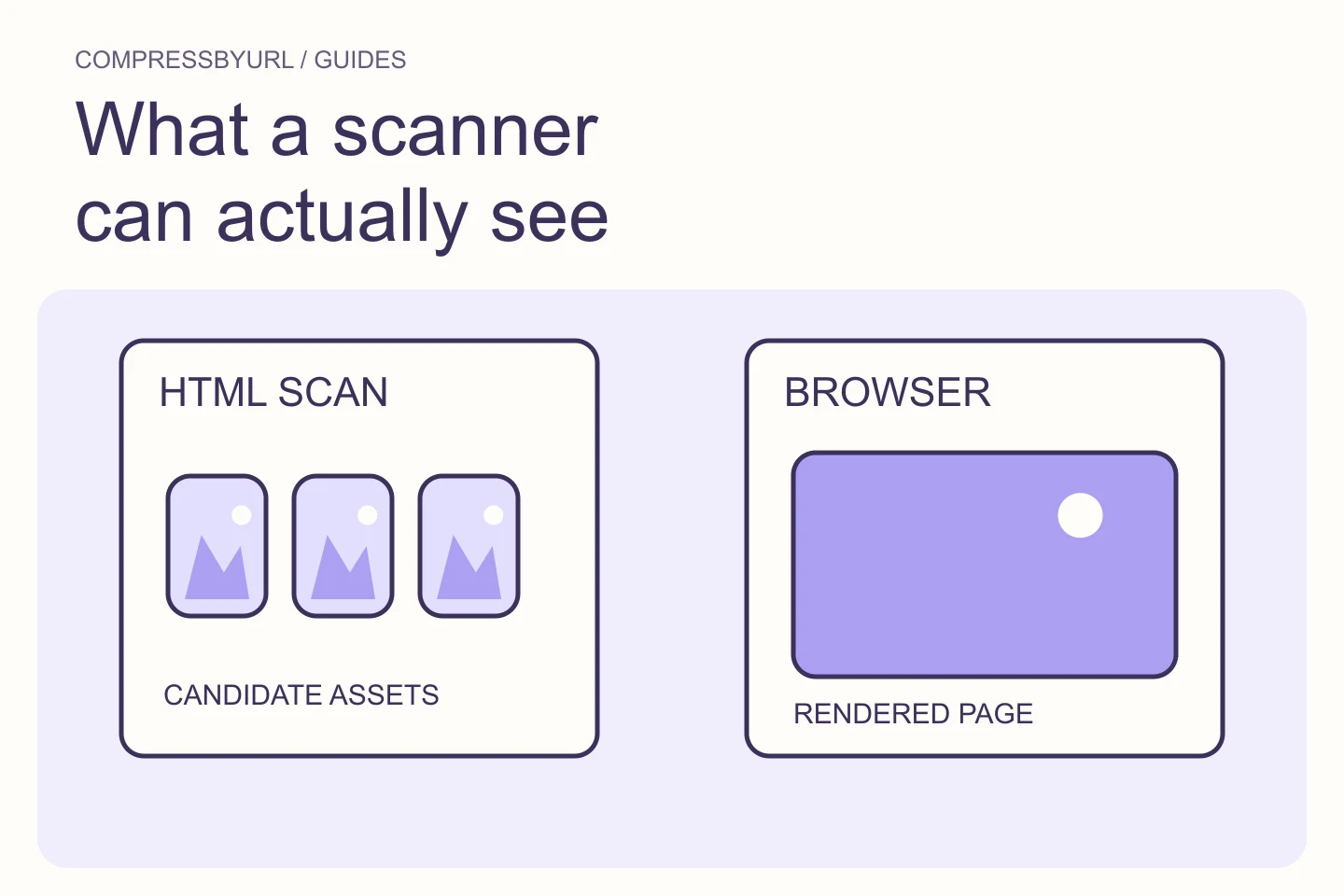
CompressByURL fetches one public page and extracts image candidates from the returned HTML. The current parser checks ordinary image sources, supported lazy-source attributes, srcset, picture source candidates, and image preload hints. It normalizes discovered URLs and keeps a bounded result set.
That model is useful for an initial inventory because it does not require executing another site’s scripts. It also defines the limits of the output. The manifest describes what was found in the fetched document, not everything a logged-in user or a fully initialized browser might eventually see. Keep that distinction visible in your audit notes.
Treat responsive sources as candidates, not simultaneous downloads
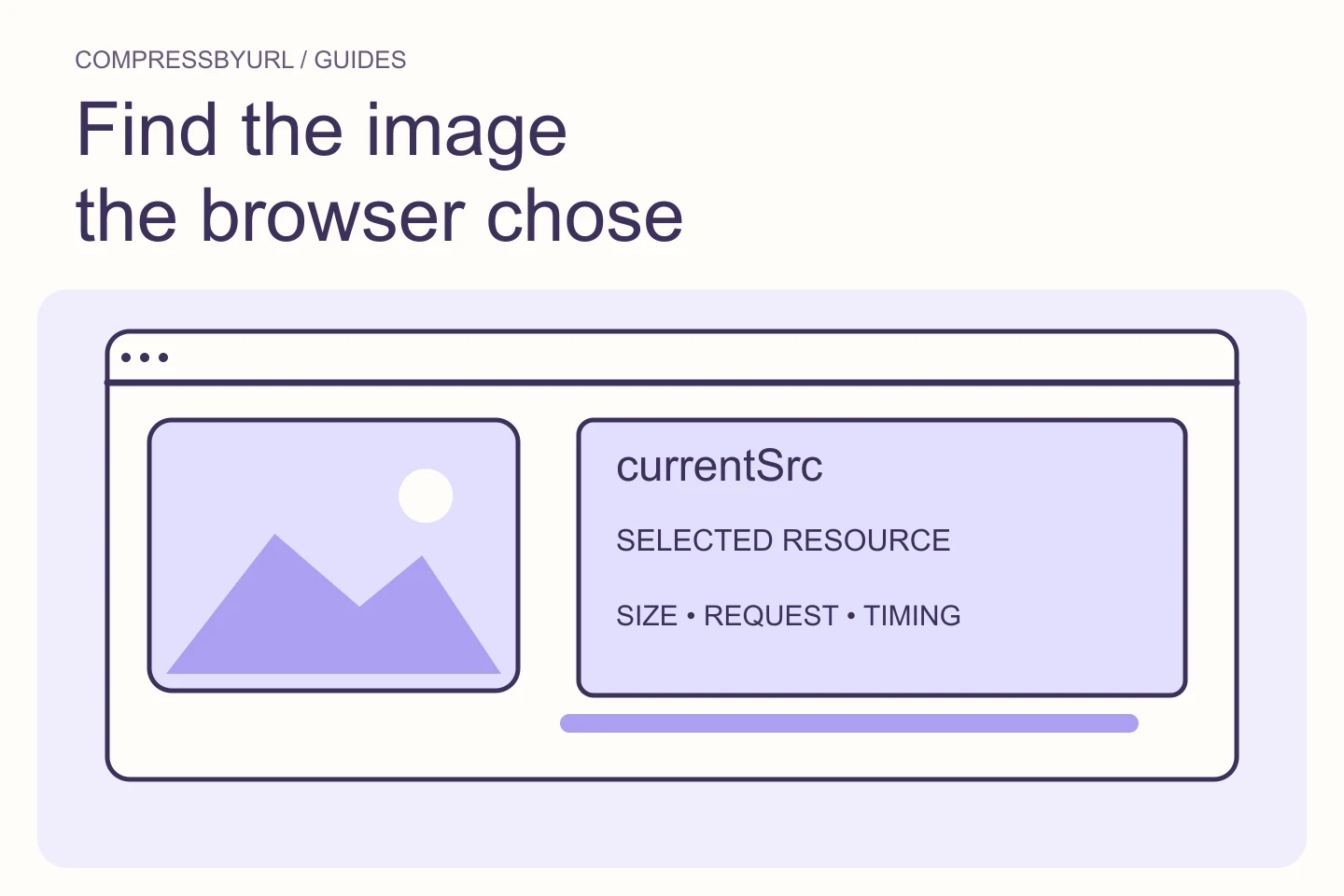
An HTML document can list several responsive variants of the same photograph. The scanner can surface those URLs without choosing the one a particular visitor would download. A browser makes its selection using the available markup and environment. Do not add every candidate’s file size and call the sum a visitor’s page payload.
Group variants by their likely component and inspect the actual page at important viewports. Keep a smaller thumbnail, a larger hero, and an alternate crop distinguishable. If the browser requests an unexpectedly large variant, the next step may be a template hint correction rather than a batch conversion of every discovered URL.
Expect gaps for scripts, stylesheets, and private pages
Images created only after client-side code runs may not appear in the fetched HTML. The current tool does not execute scripts or behave as a full-site crawler. External stylesheet backgrounds and authenticated views are not a guaranteed part of this inventory. Do not infer that an absent asset is absent from the rendered page.
Use a browser for the missing regions you own or can access legitimately. Compare actual requests and computed styles with the manifest. If a theme creates a gallery after interaction, record that separate state. A static scan of the initial page is still useful, but it needs a clear scope rather than an inflated completeness claim.
Keep security and fetch failures separate from image quality
The server layer accepts only validated public HTTP or HTTPS resources. Private destinations, unsafe redirects, unacceptable content, and responses beyond time or byte budgets can be rejected. The tool does not forward your browser’s cookies or authorization headers to remote sites.
A failure is therefore not automatically a broken website image. It can mean the resource is private, blocked, too large for this bounded workflow, or not an image the tool supports. Preserve the error context and inspect an owned resource separately. Do not turn a scanner failure into an unsupported SEO diagnosis.
Use missing values honestly in the audit worksheet
If the scan cannot establish bytes or intrinsic dimensions, mark them unknown. Zero means something different from unknown. A HTML width hint can help understand intent, but it is not proof of decoded source dimensions or rendered geometry.
Prioritize known large candidates while checking important unknown resources in your browser. Keep the manifest’s limit and truncation information with the result. A bounded inventory that says it stopped is more useful than an apparently exhaustive list that quietly omits content. Do not present a truncated scan as a full-page performance certification.
Turn a candidate list into a verified replacement workflow
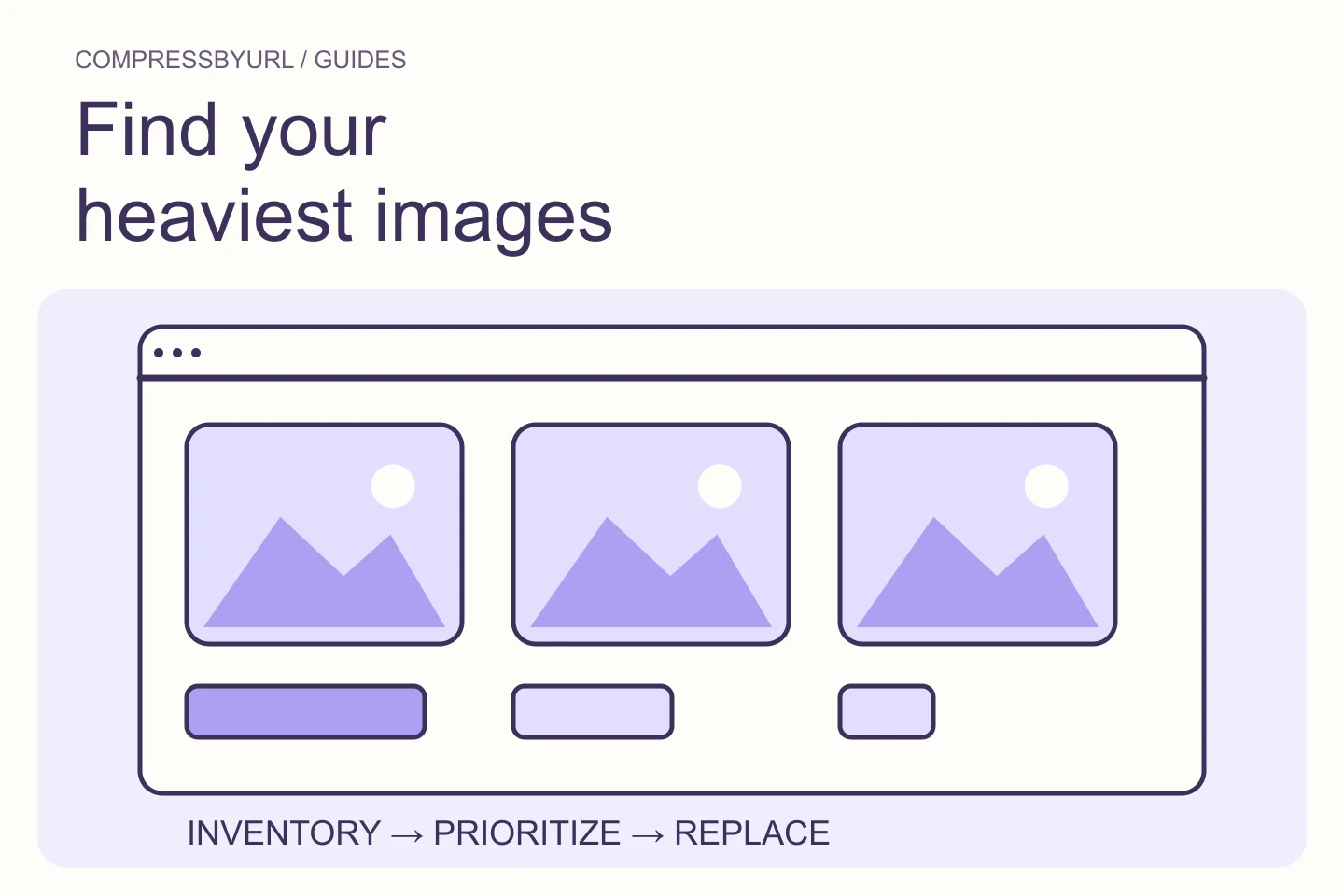
Select useful owned candidates, retrieve supported bytes, and optimize them locally. Check the result’s crop, clarity, and transparency. Download a replacement bundle and map each file back to the media entry or template that needs changing. Compression happens in the browser after bytes arrive.
Then deploy through your own system and inspect the rendered page. Use an appropriate performance report for LCP, layout stability, and timing evidence. The scanner saves discovery effort; the browser closes the verification gap. Keep both steps in the process so your image audit ends with an accurate change, not merely a long inventory.
| Question | Appropriate evidence |
|---|---|
| Which URLs are in fetched HTML? | Static scan manifest |
| Which responsive file is used? | Browser currentSrc and Network |
| When does the hero paint? | Rendered performance trace |
| Was the site updated? | Live page after your deployment |
Common questions
Does the scanner crawl my whole site?
No. It inspects one public page at a time and returns a bounded candidate manifest.
Does a clean inventory prove good Core Web Vitals?
No. Static HTML discovery cannot measure rendering, interactions, or actual layout shifts. Use a rendered browser and appropriate performance data.
Sources and further reading
Technical references for the concepts in this guide. Examples with hypothetical values are illustrations, not measured results.