The short answer
- Identify the measured LCP element, not just the biggest file.
- Compare request discovery and transfer time separately.
- Make the critical resource available early without promoting every image.
On this page
Identify the LCP element in the test you are fixing
The visual hero is a useful suspect, but it is not proof. Inspect the reported Largest Contentful Paint element or a browser performance trace. The selected element can differ across viewports and loads. If the measured element is text, re-encoding a background photograph may not address the timing you are investigating.
Save the exact page URL, viewport, and relevant trace. Note the image source if the element is an image. Reproduce the same layout before making changes. A desktop banner and a mobile headline can create different critical paths. Describe the problem as “this resource starts late in this view,” not “all images need optimization.”
Break LCP into a timeline rather than a single score
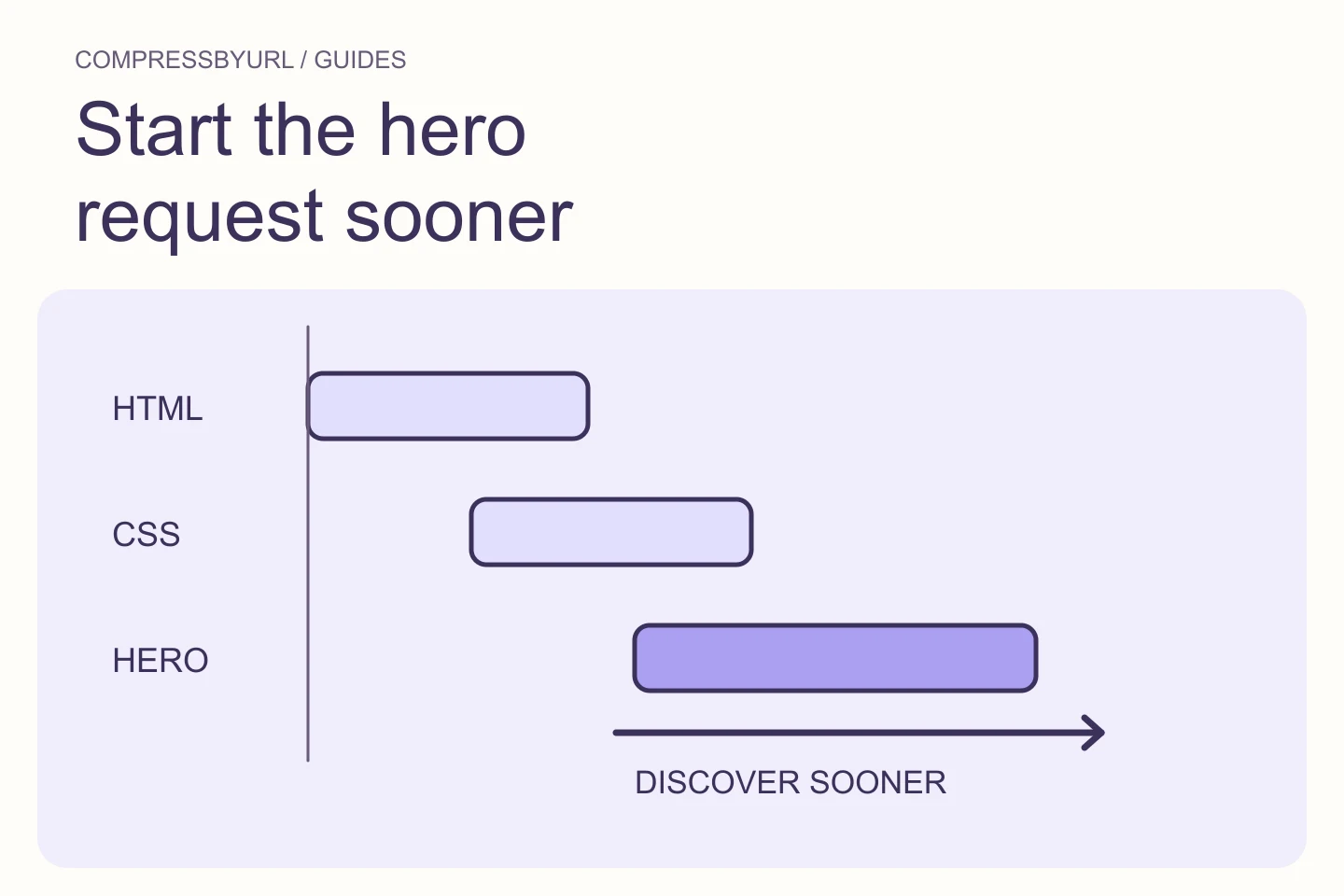
web.dev separates LCP into server response, resource load delay, resource load duration, and element render delay. That model helps explain why an image can download quickly and still appear late. Use it to locate the stage that dominates your test rather than assuming the file transfer is always responsible.
Make a simple timeline from your own trace. In an illustrative case, a request starting long after HTML arrives suggests a discovery or priority issue. A prompt request with a long transfer suggests delivery weight or network limits. A completed request followed by a late paint points to rendering work. These are hypotheses to confirm, not fixed rules from a single run.
Check whether the image exists in the initial page markup
Inspect the server-delivered page or document response. Does it contain the critical image and its resource candidates, or does a script insert them later? Follow the responsible component. A loading skeleton, client-only data fetch, or carousel initialization can delay the moment when the browser learns the resource URL.
Where the product allows it, render the first visible image with its real source in the initial HTML. Preserve an accessible fallback if data is genuinely unavailable. Do not convert useful progressive content into a blocking client sequence merely for a visual effect. Record the request start again after the template change.
Give one critical image a deliberate loading policy
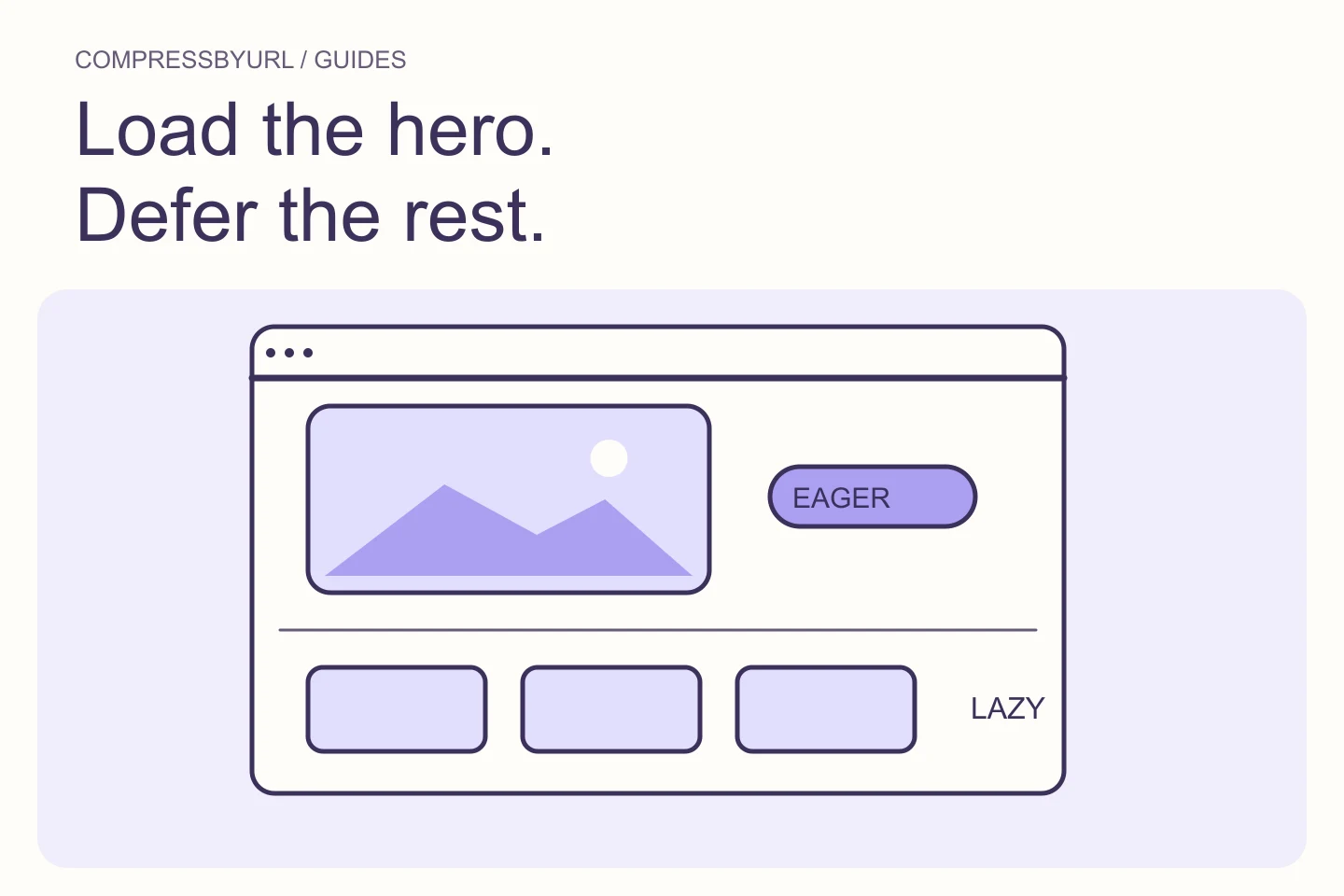
For the confirmed image, inspect whether lazy loading is delaying its request. Use normal eager loading for a critical first-view image and consider a high fetch-priority hint when warranted. Keep offscreen editorial and gallery images lazy. The decision should follow visibility and measured importance, not whether a file happens to be large.
Do not set every resource to high priority. That erases the distinction you are trying to communicate and can increase competition. Preload is useful when the browser otherwise discovers a critical asset late, but mismatched preload and responsive URLs can waste requests. Compare the actual Network requests after each loading change.
Inspect rendering delays that compression cannot remove
If the file has arrived before the element paints, investigate what prevents presentation. A script might keep the hero hidden, a main-thread task might delay rendering, or a style dependency might block the page. Use the performance trace to see the surrounding activity. Re-exporting the same image cannot directly fix those conditions.
Review first-view animations with particular care. A hero that starts at opacity zero or waits for an interaction can make visible content dependent on JavaScript. Make the content useful by default. Remove one suspected gate at a time in a local environment and compare the trace, then implement the smallest supported change.
Finish with bytes, timing, and a checked live template
Once discovery and presentation are sound, compare resized or re-encoded image candidates. Do not throw away a useful compression improvement just because it is not the whole fix. Your work item can include both a template correction and an asset replacement, with separate evidence for each.
Use a before/after worksheet containing the measured LCP element, chosen source URL, request start, transfer size, and visible paint timing. Repeat the same test settings and compare several runs. Keep the change only if it preserves the intended layout and produces the expected request behavior. Real-user data may need time to reflect the deployed result.
| Trace observation | Investigate first |
|---|---|
| Request starts late | Markup discovery and loading policy |
| Transfer is large | Dimensions, format, and encoding |
| File arrives but paint waits | Main-thread work and visibility gates |
Common questions
Can the website scanner measure my LCP?
No. Static image discovery helps create an asset inventory. LCP and actual request timing need a rendered browser or an appropriate performance report.
Should I preload all hero variants?
No. Start with the resource actually required by the layout and check responsive selection. Extra preloads can consume bandwidth without helping the measured element.
Sources and further reading
Technical references for the concepts in this guide. Examples with hypothetical values are illustrations, not measured results.