The short answer
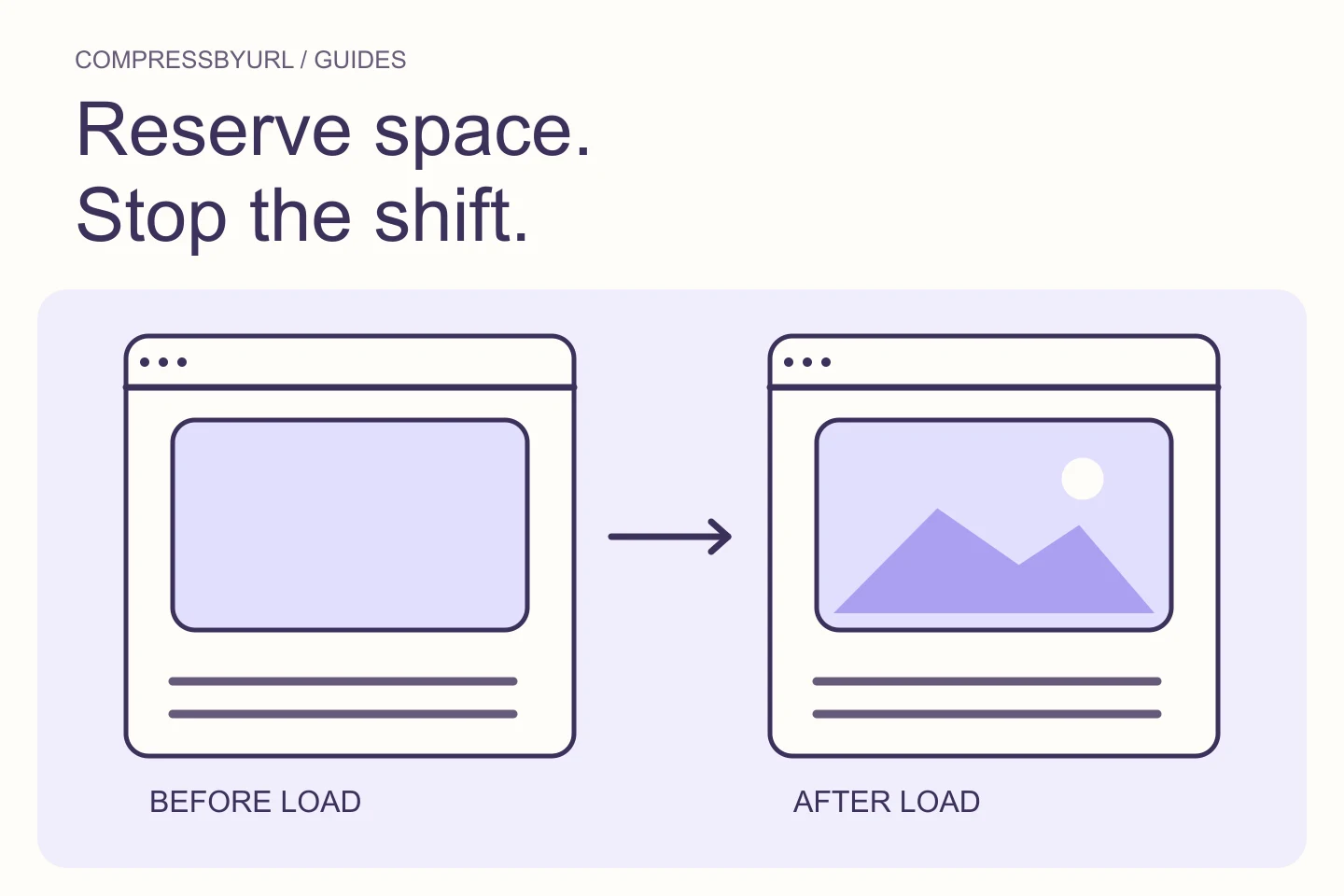
- Reserve the intended image ratio before download.
- Keep responsive crops and container geometry consistent.
- Inspect post-load shifts as well as the first screenshot.
On this page
Identify whether the image actually caused the shift
Use a performance trace or layout-shift view to locate the moving elements. web.dev discusses images without dimensions as a common source of instability. The element that moves is not necessarily the cause: a paragraph can be displaced by an expanding image above it.
Record the page region, the image’s initial area, and its final area. Check whether the change follows image download, a script, a font, or an ad slot. Compressing an unrelated asset will not help. A clear reproduction makes it easier to assign the fix to the image component, the surrounding layout, or another resource.
Use width and height to communicate the intrinsic ratio
Supply width and height that reflect the image’s actual proportions. These values are useful even when CSS makes the image fluid. In an illustrative 1200 × 800 image, the 3:2 relationship is the important information for the layout; the displayed width can still follow a narrower article column.
Do not choose arbitrary dimensions merely to quiet an audit. Incorrect ratios can reserve the wrong space or distort content. If the design deliberately crops to a different frame, define that frame explicitly. Keep the asset’s intrinsic ratio and the display container’s crop policy understandable to the next developer.
Give cropped cards a stable container
For a card with a fixed display ratio, reserve that area in the parent and fit the image within it. The following CSS illustrates a 3:2 crop. It assumes the parent class is applied to the image frame and that the child is the image; it is not a substitute for meaningful alternative text or correct source candidates.
Choose object-fit cover when cropping is intended and contain when all image content must remain visible. A tutorial screenshot with edge labels may be better fitted than cropped. Check real content after the change. Stable geometry that hides the information the article discusses is the wrong solution.
.image-frame {
  aspect-ratio: 3 / 2;
  overflow: hidden;
}
.image-frame img {
  display: block;
  width: 100%;
  height: 100%;
  object-fit: cover;
}
Handle alternate mobile crops deliberately
If a mobile crop has different proportions, the reserved layout needs to match that choice. Test the picture sources and their media conditions together with the frame styling. A desktop ratio that persists on mobile can leave unexpected empty space or cause a later adjustment.
Prefer a documented set of crop rules to script-driven changes after the page has loaded. Check portrait and landscape orientations where relevant. If the component is reused inside a sidebar or modal, inspect those contexts separately rather than assuming the article page covers every geometry.
Check lazy images and dynamically inserted content
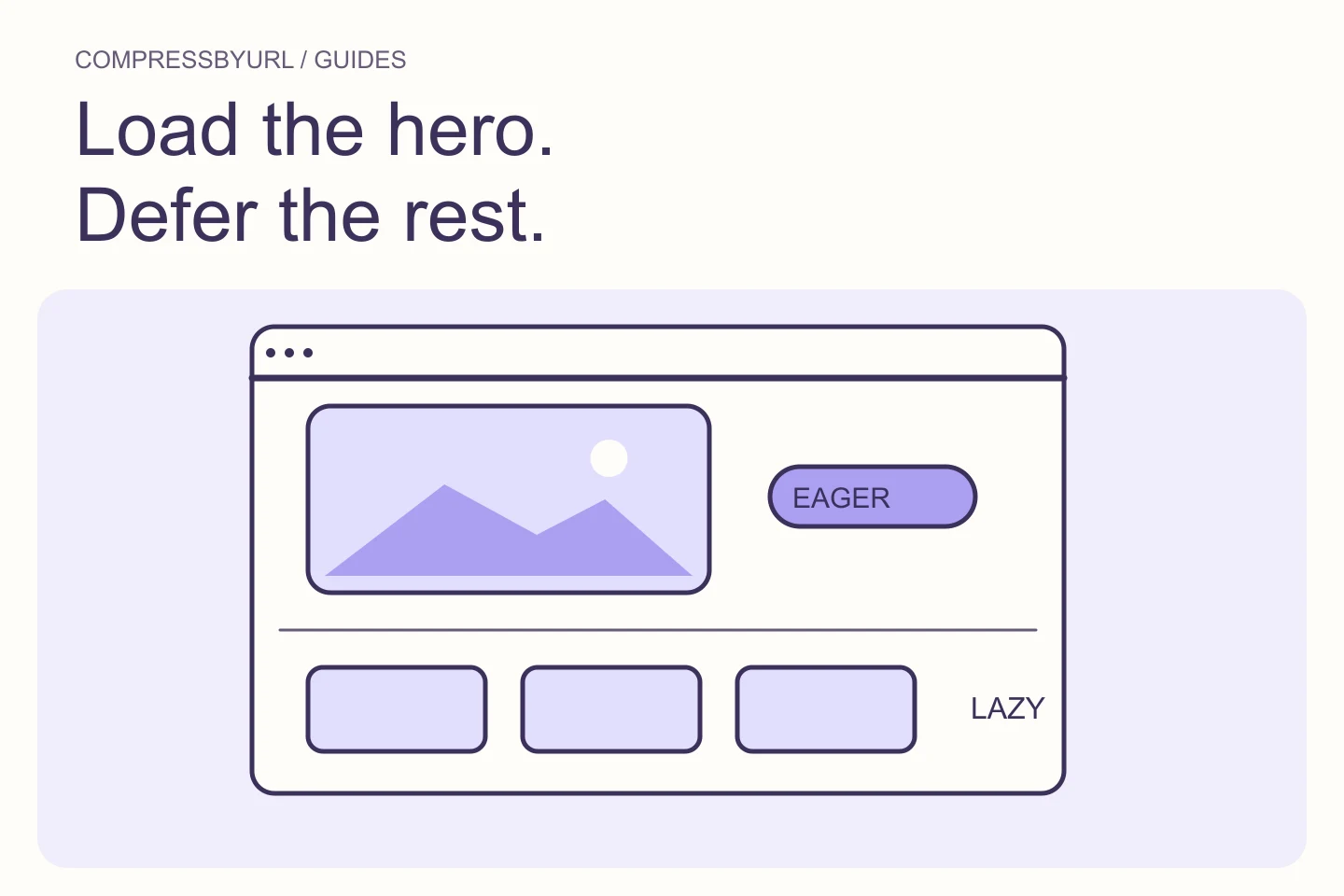
Long pages often look stable at the top and shift later while the reader scrolls. Give lazy-loaded images a reserved area too. Check content inserted above the reader’s current position, including embedded media and widgets. A screenshot taken after everything has loaded will not show what moved during the visit.
Use a slower local network condition to observe transitions, then inspect a trace for stronger evidence. Keep comparison dimensions and page content consistent. Do not conclude that the issue is fixed just because a cached second load appears stable; the first uncached image path matters as well.
Close the layout ticket with geometry evidence
Verify that the frame occupies the intended area before the image completes, and that the final content stays in that frame. Record the ratio, relevant breakpoints, and the trace showing the corrected behavior. Keep alternative text, responsive candidates, and loading policy intact.
Use compression as a separate delivery improvement when the image is heavy. CompressByURL can prepare the asset, but the layout correction belongs in your HTML or component CSS. Re-test a representative card, full article image, and alternate mobile crop. That gives a more durable result than reducing image bytes and hoping the brief loading window hides the shift.
Common questions
Do smaller images automatically fix CLS?
No. They may arrive sooner, but layout stability depends on reserving the correct space and avoiding later geometry changes.
Can width and height coexist with width: 100%?
Yes. Keep a correct intrinsic ratio and use CSS for fluid display. Confirm the resulting geometry in the real component.
Sources and further reading
Technical references for the concepts in this guide. Examples with hypothetical values are illustrations, not measured results.