The short answer
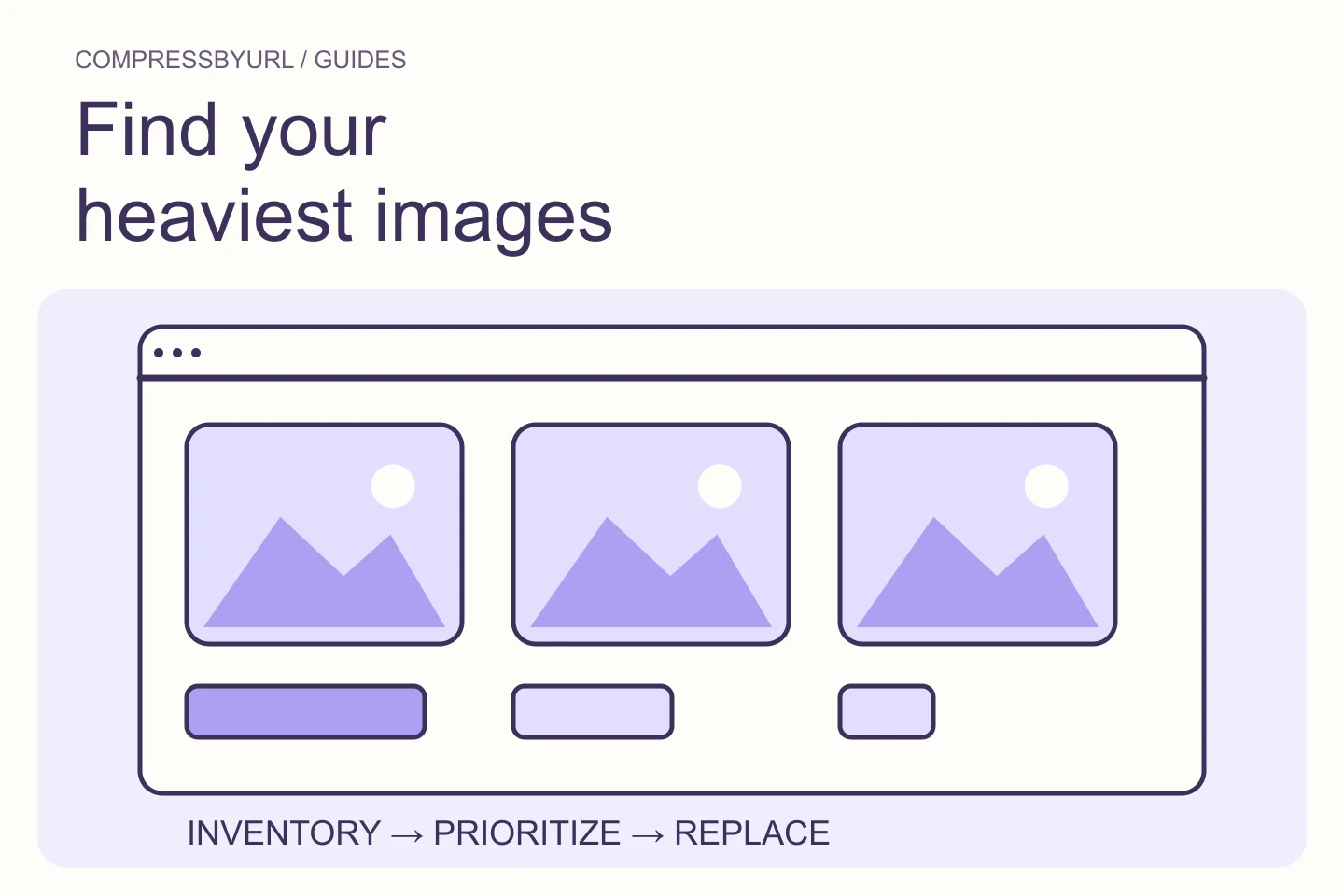
- Sort real requests by transfer, then group them by purpose.
- Consider aggregate image cost and repeated asset use.
- Downloaded replacements still require deployment and verification.
On this page
Separate image bytes from the total page payload
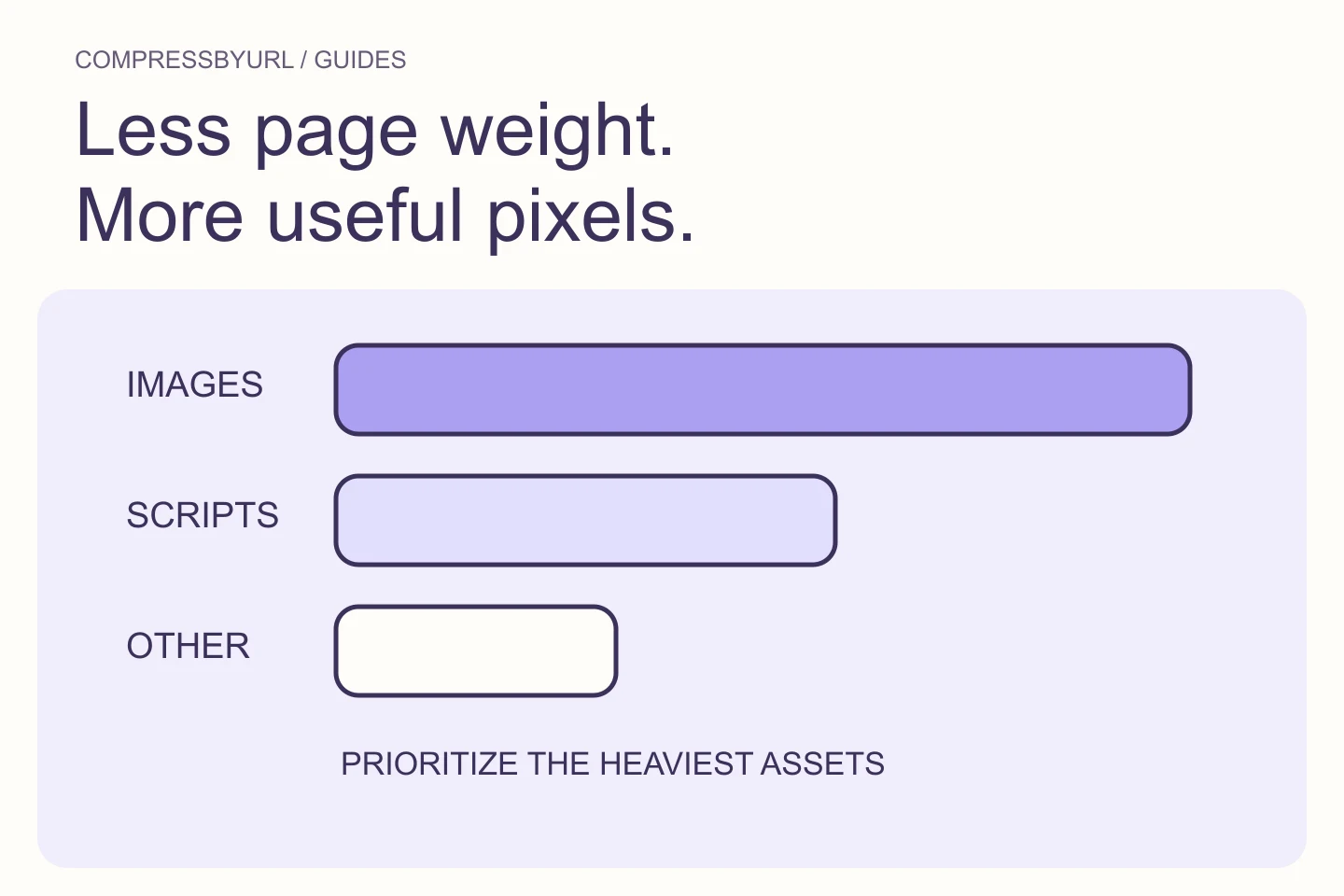
GTmetrix’s payload recommendation concerns the page’s aggregate network resources, not images alone. Open the report and determine which types dominate. If scripts or video account for most transfer, an image-only pass may help without addressing the main problem.
Create separate subtotals for images, scripts, fonts, and other media. Keep the tested state consistent: initial navigation, after scrolling, and after opening a gallery are different observations. Record which state you intend to optimize. A large optional gallery should not be confused with unavoidable first-view transfer.
Build an inventory that avoids double-counting
List unique requested image URLs and their transferred sizes under the chosen test conditions. Several elements can reference the same resource. The rendered element count is therefore not a direct byte total. Conversely, different query parameters or derivative filenames can create distinct downloads of visually identical content.
Inspect unusually similar resources to find accidental duplicate variants. Keep genuine crops and density variants separate. If a resource came from cache, note that rather than claiming a zero-byte original. A cold navigation and a repeat visit answer different questions; both can matter, but they need separate worksheets.
Use an illustrative budget to prioritize a batch
Imagine a page with twenty 150 KB card images. Their source files total about 3 MB before considering delivery behavior and caching. That arithmetic illustrates aggregate cost, not a benchmark from this website. A batch of smaller card variants may be more useful than aggressively degrading one already efficient hero.
Choose a budget based on the page’s purpose and audience. A photographic portfolio and a text-first help page have different legitimate media needs. Define which images are needed initially and which are optional later. Remove redundant decoration when it carries no information rather than endlessly recompressing it.
Fix dimensions and repetition before chasing marginal encodes
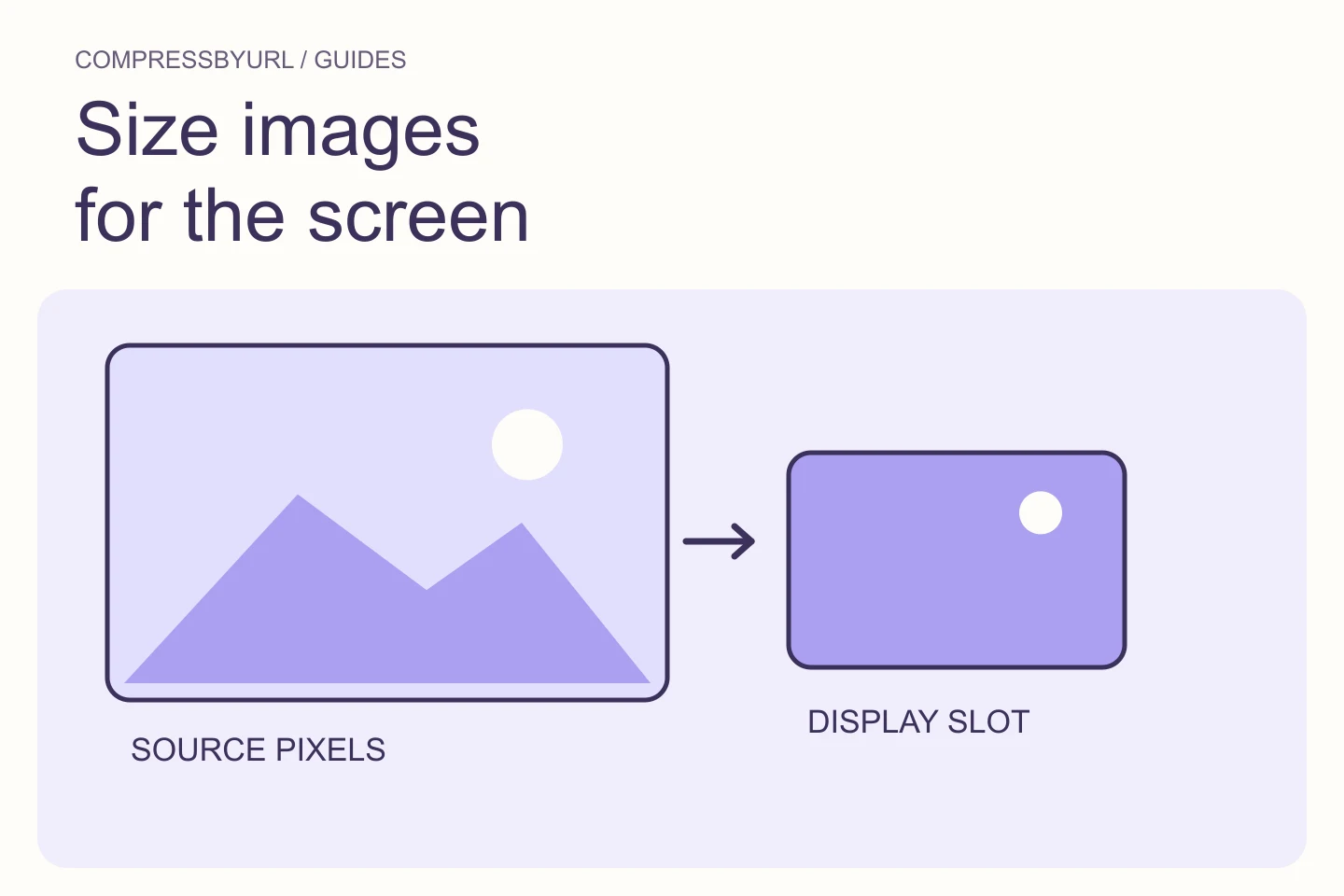
Look for source originals used in small cards and the same image delivered under several URLs. Correct those template-level issues first. A smaller responsive variant can preserve quality better than an extreme quality reduction on an unnecessarily large source.
Then compare encodes for the remaining owned assets. Keep original files and map each output to its responsible template. Avoid a batch setting that removes transparency or blurs every screenshot. Inspect representative content types before applying the same settings across the full queue.
Make offscreen delivery intentional
Review the loading policy of long galleries and article image sequences. Check what the browser requests before the reader reaches those regions. Hiding content in CSS does not establish that no image request occurs. Inspect actual behavior during a fresh navigation.
Preserve eager discovery for the confirmed critical first-view image. Defer suitable offscreen content without removing reserved geometry. If a gallery is only opened on demand, its data and resource loading may need to follow that interaction. Keep that feature change separate from static image compression so the tradeoff is reviewable.
Verify aggregate savings after deploying the bundle
Use the website scanner to discover candidates and the optimizer to prepare selected replacements locally. The resulting ZIP does not publish itself. Upload the files, update references, and retest the same page state. Confirm that the expected smaller variants are now requested.
Record the image subtotal, total payload, and the number of remaining actionable resources. Compare actual results with the original worksheet. If total transfer barely changes, inspect scripts, widgets, or duplicated requests before recompressing the same files again. Keep the next batch small enough that you can verify it clearly.
| Finding | Useful next action |
|---|---|
| Large original in small card | Create and request a right-sized variant |
| Many medium files in first view | Review necessity and aggregate budget |
| Heavy offscreen gallery | Inspect deferred loading behavior |
| Scripts dominate total bytes | Open a separate script-delivery investigation |
Common questions
Is there one perfect image budget for every site?
No. Set a budget around the page’s purpose and visitor conditions, then measure whether each resource earns its cost.
Can an image compressor fix heavy JavaScript?
No. Image optimization changes image assets. Script transfer and execution require their own investigation.
Sources and further reading
Technical references for the concepts in this guide. Examples with hypothetical values are illustrations, not measured results.